


Clean Gaming Keyboard: Guide for Dusty & Humid Conditions
Clean gaming keyboard quickly and safely in dusty or humid conditions with step-by-step tips, tool checklist, and maintenance routines to prevent corrosion and switch failure. 🧼💨
Read moreReady to build an editing PC in South Africa? This ultimate resource guide covers everything from selecting the best components for 4K video editing to finding top local suppliers. Get expert advice, budget breakdowns, and sample builds to create your dream machine with Evetech! 💻🎬
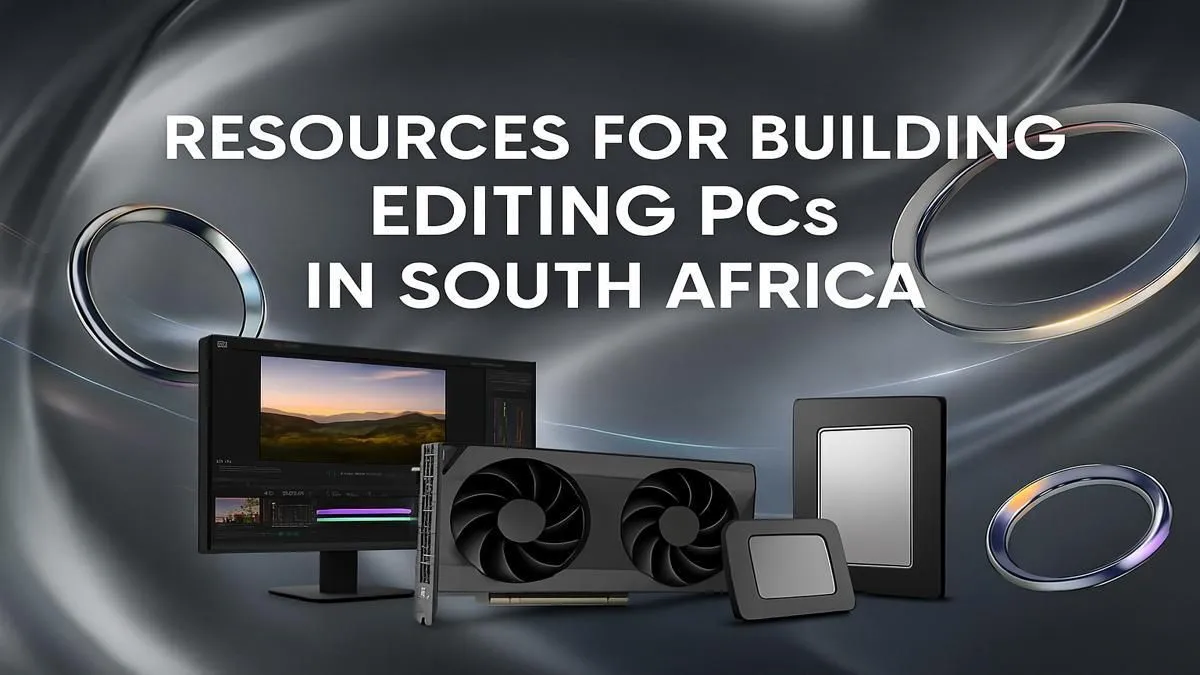
Tired of that stuttering timeline? Is your render bar moving slower than traffic on the N1? For South African creators, the struggle is real. You've got killer ideas, but your old machine just can't keep up. It’s time to stop fighting your hardware and finally build an editing PC in South Africa that unleashes your creative potential. This isn't just about specs… it's about building a reliable partner for your passion projects and professional work.
Sure, you could grab an off-the-shelf machine, but where’s the power in that? When you decide to build an editing PC in South Africa, you're taking control. You get to choose every component, optimising for the software you use daily, whether it's Adobe Premiere Pro, DaVinci Resolve, or Final Cut Pro.
The biggest win? Value for your Rands. You’re not paying for a brand name or bundled software you'll never use. Instead, every cent goes directly into performance that matters: faster renders, smoother 4K playback, and a workflow that just… flows. Plus, a custom rig is future-proof. When it’s time for an upgrade, you can swap out a single part, not the whole machine.
Building a PC can seem daunting, but it really boils down to a few key choices. Let's break down the essential hardware for a powerful editing PC build in South Africa.
Your Central Processing Unit (CPU) does the heavy lifting in video editing, from encoding to decoding complex codecs. The key metrics here are core count and clock speed.
For most editing software, especially the Adobe suite, CPUs like Intel's Core i7 or AMD's Ryzen 7 series offer a brilliant balance of price and performance.
While the CPU is crucial, your Graphics Processing Unit (GPU) is the star player for real-time effects, colour grading, and GPU-accelerated rendering. NVIDIA's GPUs, with their CUDA cores, are widely supported and offer a distinct advantage in programs like Premiere Pro and DaVinci Resolve. Look for a card with at least 8GB of VRAM to handle high-resolution textures and complex timelines without breaking a sweat.
Put your OS and apps on a primary NVMe SSD, use a second NVMe for your active project files and cache, and a large HDD for archives. This setup demolishes I O bottlenecks.
Think of RAM (Random Access Memory) as your computer's short-term memory. Video editing eats it for breakfast. While 16GB might get you by, 32GB is the recommended minimum for a smooth 4K editing experience. If you’re working with After Effects or 6K+ footage, pushing to 64GB is a worthy investment. Speed matters too… aim for at least 3200MHz DDR4 RAM for a responsive system.
Your storage configuration is one of the most critical parts of a successful editing PC build. A slow drive will bottleneck even the most powerful CPU and GPU. Here's a winning formula:
When planning how to build an editing PC in SA, two local factors are non-negotiable: power and cooling. Our warm climate demands a case with excellent airflow and reliable CPU cooling, whether you choose a high-end air cooler or an All-in-One (AIO) liquid cooler.
More importantly, with load shedding, a quality Power Supply Unit (PSU) from a reputable brand is essential. Pairing it with an Uninterruptible Power Supply (UPS) is not a luxury… it's a necessity. It will save you from lost work and protect your valuable components from power surges. 🚀
Ready to Build Your Dream Editing Rig? Stop dreaming about performance and start building it. Explore our massive range of high-quality components and get the power your creativity deserves. Shop for PC Components now at Evetech for a build that brings your vision to life.
The cost to build a video editing PC in South Africa can range from R15,000 for a budget 1080p setup to over R50,000 for a high-end 4K machine. Key factors include CPU, GPU, and RAM choices.
The most crucial components are a powerful multi-core CPU (like an Intel Core i7/i9 or AMD Ryzen 7/9), a capable GPU for rendering, at least 32GB of fast RAM, and speedy NVMe SSD storage.
Yes, many gaming PCs are excellent for video editing as they share key components like powerful CPUs and GPUs. However, an editing-focused build prioritizes more RAM and CPU cores over raw GPU power.
Evetech is a leading supplier for all the components you need to build an editing PC in South Africa. We offer a wide range of CPUs, GPUs, motherboards, RAM, and storage with nationwide delivery.
While some basic editing is possible without one, a dedicated GPU is highly recommended. It dramatically speeds up rendering, playback, and effects processing in software like Premiere Pro and DaVinci Resolve.
For a smooth 4K video editing experience, 32GB of RAM is the recommended minimum. For complex projects with many effects or layers, 64GB or more is ideal to prevent system bottlenecks.
Clean gaming keyboard quickly and safely in dusty or humid conditions with step-by-step tips, tool checklist, and maintenance routines to prevent corrosion and switch failure. 🧼💨
Read more
Best gaming keyboard features to prioritize when building a high-end setup: mechanical switches, low latency, hot-swap, RGB, macros, durability and ergonomics 🎮⌨️
Read more
Custom actuation point keyboard setup guide: learn to set per-key actuation on your analog gaming keyboard for faster, precise inputs and better control 🎮⚙️
Read more
Cable management for home entertainment helps you eliminate cable clutter quickly and safely. Learn routing, concealment, and product picks to tidy your setup fast 📺🔌
Read more
conference room setup Microsoft Teams Zoom: Upgrade AV, camera, mic, and network to ensure seamless meetings, clear audio, and crisp video 🎯🔧
Read more
• Audit setup • Link accounts • Configure ViewBoard • Test workflows Integrate Google Workspace with ViewSonic ViewBoard to enable secure SSO, calendar and Drive sync, and smooth collaborative whiteboarding 🔗📋
Read more
Discover webcams that automatically adjust light and color for crystal-clear video calls 🎥✨. Boost your streaming quality today!

Discover webcams that blend into your workflow 🎯 Capture moments while you work, stream, or create. Upgrade your setup with smart, multitasking tech!

Dedicated media keys give streamers one-touch control to mute, switch scenes, clip highlights, and adjust audio — cutting task time and boosting consistency 🎛️⚡

PBT vs ABS keycaps: Clear, local guide for South African gamers—compare feel, sound, durability and where to buy. Find the best material for your budget and playstyle 🎮🇿🇦

- Multi-Function Digital Dial: define benefits - Show gamer setups and macros - Offer buying and setup tips Multi-Function Digital Dial puts programmable control at your fingertips for faster actions and smoother streaming. 🎮⚙️

- Explain benefits; - Show the science; - Compare options; - Recommend picks. Magnetic wrist rest for gaming cuts wrist strain and boosts comfort during long sessions 🕹️✨