


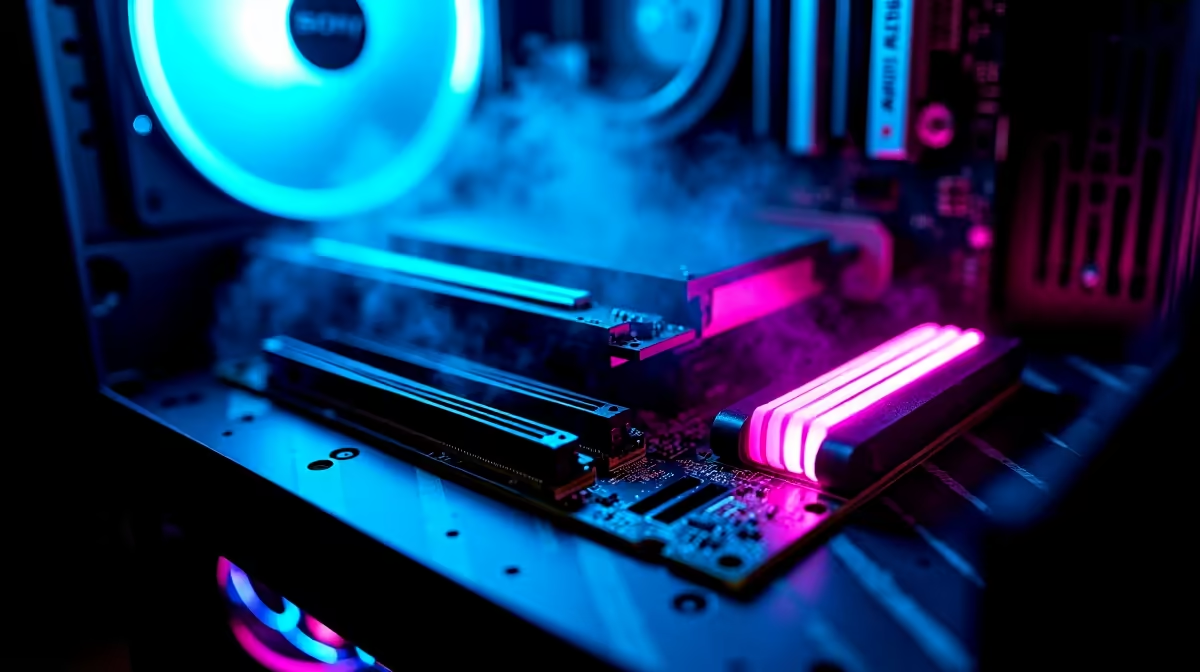
Load shedding might be taking a break, but the demands of modern gaming are only going up. If you are tired of your rig stuttering through the latest AAA titles, it is time to look ahead. Building a future-ready PC with DDR5, WiFi 7, and multi-SSD support is not just about bragging rights. It is about crafting a machine that handles tomorrow's heavy textures without breaking a sweat. South African gamers know the pain of massive updates on slow hardware... so let us fix that.
The Foundation of Speed... Why DDR5 Matters ⚡
When you start building a future-ready PC with DDR5, you are investing in pure bandwidth. Modern game engines demand massive memory speeds to stream high-resolution assets seamlessly. While the older DDR4 standard served us incredibly well for years, the new generation pushes base speeds from 4800MHz well into the 7000MHz territory. This massive jump translates directly to higher frame rates and zero micro-stutters during intense gameplay.
It is crucial to optimise your system memory for the best performance. By exploring the latest high-performance memory kits, you ensure your processor never bottlenecks during chaotic multiplayer firefights. The extra bandwidth also makes multitasking a breeze... meaning you can stream, record, and game simultaneously without system lag.
Next-Gen Connectivity... Motherboards and WiFi 7 🚀
A blazing-fast processor needs an equally capable nervous system to function properly. That is exactly where next-generation connectivity comes into play. WiFi 7 is slowly rolling out across South Africa, offering wired-like latency and massive throughput speeds. This means downloading 100GB game updates takes a fraction of the time.
To harness this wireless power, you need the right foundation. Investing in premium next-gen motherboards guarantees you have the advanced networking chips required. Furthermore, these modern boards provide the essential PCIe lanes needed to unlock true multi-SSD support. Nobody wants to uninstall their favourite battle royale just to fit a new RPG on their drive. Multiple M.2 slots mean you can simply add another drive when your game library inevitably grows.
Storage Pro Tip 🔧
When setting up multi-SSD support, use a smaller Gen5 NVMe drive for your Windows OS and primary competitive games. Then install a massive Gen4 drive for your bulk storage and media files. This keeps your system lightning-fast while saving you precious ZAR on your total build cost.
Bringing It All Together for the Ultimate Setup ✨
Crafting your dream machine does not have to drain your entire wallet. Whether you are sourcing individual parts or looking for a pre-configured powerhouse, the local market has excellent options. If you want to skip the assembly anxiety entirely, checking out the best gaming PC deals can save you thousands of ZAR. These pre-built systems often come pre-loaded with the exact future-proof specs we have discussed today.
For the DIY builders out there, patience is your best friend. Always keep an eye out for weekly component specials to stretch your budget further. Grabbing high-end parts on a discount means you can allocate those savings toward a better graphics card or a larger SSD. Ultimately, building a future-ready PC with DDR5, WiFi 7, and multi-SSD support is the smartest way to dominate the digital battlefield for years to come.
Ready to Build Your Dream Rig? The tech landscape is moving fast, but securing your next-gen setup in South Africa has never been easier. Explore our massive range of PC components and find the perfect parts to conquer your gaming world.











