


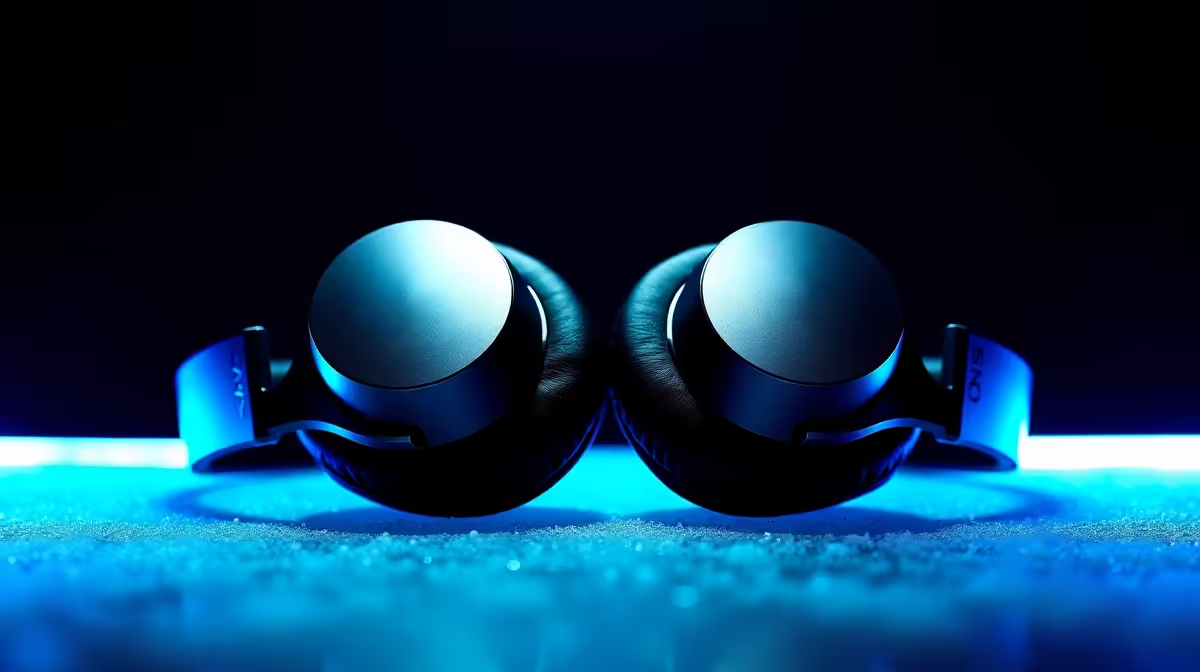
Running a two-host podcast is already more complicated than a solo show, and the monitoring chain is where that complexity bites first. Calibrating dual low-latency real-time monitoring means giving each co-host their own zero-millisecond feed, then balancing both microphones so the recording catches equally weighted voices rather than one person drowning the other out.
Quick Answer
Use an audio interface with two independent headphone outputs. Set both microphones to peak near -12dBFS. Each host receives their own 0ms direct feed, preventing the echo effect that makes two people talk over each other during a co-host session.
🎙️ Why Each Host Needs a Separate Feed
When two people share a single monitoring mix, volume becomes a guessing game. One host turns up because they cannot hear themselves clearly; the other turns down because the combined blend is too loud. Neither of them has an accurate picture of how their own microphone is sitting in the recording.
A dedicated output routes each voice independently. Host A hears themselves at the level they set, plus the guest at whatever blend suits them. Host B has the same flexibility on their own headphones. Neither is locked into a compromise that serves no one well.
This separation also changes how you perform. When a host cannot clearly hear themselves, they tend to project harder, pushing the mic closer or speaking more forcefully. That throws off the gain you spent time dialling in. A clean, low-latency personal feed removes that guesswork entirely.
🔧 Setting Levels Before You Hit Record
Level-matching is the part most people skip in favour of sorting it out in post-production. That is an expensive shortcut. Two voices recorded at mismatched levels require normalisation and sometimes noise-floor lifting on the quieter track, both of which introduce small quality penalties.
The practical target is a peak near -12dBFS for each microphone. At that level, both voices land in the same region of the dynamic range, and the automatic gain tools in your editing software have room to work if needed. Pull up a channel meter on your interface or in your recording software and watch each host read naturally. Neither should be clipping or sitting below -20dBFS on a normal speaking sentence.
Position each microphone at consistent distance before locking gain. A difference of 5cm per host can translate to a 2 to 3dB imbalance even with identical gain settings.
Pro Tip ⚡
Do your level check with both hosts present and speaking at their actual recording volume, not a test shout. Many co-hosts naturally speak at different levels in conversation versus when they are reading numbers. Calibrate against how they will actually perform for the next 45 minutes.
⚡ Keeping Cross-Talk Under Control
Cross-talk, where one microphone picks up the other host's voice, is inevitable in a shared room. Dual monitoring reduces one cause of it: when hosts cannot hear themselves clearly, they sometimes unknowingly lean toward the other mic. A clear personal feed keeps each person confident at their own position.
Physical spacing does most of the remaining work. Hosts sitting at least 60cm apart reduce bleed significantly. Closed-back headphones matter too, because open-back designs allow sound to leak from the ear cup back into the capsule, adding a faint double of whatever the host is hearing.
A cardioid polar pattern on each microphone also helps. The cardioid shape favours what is directly in front while naturally attenuating sound from the rear, so the mics are partly self-isolating even in a live room.
🔌 Handling the Remote Guest Return
A co-located two-host setup benefits fully from dual 0ms monitoring. The wrinkle appears when you bring in a remote guest over a call or a recording platform like Riverside or Squadcast. That guest's audio travels across a network and carries its own inherent delay, typically somewhere between 80 and 150 milliseconds depending on connection quality.
Both local hosts will hear the remote guest at the same delay. This is a network property, not a monitoring problem, and cannot be corrected by your interface settings. The practical approach is to leave a natural pause after a guest finishes speaking, accounting for that slight lag, and communicate this rhythm to co-hosts before recording so neither cuts in too early.
For the local voices, the 0ms configuration holds. Neither co-host experiences echo of their own voice, which is the primary goal of the dual monitoring arrangement.
Frequently Asked Questions
What hardware gives two hosts separate zero-latency feeds?
An audio interface with two dedicated headphone outputs is the most practical solution. Each output delivers an independent mix at 0ms via direct hardware monitoring, so neither host waits for a software loop. Look for models that allow per-output level control and offer independent mix routing, rather than linking both outputs to a single mono blend.
Why does -12dBFS matter as a level target?
It sits comfortably below the 0dBFS ceiling, leaving headroom for moments when a host speaks louder than usual, laughs, or shifts closer to the microphone. A peak near -12dBFS means you are recording with plenty of dynamic range intact and very low risk of digital clipping, which cannot be recovered in post-production the way a soft signal can.
Can closed-back headphones replace physical mic spacing for isolation?
They help but do not replace it. Closed-back cups reduce sound leaking from the drivers back into the microphone capsule, which is a real contribution to isolation. Physical spacing between microphones addresses the more significant problem of one capsule simply hearing the other host's voice through the air. Both measures working together produce the cleanest result.
What happens to dual monitoring if one host is remote?
The remote host falls outside the 0ms arrangement because their audio travels over a network. Local hosts still benefit from zero-latency monitoring of their own voices. The remote participant should also use direct monitoring on their own interface at their location if they have one. Their return signal to the local studio carries network latency regardless of how the local interface is configured.
Is it worth calibrating monitoring for a short one-off recording?
Yes. A 10-minute level check before a one-off session still prevents the most common problem, which is discovering after an hour that one host was significantly quieter throughout. Fixing uneven levels in post takes longer than the pre-session calibration, and no amount of normalisation fully compensates for a host who pulled back from a mic because they could not hear themselves clearly.
Ready to record a cleaner co-host podcast? Browse the audio interface range built for multi-host setups and find the model that puts both headphone outputs in your hands before the first take.










