So, you want to be the next big South African streamer? You've got the skills, the personality, and you're ready to show off those epic Apex Legends wins. But then you hit a wall… the confusing world of capture cards. Will it work with your PC? Your PS5? Getting the right gear is crucial, and this ultimate guide to capture card compatibility is here to make sure your streaming journey starts without a single dropped frame.
Why Capture Card Compatibility is Non-Negotiable
A capture card is the magic box that grabs your gameplay footage from your console or gaming PC and sends it to another PC for streaming or recording. When it works, it's seamless. When it doesn't, you're stuck with stuttering video, black screens, or a piece of plastic that's about as useful as a chocolate teapot. Nailing capture card compatibility from the start saves you time, money, and a massive headache.
Internal vs. External: Choosing Your Weapon
Your first decision is whether to go with an internal or external card. Each has its pros and cons, directly impacting compatibility.
External Capture Cards: The Plug-and-Play Heroes 🔌
These are the most popular choice for a reason. They connect via USB and are incredibly easy to set up. They're perfect for console gamers or those using a laptop to stream.
The main catch? They need a fast USB port. A USB 3.0 (or higher) port is essential for handling high-resolution, high-framerate video. Trying to run a 4K card on an old USB 2.0 port is a recipe for disaster. Luckily, most modern pre-built PCs are equipped with plenty of high-speed ports right out of the box.
Internal Capture Cards: The Low-Latency Powerhouses 🚀
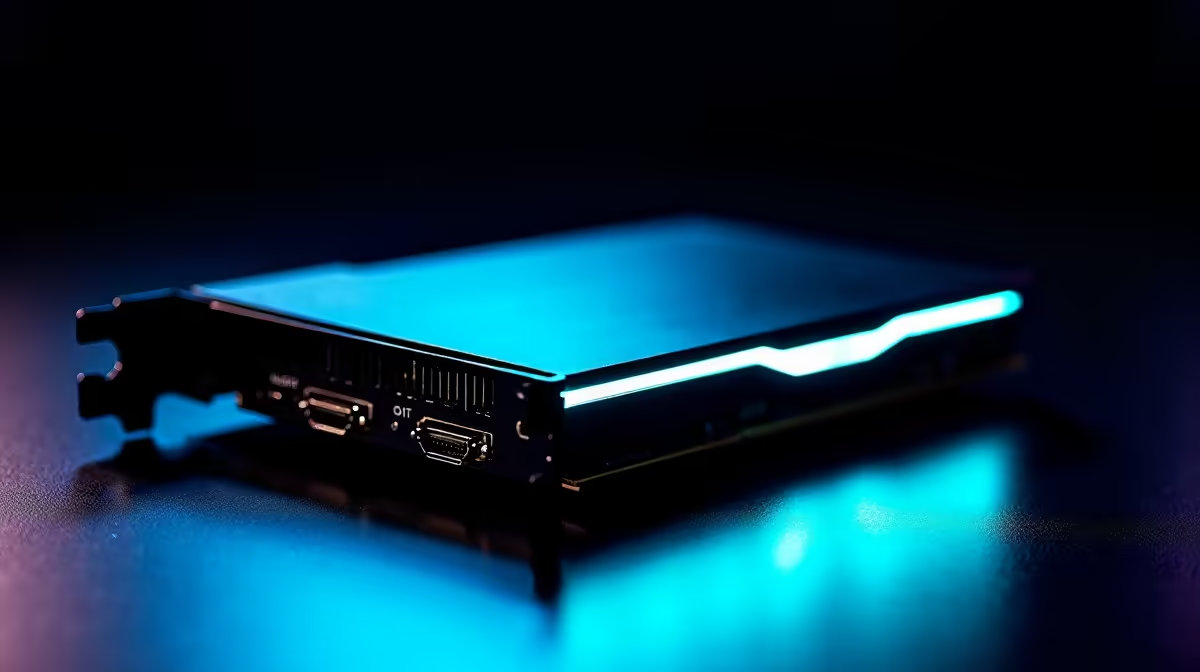
An internal card slots directly into your motherboard's PCIe slot. This direct connection offers the lowest possible latency… a massive plus for competitive gamers who can't afford any delay.
The trade-off is that you need a desktop PC with a free PCIe slot. This requires a bit more technical know-how to install. Your PC's motherboard and case size will determine if you can even fit one. This is where a powerful desktop rig truly shines, whether you're looking at the latest Intel PC deals for raw gaming power or a multitasking beast from our range of AMD Ryzen PCs.
Check Your PCIe Slots 🔧
Not sure if you have a spare PCIe slot? Power down your PC, open the side panel, and look for the horizontal slots below your graphics card. They come in different sizes (x1, x4, x8, x16). Most capture cards use a small x1 or x4 slot. Always check the card's requirements against your motherboard's manual before buying!
Your Ultimate Compatibility Checklist
Before you click "Add to Cart," run through this checklist to ensure a smooth setup.
Your PC's Guts Matter
A capture card does the heavy lifting of capturing, but your PC still needs to encode and stream the video.
- CPU: The processor is king. A modern CPU with multiple cores (like an Intel Core i5/AMD Ryzen 5 or better) is vital for encoding your stream without lagging out your game.
- GPU: Your graphics card can focus on giving you high FPS in-game, as the capture card handles the video feed.
- RAM: 16GB is the sweet spot for gaming and streaming simultaneously.
Getting into streaming doesn't have to cost a fortune. You can find excellent PCs under R20k that are more than capable of getting your channel off the ground.
Connecting Your Console or Second PC
Using a capture card with a PlayStation 5, Xbox Series X, or even a Nintendo Switch is straightforward. You simply run an HDMI cable from the console into the card's "HDMI In" port, and another from the "HDMI Out" port to your TV or monitor. This is called passthrough, letting you play with zero latency while the card captures the feed. ✨
Final Checks: Software and Drivers
The final piece of this capture card guide is software. Always download the latest drivers from the manufacturer's website (e.g., Elgato, AVerMedia). This ensures compatibility with popular streaming software like OBS Studio and Streamlabs, giving you access to all the features you paid for.
Ready to Build Your Streaming Empire?
Understanding capture card compatibility is the first step. The next is ensuring your PC is a solid foundation. Explore our range of powerful Streaming PCs and find the perfect rig to launch your channel today.