

Should You Buy a 240Hz monitor or Build a PC in South Africa?
Should You Buy a 240Hz monitor or Build a PC. Full parts list, Rand pricing & expected performance. Build confidently with SA-available components.
Read moreNeed the right capture card for streaming PC in South Africa? 🤔 Our guide checks compatibility with your rig, covering internal PCIe vs. external USB cards, system requirements, and top brands like Elgato. Avoid bottlenecks and stream flawlessly. Let's build your ultimate setup! 🚀
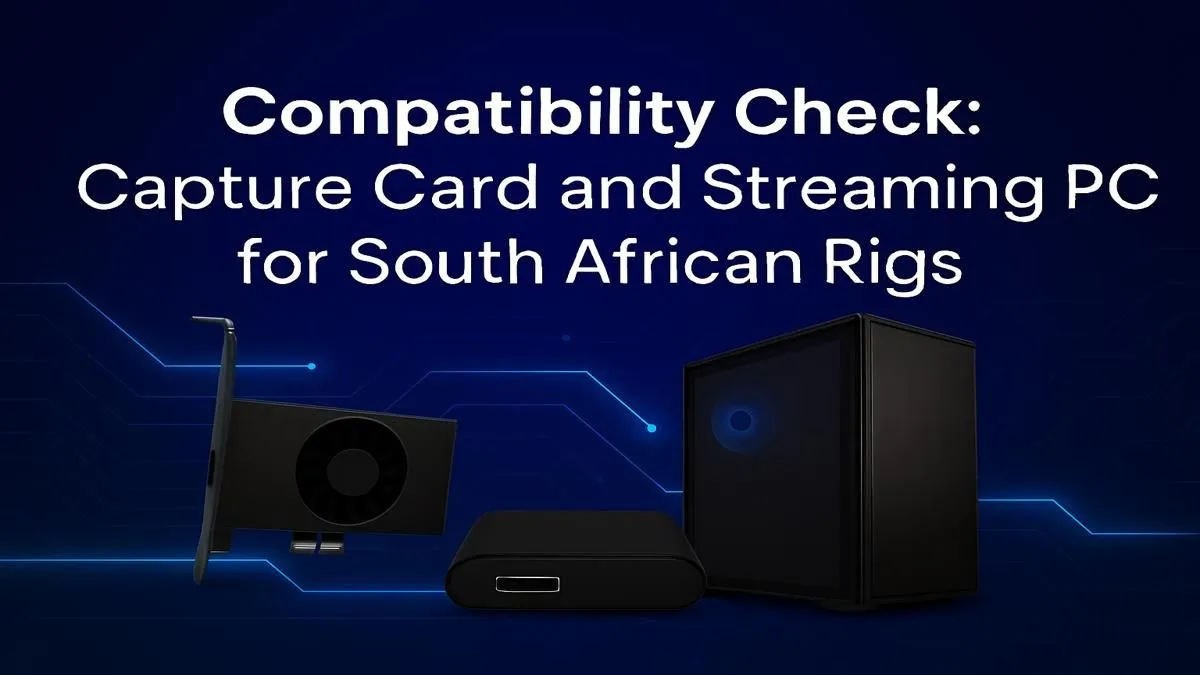
So, you’re ready to share your epic Warzone wins or Helldivers 2 missions with the world, but your PC is groaning under the strain? You’re not alone. Many South African streamers hit a wall where their gaming rig can’t handle both playing and broadcasting smoothly. The secret weapon? A dedicated capture card for your streaming PC. Let's dive into what you need to know to choose the right one for your setup. 🚀
At its core, a capture card is a piece of hardware that takes a video feed from one source (like your gaming PC or console) and sends it to another computer for processing and broadcasting. Its main job is to offload the heavy lifting of encoding your gameplay video for Twitch or YouTube.
When you stream using software like OBS on a single PC, your processor (CPU) or graphics card (GPU) has to do two demanding jobs at once: run the game and encode the video stream. This can lead to dropped frames, input lag, and a poor experience for you and your viewers. A capture card for a streaming PC setup, especially a dual-PC one, dedicates a whole machine just to streaming, leaving your gaming rig free to focus on... well, gaming.
Even in a single-PC setup, a good capture card can manage the encoding process more efficiently than software solutions alone, especially if you're capturing console gameplay. The result is a smoother, more professional-looking stream.
Choosing between an internal and an external capture card is one of the first big decisions you'll make. It mostly comes down to your current setup and future needs.
An internal card plugs directly into a PCIe slot on your motherboard.
An external card is a small box that connects to your PC via a USB cable.
A common headache for new streamers is audio management. Use a free tool like Voicemeeter Banana to mix your game audio, microphone, and Discord chat into one clean source. You can then send this single audio track to your capture card's software, giving your stream perfectly balanced, professional sound without the fuss.
When you're browsing for the best capture card for your streaming PC in South Africa, a few key specifications matter more than others.
Finally, remember that the capture card is part of a team. Your gaming PC still needs to be up to the task of running your games at a high frame rate. A strong CPU and a modern GPU are essential for a smooth gaming experience, which is the foundation of any good stream.
Whether you're looking at modern Intel gaming PCs for their strong single-core performance or capable AMD Ryzen systems known for their multi-tasking power, ensuring your base system is solid will allow your new capture card to perform at its best.
Ready to Build Your Streaming Empire? A capture card is a vital piece of the puzzle, but it needs a powerful PC to back it up. Whether you're building a dedicated streaming rig or upgrading your main battle station, we've got the hardware to make your stream shine. Explore our range of Pre-Built Gaming PCs and find the perfect foundation for your content creation journey.
Check for resolution and framerate support (e.g., 1080p60 or 4K60), connection type (PCIe for internal, USB 3.0+ for external), and software compatibility with OBS or XSplit.
Internal (PCIe) cards offer the lowest latency, ideal for high-performance rigs. External (USB) cards are portable and easier to set up, perfect for laptops or multi-PC setups.
You'll need at least an Intel Core i5 (6th gen) or AMD Ryzen 5, 8GB RAM, and a dedicated GPU like an NVIDIA GeForce GTX 10 series to handle encoding and streaming smoothly.
For an internal card, ensure you have a free PCIe x1, x4, or x16 slot. For external cards, confirm you have a USB 3.0 or higher port. Always check manufacturer specs.
While not essential (GPU encoding works), a dedicated capture card offloads the encoding process, reducing performance impact on your game for a smoother stream and gameplay experience.
Budget cards can work for basic 1080p30 streaming. For higher quality, lower latency, and reliability, investing in a brand like Elgato or AverMedia is highly recommended.
Should You Buy a 240Hz monitor or Build a PC. Full parts list, Rand pricing & expected performance. Build confidently with SA-available components.
Read more
Should You Buy a VA monitor or Build a PC. Full parts list, Rand pricing & expected performance. Build confidently with SA-available components.
Read more
Every spec on PCIe 5.0 explained in plain English. What matters for gaming and creator work in 2026, what's marketing fluff, and how each number translates to real-world performance.

A head-to-head look at WiFi 7: real-world performance, ZAR pricing and which option delivers better value for SA builders. The clear answer — no fluff.

Everything you need to set up and tune PCIe 5.0 properly: the prep work, the settings that actually matter, and the mistakes to skip. Written for SA builders in 2026.

Everything you need to set up and tune X870E Motherboard properly: the prep work, the settings that actually matter, and the mistakes to skip. Written for SA builders in 2026.

Wondering what a 512GB SSD capacity really holds? This guide breaks down how many games, photos, and documents fit on 512GB, with real-world ranges 📦💾

Every spec on vrm explained in plain English. What matters for gaming and creator work in 2026, what's marketing fluff, and how each number translates to real-world performance.

Every spec on motherboard explained in plain English. What matters for gaming and creator work in 2026, what's marketing fluff, and how each number translates to real-world performance.

Premium vs Midrange Motherboards in South Africa: real-world performance, SA pricing, power draw and which one delivers better value for your build for SA buyers. The clear answer — without the fluff.
Wondering what a 512GB SSD capacity really holds? This guide breaks down how many games, photos, and documents fit on 512GB, with real-world ranges 📦💾
Every spec on PCIe 5.0 explained in plain English. What matters for gaming and creator work in 2026, what's marketing fluff, and how each number translates to real-world performance.
A head-to-head look at WiFi 7: real-world performance, ZAR pricing and which option delivers better value for SA builders. The clear answer — no fluff.

Every spec on USB4 explained in plain English. What matters for gaming and creator work in 2026, what's marketing fluff, and how each number translates to real-world performance.