Quick Answer
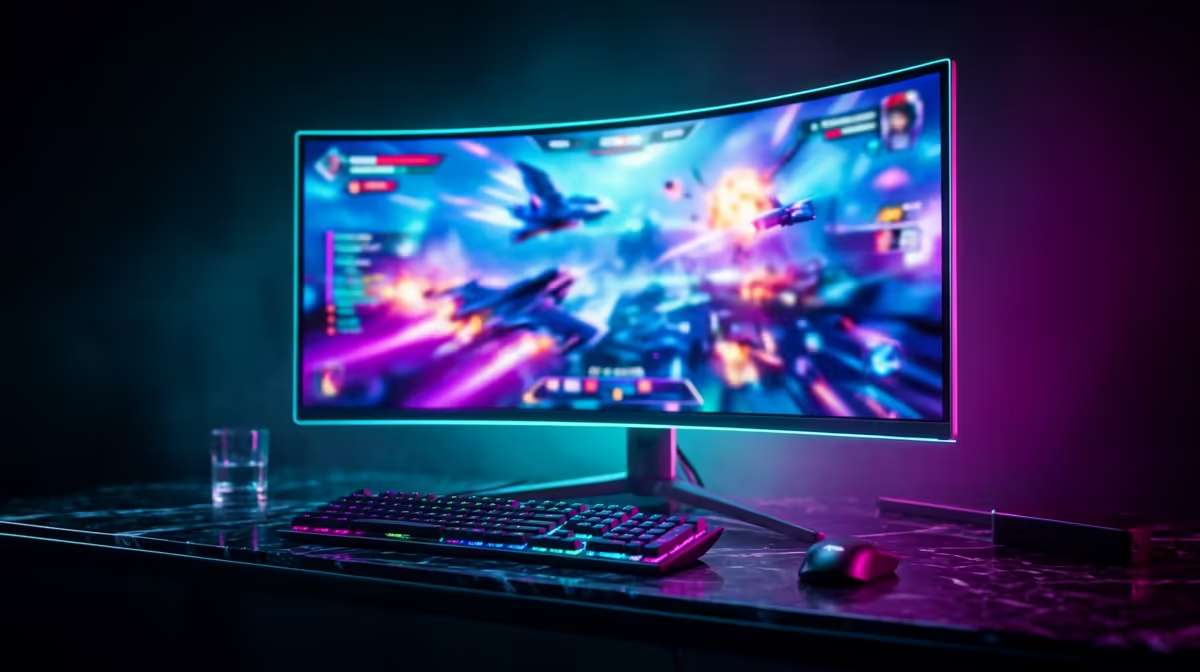
At R60,000, the benchmark ultrawide 1440p build at Evetech is a Ryzen 7 7800X3D with an RTX 4080, 32GB DDR5-6000, 2TB NVMe, and a premium 34-inch 3440×1440 curved OLED ultrawide monitor. At 3440×1440 ultra settings with DLSS Quality in Cyberpunk 2077, the RTX 4080 averages 130–160 fps — enough to exceed the panel's 165Hz refresh rate in many situations.
What Sets the R60,000 Ultrawide Tier Apart
The difference between the R50,000 and R60,000 ultrawide tier comes down to monitor quality — the additional budget unlocks a 34-inch 3440×1440 OLED 165–240Hz curved panel (~R18,000–R25,000) instead of a 100Hz IPS panel. The OLED display transforms the gaming experience in cinematic titles: perfect blacks, HDR10+ tone mapping, and 0.1ms pixel response eliminate the ghosting that IPS panels show during fast camera pans on ultrawide.
For SA gamers who invest significant time in immersive titles like Baldur's Gate 3, Elden Ring, or Red Dead Redemption 2, the OLED ultrawide at this budget tier is the most significant quality-of-life upgrade available.
R60,000 Ultrawide Build
- CPU: Ryzen 7 7800X3D — ~R9,500
- Motherboard: MSI X670E CARBON WiFi — ~R6,500
- RAM: 32GB DDR5-6000 — ~R3,200
- GPU: RTX 4080 — ~R28,000
- SSD: 2TB PCIe 4.0 NVMe — ~R1,600
- Case + 850W 80+ Gold PSU + 360mm AIO — ~R7,000
- Monitor: 34" OLED 3440×1440 165Hz — ~R22,000
- Total: ~R77,800 (trim to R60,000 by choosing an IPS ultrawide at R7,000 and smaller SSD)
FAQ
Is the RTX 4080 enough for ultrawide 1440p at 165Hz?
Yes — at 3440×1440 high-ultra settings with DLSS Quality, the RTX 4080 consistently delivers 130–180 fps in most current titles. With DLSS Frame Generation enabled in supported games, perceived fps pushes above 200 — comfortably exceeding the 165Hz panel.
OLED vs IPS for an ultrawide 1440p gaming monitor at R60,000 — which is better?
OLED wins for single-player immersion and dark scene quality. IPS wins for longevity concerns (OLED burn-in risk over 5+ years) and cost per Hz (IPS 240Hz ultrawides are cheaper at equivalent refresh rates). For the cinematic gaming use case this build targets, OLED is the recommendation.
Does ultrawide support vary in strategy and simulation games?
Strategy games like Total War, Age of Empires IV, and Microsoft Flight Simulator have native 21:9 support and benefit significantly — more map visible at once in strategy, a wider instrument panel in flight sims. These are the use cases where ultrawide adds the most gameplay value beyond aesthetics.
OLED ultrawide gaming monitor, enable "OLED Care" mode (available in most panel OSD menus) which periodically shifts pixels to prevent static element burn-in — essential for gaming HUDs like minimaps and health bars that remain stationary on screen for hours. Keep brightness at 60–70% during extended gaming to maximise panel lifespan.