Quick Answer
For streaming at 1440p 240Hz in SA, the minimum capable build starts at R32,000 — an RTX 4070 with NVENC handles 240Hz gameplay and 1080p60 Twitch streaming simultaneously with under 5% CPU overhead. A Ryzen 5 7600X, 32GB DDR5, and 27-inch 1440p 240Hz IPS monitor complete the streaming rig for around R40,000.
Engineering a 240Hz Streaming Setup
At 240Hz, maintaining smooth gameplay while encoding a 1080p60 stream requires dedicated hardware encoding — the RTX 4070's NVENC handles this without impacting frame delivery at 240Hz. In CS2 at 1080p competitive settings, the RTX 4070 delivers 450–600 fps with NVENC streaming running — well above the 240Hz ceiling. In Apex Legends at 1440p high, the same card delivers 180–240 fps while streaming, keeping the 240Hz panel fed.
For SA streamers, Twitch accepts 6,000 Kbps maximum; YouTube accepts 8,000 Kbps. Both require approximately 8–10 Mbps sustained upload — available on most Vumatel and Openserve FTTH plans in major SA cities.
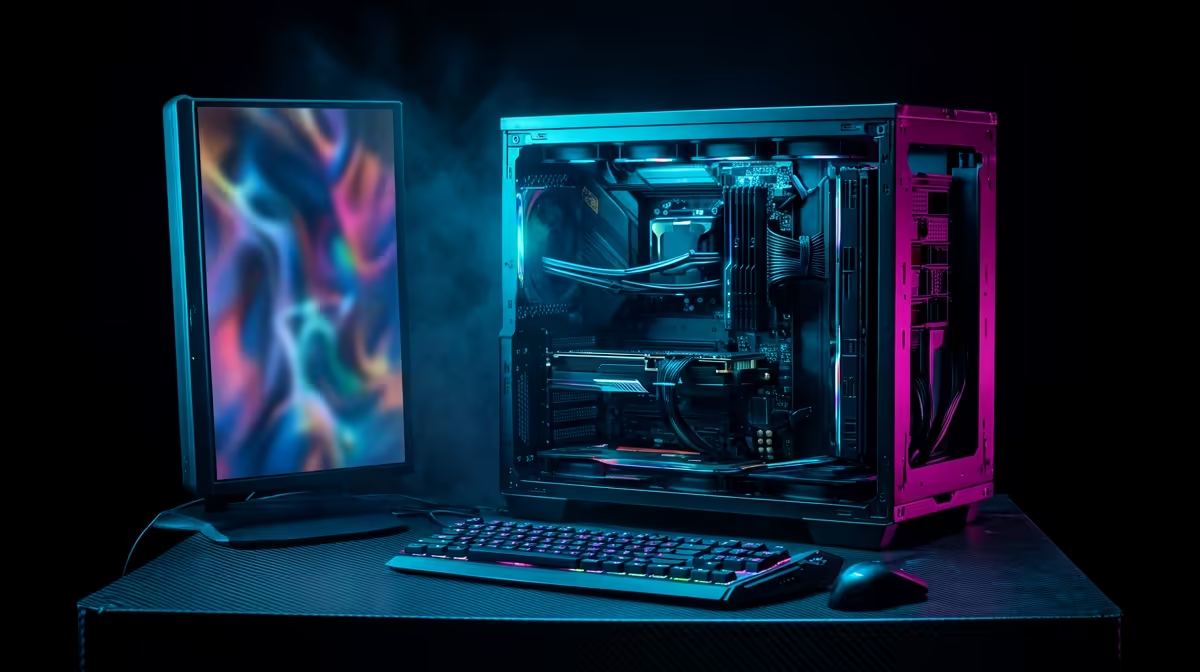
Build List: ~R32,000
- CPU: Ryzen 5 7600X — ~R4,800
- Motherboard: MSI B650-A PRO — ~R3,200
- RAM: 32GB DDR5-5600 — ~R2,400
- GPU: RTX 4070 — ~R16,000
- SSD: 1TB PCIe 4.0 NVMe + 2TB HDD — ~R2,300
- Case + 750W 80+ Gold PSU — ~R3,000
- Total: ~R31,700
FAQ
What OBS settings produce the best Twitch stream quality at 240Hz?
OBS settings: Encoder = NVENC H.264, Rate Control = CBR at 6,000 Kbps, Resolution = 1920×1080 output, FPS = 60, Preset = Quality (not Max Quality — the bandwidth saving is minimal). Canvas = 2560×1440 to match your game resolution, then scaled to 1080p in output settings. This configuration produces a clean 1080p60 stream while gaming at 1440p 240Hz.
Does streaming reduce fps below 240Hz on this build?
With NVENC, the streaming overhead is under 5% CPU and under 3% GPU. In GPU-limited games (Apex Legends, Hogwarts Legacy), fps drops 10–15fps during streaming — from 200fps to 185–190fps, still above 144Hz and comfortably within 240Hz. In CPU-limited esports titles at high fps (CS2, Valorant), the drop is under 5fps.
How do SA streamers deal with time zone differences for international audience growth?
SA evening prime time (19:00–23:00 SAST) overlaps with EU afternoon and US morning. For building an English-speaking audience, streaming from 19:00 SAST reaches EU viewers in the early evening (UTC+2 alignment) and early-rising US East Coast viewers — a reasonable international streaming window for SA-based content creators.
set your "Stream Delay" to 0 seconds and enable "Low Latency Mode" in Twitch dashboard settings — this reduces the viewer delay from the default 10–15 seconds to 2–3 seconds, enabling more interactive chat engagement during competitive streams on a 240Hz SA gaming rig.