


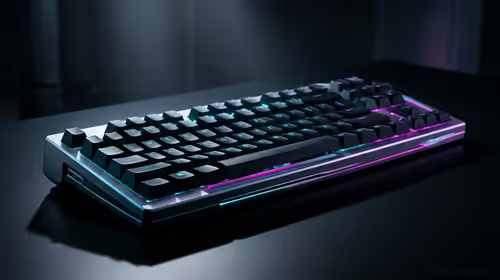
Stuck Pixel Checks for a Mechanical Keyboard Setup
Stuck pixel on a Mechanical Keyboard is likely a display symptom around that setup, not the part itself. Check the monitor, cable, GPU output, drivers, and warranty path first.
Read moreLearn how to clean your PC for overclocking to unlock maximum performance and stability. This guide covers deep cleaning components like your CPU and GPU, improving thermal performance, and essential maintenance steps. Get ready to push your rig to its limits! 💻💨
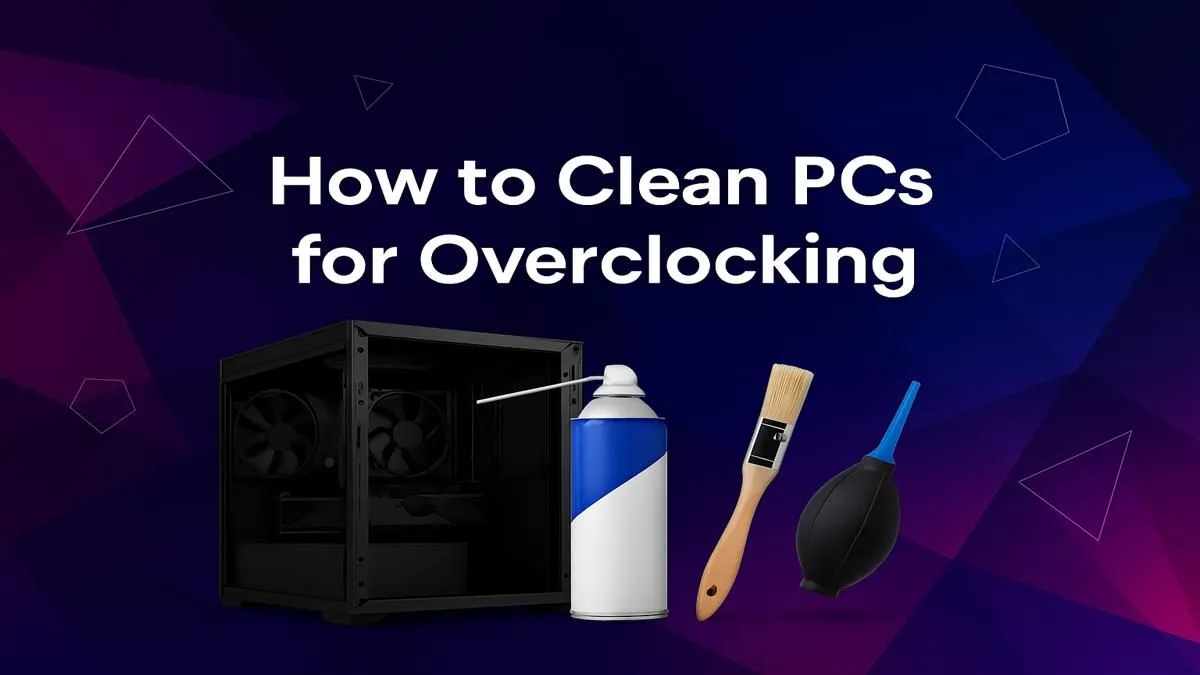
Chasing that extra 15 FPS in Apex Legends? Before you start tweaking voltages and clock speeds, the biggest barrier to a stable overclock might be hiding in plain sight. We’re talking about dust, the silent performance killer. A deep clean isn't just about aesthetics; it's the foundation for pushing your hardware. Getting your PC clean for overclocking is the essential first step to unlocking its true potential, ensuring your rig runs cool, quiet, and lightning-fast when it matters most.
Think of dust as a tiny, fluffy blanket for your components. While that sounds cosy, it’s a nightmare for performance. Dust insulates your CPU cooler, GPU heatsink, and case fans, trapping heat and preventing them from working efficiently.
When you overclock, you're pushing more power through your components, which generates significantly more heat. If that heat can't escape, your system will do one of two things:
A properly clean PC for overclocking ensures maximum airflow, allowing your cooling system to handle the extra thermal load with ease. This translates to higher, more stable clock speeds and, ultimately, better performance. Even if you're rocking one of our popular budget gaming PCs, a good clean can make a world of difference.
Ready to give your rig the spa day it deserves? Here’s how to get it done safely and effectively.
Before you touch any internal components, make sure you're grounded! Unplug your PC from the wall and press the power button a few times to discharge any residual electricity. Then, touch a large metal object (like your PC case's bare metal frame) to ground yourself and prevent static discharge from damaging your precious hardware.
Start with the easy wins. Power down and unplug everything. Use a microfibre cloth to wipe down the exterior of your case. Most modern cases have removable dust filters on the front, top, and bottom (for the PSU). Slide or pop these out, give them a good rinse under a tap, and let them dry completely before putting them back. This simple step drastically improves airflow.
Open up your side panel. Using your can of compressed air, blow out the loose dust in short, controlled bursts. Start from the top of the case and work your way down. Focus on these key areas:
For many builds, especially those in the sweet spot of PCs under R20k, keeping the CPU and GPU coolers clear is the single most important part of the process.
Now, grab your isopropyl alcohol, cotton swabs, and soft brush for the finer details. Lightly dampen a cotton swab with alcohol to carefully wipe down fan blades and stubborn dust patches. A soft brush is perfect for gently cleaning sensitive areas like your motherboard's surface or your RAM sticks.
For more powerful systems, like high-performance PCs above R20k, you might have more complex AIO coolers or custom water loops. Ensure all radiator surfaces are completely clear for optimal heat dissipation.
A physically clean PC is only half the battle for a great overclocking experience. A cluttered operating system can cause instability and performance bottlenecks. Before you start overclocking, consider a quick software clean-up:
Of course, nothing beats the feeling of a completely fresh start. Many of our pre-built PC deals come with a clean Windows installation, optimised for gaming right out of the box, giving you the perfect blank canvas for performance tuning. 🚀
Ready for a Performance Upgrade? Sometimes, even the cleanest rig has hit its limit. If you're dreaming of a machine built for extreme performance from day one, we've got you covered. Explore our legendary gaming PC deals and find the perfect rig to dominate the leaderboards.
For an overclocked system, a deep clean is recommended every 3-6 months. Regular dust removal from filters should be done monthly to maintain optimal thermal performance.
Yes, absolutely. Cleaning removes dust from heatsinks and fans, which improves thermal performance. Lower temperatures allow for higher, more stable overclocks.
Remove the old thermal paste with 99% isopropyl alcohol and a microfiber cloth, then apply a fresh, high-quality paste. This ensures the best heat transfer to the cooler.
No. Vacuums can create static electricity that can permanently damage sensitive components. Use compressed air for safe dust removal for maximum PC performance.
Yes, cleaning the GPU is crucial. Dust clogs its fans and heatsink, leading to thermal throttling. A clean GPU runs cooler, allowing for a more aggressive and stable overclock.
Essential tools include compressed air, 99% isopropyl alcohol, microfiber cloths, thermal paste, and screwdrivers. This is key for proper PC maintenance before overclocking.
Stuck pixel on a Mechanical Keyboard is likely a display symptom around that setup, not the part itself. Check the monitor, cable, GPU output, drivers, and warranty path first.
Read more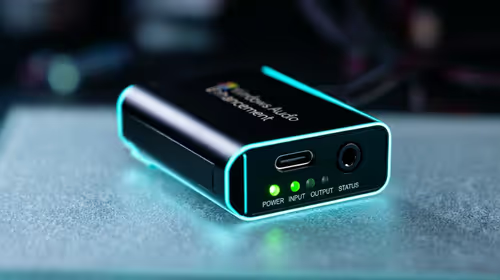
How to fix stuck pixel Windows 11 USB DAC issues starts with display-only tests. Check HDR, scaling, monitor input, USB cable movement, and safe South African support options before connecting the pixel issue to audio hardware.
Read more
Windows 11 Steam Deck monitor issues often start with display mode, USB-C output, drivers, or dock power. Use this how to fix monitor not detected windows 11 steam deck checklist for SA handheld PC setups.
Read more
Stalker 2 Heart of Chornobyl PC build planning at R100,000 should stay cautious about parts and settings. Balance GPU, CPU, RAM, storage, cooling, and upgrade room before picking a South African gaming PC.
Read more
RX 9070 XT build stuttering needs a step-by-step check before replacing parts. Review drivers, settings, thermals, power, background apps, display limits, cables, and game options before changing hardware.
Read more
GTA 6 on R15,000 needs careful part balance. This SA build guide frames CPU, GPU, RAM, SSD, cooling, and upgrade trade-offs without promising live prices, stock, or exact FPS.
Read more
NVIDIA lists 550W required system power for the RTX 5060 reference specification, based on a high-end test system. A quality 550W unit can be enough, but CPU draw, transient load, connectors and ageing decide real headroom.

80+ Gold vs 80+ Platinum for couch co-op gaming is about PSU efficiency, heat, fan behaviour, quality, and wattage headroom, not direct FPS. SA buyers should compare the whole build.

Upgrade your setup with the best USB-C hubs for creators. Discover why high-capacity card readers and dual 4K output are essential for professional South African content production. 🚀💻

B850 motherboard FPS drops needs a methodical troubleshooting pass. Review drivers, thermals, power settings, background apps, cables and game settings before replacing parts in an SA gaming setup.
NVIDIA lists 550W required system power for the RTX 5060 reference specification, based on a high-end test system. A quality 550W unit can be enough, but CPU draw, transient load, connectors and ageing decide real headroom.

OpenRGB's master branch now carries changes labelled for 1.0 final, including translation and platform work, but the official tags page still lists 1.0rc3.1 as the newest packaged release. Stable users should wait for the signed release channel.

A motherboard can remain useful for many years when power, cooling and connectors stay healthy. Replace it for confirmed faults, damaged power delivery or a blocked platform need, not simply because the calendar reaches a fixed age.

The VAIO T combines a 13.3-inch display with a multi-flip mechanism for laptop, tablet and outward-facing viewing modes. Orders begin in Japan on 18 September; South African availability is unconfirmed.

The smallest ATX case 2026 buyers should choose is the smallest chassis that still fits their exact graphics card, cooler, power supply and airflow plan. ATX support alone does not prove a case has the smallest footprint or volume.

In a 6 bit + FRC vs 8 bit comparison, native 8-bit panels can produce 256 levels per colour channel directly, while 6-bit plus FRC rapidly alternates nearby values to approximate the wider palette. Panel quality still depends on more than bit depth.

The UGREEN LinkStation Pro eGPU dock combines Thunderbolt 5 and OCuLink connections with an integrated 850W ATX 3.1 power supply and up to 140W laptop charging. South African availability is unconfirmed.

Windows 11 KB5124008 can leave some USB Audio Class 1.0 devices with no sound, Code 10 or failed multichannel output. Microsoft confirms the issue and says switching to two-channel stereo can restore audio for some users.