


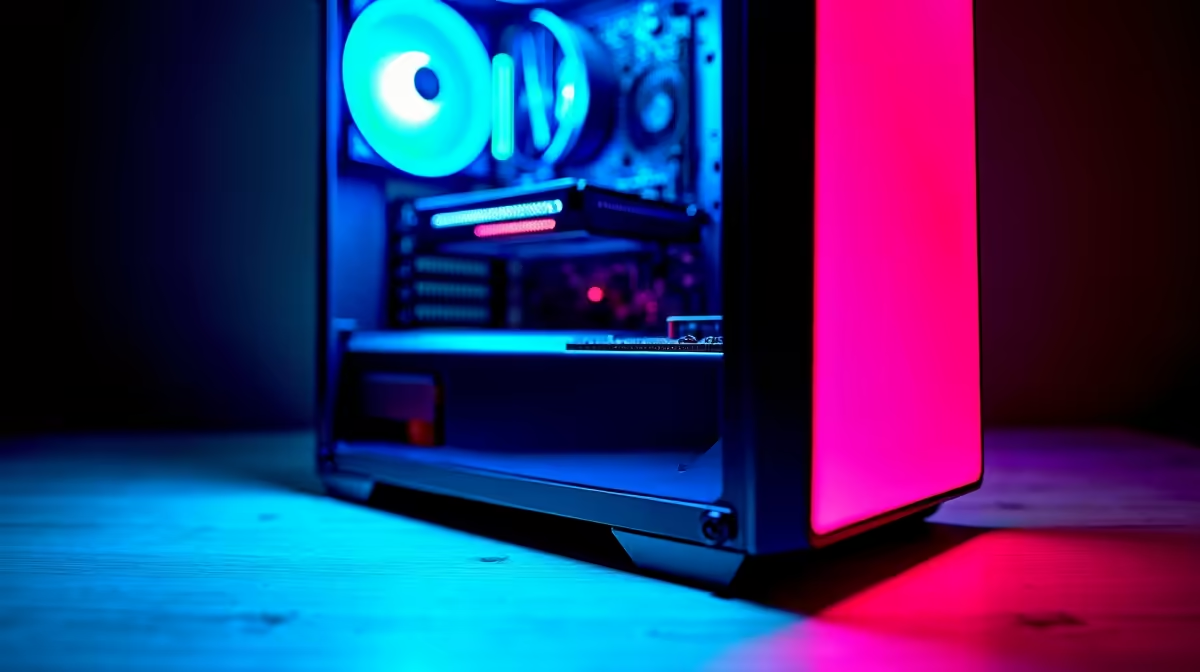
So, you're ready to jump into the AI revolution? Awesome. From generating incredible art with Stable Diffusion to running local language models, the power is now on our desktops. But building a rig specifically for these tasks is a different beast to a standard gaming PC. An AI PC build in South Africa requires a unique approach. Getting it wrong can mean slow performance, frustrating crashes, and wasted money. Let's make sure that doesn't happen. 🚀
Mistake 1: Underestimating VRAM for the GPU
In the world of AI, the GPU isn't just for pretty graphics; it's the engine doing the heavy lifting. The biggest mistake we see in a custom AI PC build South Africa is focusing only on gaming benchmarks. For AI, Video RAM (VRAM) is king.
AI models, especially large ones, need to be loaded directly into your GPU's VRAM to run efficiently. If a model is too big for your VRAM, performance plummets or it simply won't run.
- For Gaming: 8-12GB of VRAM is often plenty for 1440p gaming.
- For AI: 12GB is the absolute minimum to get started. 16GB is a comfortable spot, and 24GB is the goal for serious enthusiasts wanting to run larger, more complex models without compromise.
While NVIDIA's CUDA platform has historically dominated the AI space, making powerful NVIDIA GeForce gaming PCs a popular first choice, the landscape is evolving. Competitors are catching up, with many AMD Radeon gaming PCs offering excellent performance-per-Rand in specific workloads, and even the latest Intel Arc gaming PCs showing promise with their dedicated AI-accelerating XMX cores.
Mistake 2: Choosing the Wrong CPU
While the GPU handles the main AI processing, the CPU is the project manager. It prepares data, manages system resources, and handles all the tasks that aren't optimised for the GPU. A weak CPU will bottleneck your powerful graphics card, leaving it waiting for data.
When planning your build, consider both core count and clock speed. More cores help with multitasking and data preparation (pre-processing), while higher clock speeds can reduce latency in certain tasks. Finding the right balance is key, and it's worth checking out both the latest Intel PC deals and the extensive AMD Ryzen PC deals to see which platform offers the best features for your budget.
Mistake 3: Skimping on RAM and Storage Speed
AI datasets and models can be massive, often tens of gigabytes in size. Your system needs to load these files from your drive into your system RAM before they can be sent to the GPU's VRAM. A slow SSD or insufficient system RAM will create a huge bottleneck.
- System RAM: 16GB is a bare minimum. We strongly recommend 32GB for a smooth experience, and 64GB or more if you plan on training your own models or working with very large datasets.
- Storage: A fast NVMe SSD is non-negotiable. The speed difference between a SATA SSD and a Gen4 or Gen5 NVMe drive is immense when loading multi-gigabyte files.
Storage Speed Pro Tip ⚡
When choosing a motherboard, check the M.2 slot specifications. A PCIe Gen4 or Gen5 slot paired with a corresponding NVMe SSD will drastically cut down on loading times for AI models and large project files compared to older Gen3 slots. This simple check ensures you're not leaving performance on the table.
Mistake 4: Ignoring the Power Supply (PSU)
This is the unsung hero of any high-performance PC. AI workloads can push your CPU and GPU to their maximum power draw for extended periods, far more consistently than gaming. A cheap, low-quality Power Supply Unit (PSU) can lead to system instability, random shutdowns, and even damage your expensive components.
Look for a PSU from a reputable brand with an 80+ Gold rating or better. This ensures high efficiency and stable power delivery under heavy load. This is a principle we apply to all our builds, especially our professional workstation PCs designed for 24/7 reliability.
Mistake 5: Neglecting Your Cooling Solution 🔧
Heat is the enemy of performance. When your CPU and GPU run complex AI calculations for hours, they generate a tremendous amount of heat. If your cooling can't keep up, your components will "thermal throttle"—automatically reducing their speed to prevent overheating. This means you're not getting the performance you paid for.
Ensure your PC case has excellent airflow and consider an All-In-One (AIO) liquid cooler for the CPU, especially for higher-end chips. Proper cooling is a critical part of a successful AI PC build in South Africa, where ambient temperatures can already be a challenge.
Mistake 6: Assuming a Top Gaming PC is a Perfect AI PC
While there's a lot of overlap, the priorities differ. The machine that tops the charts in Cyberpunk 2077 might not be the most efficient for Stable Diffusion. Many of the best gaming PC deals are optimised for raw frame rates, sometimes at the expense of VRAM.
Conversely, some budget gaming PCs might have a CPU that's great for gaming but could bottleneck data-heavy AI tasks. It's about building a balanced system tailored to the specific demands of AI workloads.
Mistake 7: Overlooking an Expertly Built System ✨
After considering all these potential pitfalls... does a full DIY build feel a bit daunting? You're not alone. Balancing components, ensuring compatibility, and managing thermals is a complex task. One of the biggest mistakes is trying to do it all yourself without the experience, only to end up with a system that doesn't perform as expected.
This is where pre-built systems shine. You get a balanced, tested machine with a full warranty and expert support. It's often the smartest way to get a high-performance AI PC build in South Africa without the headache. Exploring expertly configured pre-built PC deals can save you time, stress, and potential costly mistakes.
Ready to Build Your AI Powerhouse? Avoiding these common mistakes is the first step to building a killer AI machine. Whether you're a creator, developer, or just an enthusiast, having the right hardware is key. Explore our massive range of pre-built PC deals and find the perfect, optimised system to conquer your world.











