Most South African streamers spend their budget in the wrong order. They chase a mixer or a flashy interface before sorting out the fundamental problem: a capsule that actually rejects the noise their room throws at it. A cost-effective streaming audio setup in South Africa starts with the right microphone, positions it correctly, and then adds modest room treatment. That sequence matters because each step after the first only works if the one before it is solid.
Quick Answer
Budget around R2,500 total: roughly R1,500 on a USB dynamic mic, R600 to R700 on a metal scissor arm that clamps to the desk edge, and R300 on a single foam panel behind you. Most of the budget belongs on the capsule, which delivers the biggest clarity gain per Rand spent.
🎙️ The USB Dynamic Mic: Where the Budget Goes First
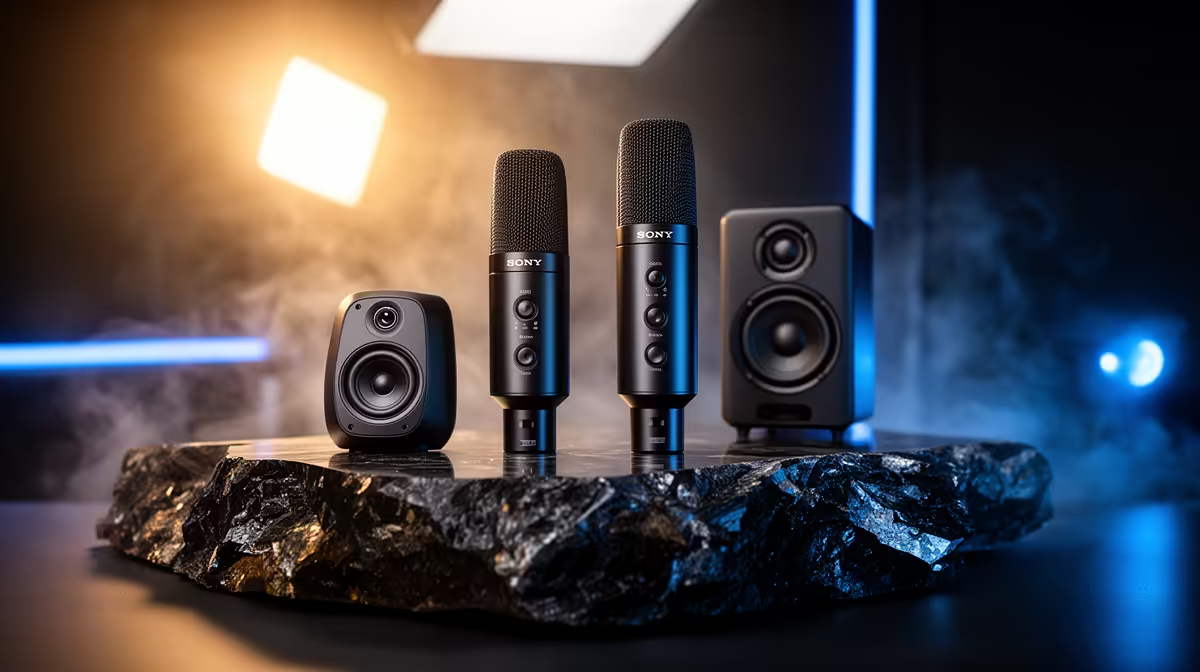
A dynamic capsule is the right choice for an untreated South African home setup. Unlike a condenser, a dynamic mic uses a moving-coil element that only responds to sounds pressed close to the grille. Keyboard clatter, PC fan noise, and street traffic from outside all sit below its sensitivity threshold, which means they largely fail to register. A cardioid dynamic picks up a heart-shaped zone in front and rejects side and rear noise by around 20 to 25 decibels.
At around R1,500, you can find USB dynamic mics that sample at 24-bit 48kHz, which is the quality ceiling a streaming platform will actually use. Spending more than this on the capsule before sorting out placement and room treatment is a waste. The mic will simply capture a louder version of whatever problems the room already has.
USB connectivity removes one cost immediately: no interface. A USB dynamic mic draws power and sends audio over a single cable straight into your PC. Streaming software sees it instantly and you are live. That saving is real money that belongs on the arm and the foam panel instead.
Look for a dual USB and XLR mic if budget allows. It costs the same at the R1,500 tier and keeps an upgrade path open. When the show grows and a co-host joins, you plug the XLR side into an interface without replacing the capsule.
🔧 A Boom Arm at the Right Tier
A steel scissor arm in the R600 range changes how the mic sits in your room. It clamps to the desk edge and holds the capsule elevated in free air, which does two things. First, it isolates the mic from desk thuds and keyboard vibrations that travel up a floor-standing or desk-resting stand. Second, it puts the capsule at the correct recording position: roughly 15cm from your mouth, slightly off-axis so plosive bursts shoot past the capsule rather than into it.
That 15cm distance is where a dynamic mic performs. Too far and the voice thins and the room creeps in. Too close and proximity effect exaggerates low frequencies, making the voice boom rather than sit cleanly in the mix.
Avoid plastic arms at the R300 tier. They sag under the mic's weight within weeks. A metal arm rated to 1.5kg holds the capsule exactly where you set it through a full stream session without creeping downward. Check that the clamp opens wide enough for a thicker gaming desk, since many SA gaming setups run 40mm or more in thickness.
Pro Tip ⚡
Before spending on foam panels, hang a duvet behind your chair and record a 30-second test. If the echo drops noticeably, you have confirmed that wall treatment will help. That free test shows you whether the R300 foam panel is worth adding or whether your room is already quiet enough.
✨ One Foam Panel, Not a Full Studio
The third item is a single acoustic foam panel, and one is genuinely enough for a streaming setup at this budget tier. Place it on the wall directly behind where you sit. This cuts the early reflections that bounce off the back wall and arrive at the mic a fraction of a second after the direct voice signal, which is exactly what makes a recording sound hollow and boxy.
A panel around 5cm thick in a 30x30cm or 60x60cm tile absorbs mid and high frequencies where the smearing is worst. It will not turn your room into a recording studio, but combined with a dynamic capsule's natural off-axis rejection, the result is a voice recording that sounds noticeably cleaner than the untreated room.
Soft furnishings add to the effect at zero cost. A rug under the desk, curtains rather than bare windows, and a bookshelf along one wall all absorb sound. These are permanent features of most Cape Town and Joburg flats anyway, so use them.
💰 Sequencing the Spend
The order matters as much as the items. Buy the USB dynamic mic first, position it correctly, and record a test. Get the voice sitting cleanly in the 24-bit recording before adding anything else. Only then add the boom arm, which improves placement consistency across every session. The foam panel comes last, treating the room once the chain from capsule to software is confirmed clean.
Resist the pull toward an interface at this stage. An interface adds R1,500 to R3,000 and provides headroom you cannot yet use. Save that budget for a second mic if a co-host joins, not for a box that sits unused on the desk.
Frequently Asked Questions
What does a budget streaming audio setup cost in South Africa?
A practical solo streaming setup runs around R2,500: roughly R1,500 on a USB dynamic microphone, R600 to R700 on a steel desk-clamp arm, and R300 on a single acoustic foam panel. Room treatment using soft furnishings you already own adds to the effect at no extra cost.
Should most of the audio budget go on the microphone?
Yes. The capsule and its pickup pattern determine how much room noise enters the recording in the first place. A better capsule at 15cm beats a mediocre one fed through a premium interface every time. Accessories and interfaces only act on the signal the mic provides, so sorting the source first gives every downstream component the best signal to work with.
Is a boom arm necessary for a streaming setup?
It is close to essential for consistent quality. A boom arm isolates the mic from desk vibrations, positions the capsule at the correct 15cm distance from your mouth, and holds that position through a full stream. A desk stand transmits keyboard thumps and forces awkward hunching. For a setup you use every day, a steel desk-clamp arm at around R600 is one of the better investments in the chain.
Can a single foam panel make a meaningful difference?
Yes, more than its cost suggests. One panel on the wall behind you cuts the early reflections that create the hollow, echoey quality that screams home recording. It does not require a full acoustic treatment. Combined with the natural off-axis rejection of a dynamic cardioid, a single tile shifts the perceived quality noticeably for any listener wearing headphones.
Should beginners buy USB or XLR for streaming?
Start with USB. It removes the interface cost entirely, requires no additional hardware, and a 24-bit 48kHz USB dynamic mic performs at the same quality level as an XLR rig for a solo streaming voice. A dual USB/XLR mic costs the same at the R1,500 tier and leaves the upgrade path open without forcing you to commit to an interface before you need one.
Ready to build a clean streaming voice on a sensible budget?
Browse the USB dynamic microphone and boom arm range at Evetech to put together a South African streaming setup that punches well above its price.