


Best AMD GPU Under R40000 in SA 2026
Top AMD GPU Under R40000 picks evaluated on performance, value & SA availability with current Rand pricing from Evetech.
Read moreStruggling with lag despite a new graphics card? 🛑 Our CPU bottleneck guide explains why your processor might be holding back 2025 GPUs. Learn how to balance your build for peak performance and zero stutter. 🚀
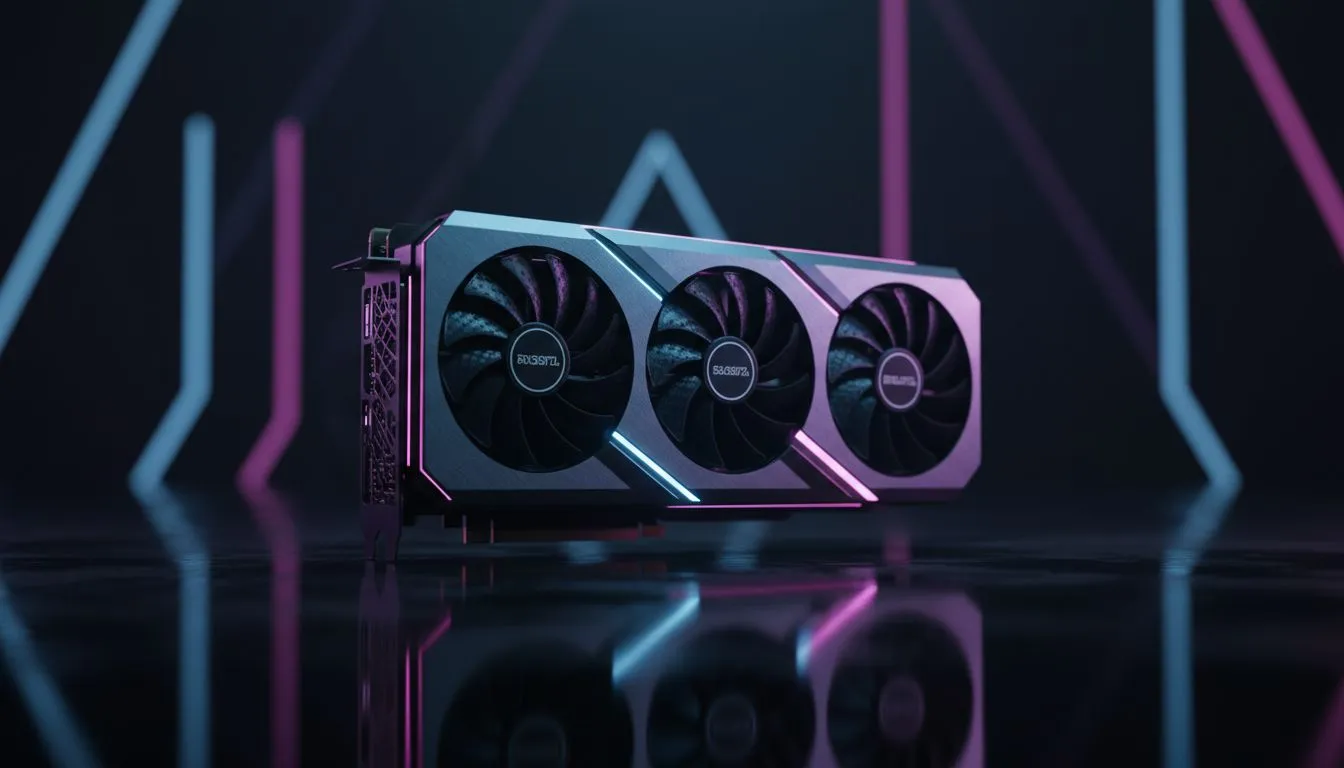
Spent a fortune on a new graphics card but your frame rates are still... disappointing? You're not alone. The culprit might not be your GPU, but a sneaky performance thief called a CPU bottleneck. Understanding this concept is crucial for any PC builder in South Africa looking to maximise their rig's power without wasting a single Rand. A balanced system is a happy system, and this guide will show you how to achieve that perfect harmony. 🚀
Imagine an assembly line. Your GPU is the high-speed worker assembling a product, and your CPU is the manager delivering parts and instructions. If the manager (CPU) is too slow, the worker (GPU) is left waiting around, unable to perform at full capacity. That's a CPU bottleneck in a nutshell.
Your processor can't prepare frames fast enough for your graphics card to render, leading to stuttering, low frame rates, and wasted potential. Choosing the right CPU processor isn't just about raw power; it's about creating a balanced team where every component can perform at its peak. This is the core principle to avoiding a processor bottleneck and getting the performance you paid for.
Before you start swapping parts, you need to confirm if a CPU bottleneck is actually your problem. The easiest way is to monitor your component usage while gaming.
Conversely, if your GPU is at 99-100% and your CPU is chilling, you're GPU-bound, which is generally what you want for maximum visual quality.
For a simple, built-in way to check performance, use the Xbox Game Bar overlay on Windows (Win + G). Navigate to the 'Performance' tab and pin it. You can customise it to show CPU, GPU, and RAM usage, plus your FPS, giving you a live look at potential CPU bottlenecks without installing third-party software.
Building a balanced PC is all about synergy. Mismatched components can lead to frustrating CPU bottlenecks, so let's break down some ideal pairings for 2025, from 1080p esports to glorious 4K gaming.
For competitive gaming at 1080p, high frame rates are king. This resolution is more demanding on the CPU.
This is the new standard for immersive gaming, balancing beautiful visuals with great performance. At 1440p, the load starts to shift more towards the GPU.
For those who demand the absolute best in 4K gaming or are diving into content creation, only top-tier components will do. At this level, the GPU does most of the heavy lifting, but a weak CPU can still cause issues in complex game worlds.
Ultimately, preventing a CPU bottleneck comes down to smart planning. Don't pair a brand-new, top-of-the-line graphics card with a five-year-old processor and expect miracles. Your PC is a team, and every player needs to be able to keep up. By matching your components based on your target resolution and gaming goals, you ensure every Rand you spend translates directly into performance.
Ready to Eliminate Your Bottleneck? Understanding CPU bottlenecks is the first step to building a perfectly balanced rig. Don't let a mismatched component hold your performance hostage. Explore our massive range of CPU processors and find the perfect heart for your gaming machine today.
It occurs when your processor is too slow to keep up with the graphics card, causing the GPU to wait for instructions and lowering frame rates.
Use monitoring software like MSI Afterburner. If CPU usage is near 100% while GPU usage is low (under 90%), you likely have a bottleneck.
No, a bottleneck won't damage hardware. It simply means you aren't getting the full performance value or FPS potential from your graphics card.
For top-tier 2025 GPUs, look for processors like the Intel Core Ultra series or AMD Ryzen 9000 series to ensure maximum throughput.
Yes. Lower resolutions (1080p) rely more on CPU speed, while higher resolutions (4K) shift the load to the GPU, reducing CPU strain.
High-speed RAM can alleviate minor bottlenecks by feeding data to the CPU faster, but it cannot fix a severe mismatch between a weak CPU and strong GPU.
Top AMD GPU Under R40000 picks evaluated on performance, value & SA availability with current Rand pricing from Evetech.
Read more
Top RTX 4090 Under R12000 () picks evaluated on performance, value & SA availability with current Rand pricing from Evetech.
Read more
Ryzen 5 5600X + B550 + RTX 4060 Build Under. Full parts list, Rand pricing & expected performance. Build confidently with SA-available components.
Read more
Ryzen 5 5600X + B550 + RTX 4060 Build Under. Full parts list, Rand pricing & expected performance. Build confidently with SA-available components.
Read more
Top AMD GPU Under R25000 picks evaluated on performance, value & SA availability with current Rand pricing from Evetech.
Read more
Top Crucial GPU Under R15000 picks evaluated on performance, value & SA availability with current Rand pricing from Evetech.
Read more
Snapdragon X2 NPU Explained: How 80 TOPS Changes. Plain-English explanation of what it means, why it matters & how it affects your buying decisions in SA.

HBM? High Bandwidth Memory Used in GPUs and AI. Plain-English explanation of what it means, why it matters & how it affects your buying decisions in SA.

How much should you spend on sim racing accessories in South Africa for a realistic setup? We break down budgets by quality tiers, so you buy smart gear and avoid overspending 🎮💸

G-Sync and FreeSync? Variable Refresh Rate. Plain-English explanation of what it means, why it matters & how it affects your buying decisions in SA.

AMD Laptop: Value. SA-focused analysis with local pricing data, real-world insights & actionable buying advice.

How MacBook Neo Handles 30+ Chrome Tabs with Only. SA-focused analysis with local pricing data, real-world insights & actionable buying advice.

Why Apple Put 8GB RAM in MacBook Neo: The A18 Pro. SA-focused analysis with local pricing data, real-world insights & actionable buying advice.

Upgrade your work laptop with a New Motherboard. Step-by-step instructions with SA-specific tips, common pitfalls to avoid & expert recommendations.

Maintain wired headset — Checklist: • inspect cables • clean earpads • store properly 🔧🎧 Practical steps to preserve sound quality and avoid premature replacements.

Fix crackling headset fast: step-by-step checks for cables, connectors, drivers, and settings to remove static or distorted audio on wired headsets 🎧⚙️

Stereo vs mono headsets: learn which delivers clearer calls, better spatial music, or simpler mono voice performance — pick the right headset for meetings, music, or gaming 🎧💬

- Compare gaming headset vs studio headphones; - Assess comfort, mic and sound; - Recommend best daily picks. Gaming headset vs studio headphones: learn which suits work, music and casual gaming. 🎧⚖️