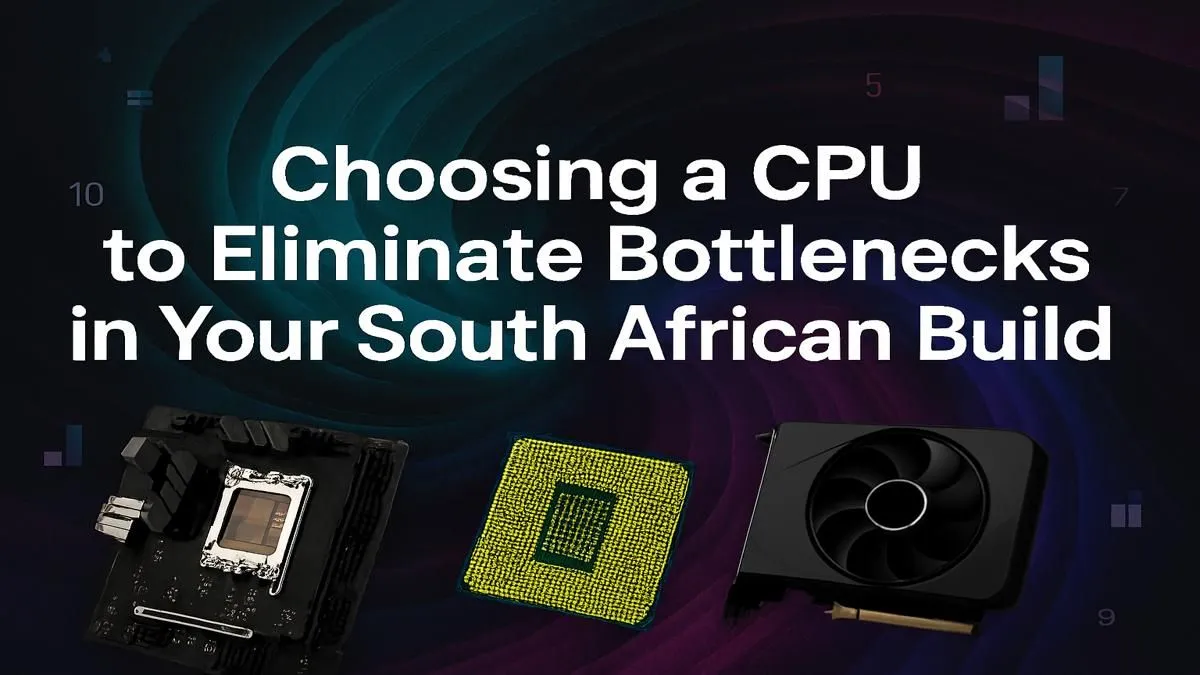
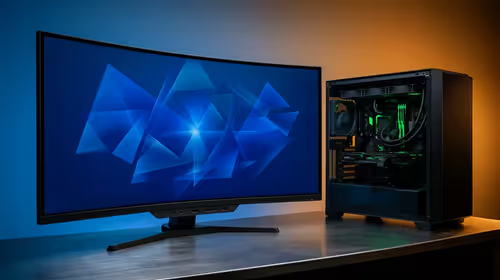
You’ve just dropped some serious cash on a shiny new graphics card. You slot it into your rig, fire up the latest AAA title, and... the performance is just... okay? You're seeing stuttering, and your frame rates aren't hitting the numbers you expected. What gives? Chances are, you’re dealing with a classic CPU bottleneck, a common headache for PC builders across South Africa. This guide will help you diagnose the problem and choose the right processor to unlock your PC's true potential.
Understanding the CPU Bottleneck
So, what is a CPU bottleneck? Imagine your powerful new GPU is a Formula 1 car, capable of incredible speeds. Your CPU, however, is the pit crew. If the crew is too slow to change the tyres and refuel (i.e., process data and game logic), the car can't perform at its peak, no matter how powerful its engine is. 🚀
In PC terms, your CPU prepares the frames and instructions that your GPU then renders. When the CPU can't keep up with the GPU, the graphics card is left waiting, leading to wasted performance, lower-than-expected frame rates, and annoying micro-stutters. This is a frequent issue we see, and understanding how to solve this CPU bottleneck in South Africa is key to a great gaming experience.
How to Spot a Processor Bottleneck in Your Rig 🔧
Before you rush out to buy a new chip, you need to confirm that a bottleneck is actually your problem. Thankfully, it's pretty easy to check.
- Fire Up a Demanding Game: Choose a game that is known to be CPU-intensive, like Cyberpunk 2077 in a crowded area, or a large-scale battle in Total War: Warhammer III.
- Monitor Your Hardware: Use a tool like MSI Afterburner with the RivaTuner Statistics Server overlay, or even Windows' own Xbox Game Bar (Win + G), to display your component usage on-screen.
- Analyse the Numbers: Play for a few minutes and watch the stats. If you see your CPU usage consistently hitting 95-100% while your GPU usage sits much lower (e.g., 60-75%), you’ve found your bottleneck. The CPU is running flat-out and still can't feed the GPU fast enough.
This simple test can save you a lot of guessing and help you pinpoint exactly where your system's performance is being held back. If you do confirm a bottleneck, looking at the latest CPU processors available online is your next logical step.
Pro Tip: Resolution Matters! ⚡
A CPU bottleneck is often more noticeable at lower resolutions like 1080p. Why? Because at 1080p, the GPU can render frames incredibly fast, putting immense pressure on the CPU to keep up. At higher resolutions like 1440p or 4K, the GPU has to work much harder on each frame, which naturally gives the CPU more time to prepare the next one, balancing the load.
Choosing the Right CPU to Fix the Bottleneck
Fixing a CPU bottleneck means upgrading your processor to one that can keep pace with your graphics card. It’s all about creating a balanced system.
Balancing Your Build ⚖️
There's no single "best" CPU; it's about the right CPU for your build. Pairing an entry-level processor with a top-tier graphics card is a recipe for disappointment. A good rule of thumb is to match components from similar tiers:
- Entry-Level Gaming: Intel Core i3 / AMD Ryzen 3 with an RTX 4060 or RX 7600.
- Mid-Range Sweet Spot: An Intel Core i5 or i7 CPU / AMD Ryzen 5 or 7 with an RTX 4070 or RX 7800 XT. This is the sweet spot for most South African gamers playing at 1440p.
- High-End Performance: Intel Core i9 / AMD Ryzen 9 with an RTX 4080, RTX 4090, or RX 7900 XTX.
Team Red vs. Team Blue
Today, both Intel and AMD offer fantastic processors for gaming. The choice often comes down to budget and platform. The latest AMD Ryzen CPUs on the AM5 platform offer an excellent upgrade path and incredible efficiency, while Intel's recent generations deliver raw, powerful performance that often tops the gaming charts. The best processor choice depends on your specific needs and the deals available, ensuring you get maximum performance for your Rand.
Ultimately, solving your CPU bottleneck is about smart pairing. A well-balanced PC doesn’t just give you higher frame rates... it provides a smoother, more consistent, and more enjoyable gaming experience. ✨
Ready to Crush That Bottleneck?
Don't let an old processor hold your new GPU hostage. A balanced PC is the key to smooth, high-frame-rate gaming in South Africa. Explore our massive range of PC components and find the perfect parts to unleash your rig's true power.