


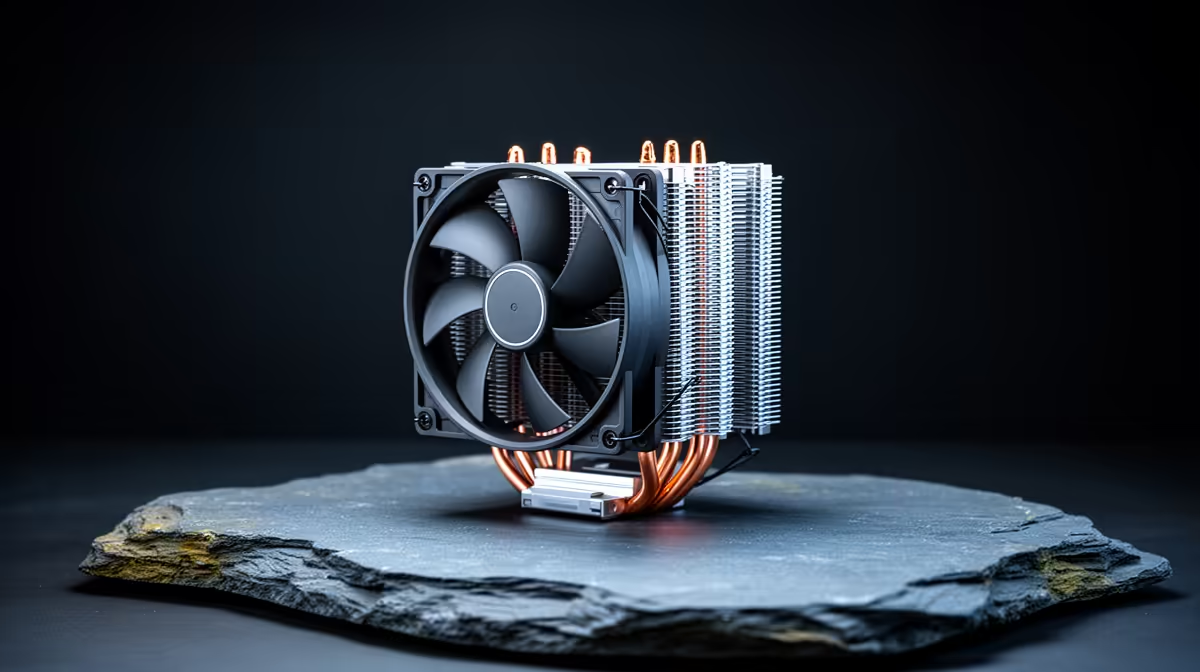
CapCut editing leans on the CPU for timeline scrubbing, effects and exports, and a cooler that cannot keep that CPU calm turns long edits into thermal-throttled crawls. Building an upgrade path from a starter cooler to a serious one matches your spend to how heavy your editing gets.
Quick Answer
For CapCut editing, start with a R450 to R650 tower like a Cooler Master Hyper 212 for a Ryzen 5 7600, and step to a Deepcool AK620 (around R1,000 to R1,500) or a 240mm AIO when exports run long. The cooler that holds boost clocks finishes 4K exports faster.
Why Cooling Decides CapCut Export Speed
CapCut exports and effect previews push the CPU to sustained 100% load, where a weak stock cooler lets the chip throttle from its boost clock down 10% to 20%, stretching a 4K export by minutes. A capable cooler holds the boost, so the same Ryzen 5 7600 or Core i5 finishes faster and stays quieter. For an editing machine the cooler is not cosmetic; it directly buys back export time you would otherwise lose to heat.
The Upgrade Path In Rand
Starter: a Cooler Master Hyper 212 at R450 to R650 keeps a 65W Ryzen 5 7600 or Core i5 cool for light 1080p CapCut work. Serious: a Deepcool AK620 dual-tower at R1,000 to R1,500 or a 240mm AIO around R1,400 to R2,200 holds a Ryzen 7 7700 or Core i7 at full boost through long 4K exports. Top tier: a 360mm AIO near R2,500-plus tames a Ryzen 9 or i9 if your edits are heavy and your timelines long.
Match The Cooler To Your Editing Load
If CapCut work is occasional 1080p clips, the Hyper 212 is enough and the saving goes to RAM or an SSD. If you export 4K regularly, jump to the AK620 or a 240mm AIO so the CPU never throttles mid-render. Check cooler height against your case and RAM clearance against your kit first, and add a fast NVMe SSD, since CapCut scrubs and exports far smoother off NVMe than SATA at 1080p or 4K.
FAQ
Does a CPU cooler speed up CapCut exports?
Yes, a cooler that holds the CPU's boost clock prevents the 10% to 20% throttle that stretches 4K exports. A Deepcool AK620 keeps a Ryzen 7 at full speed where a stock cooler would slow it.
What cooler suits a CapCut editing PC?
A Cooler Master Hyper 212 (R450 to R650) covers light editing on a Ryzen 5, while a Deepcool AK620 or 240mm AIO suits heavy 4K work. Match the cooler to how often you export 4K.
Is an AIO better than air for video editing?
A 240mm or 360mm AIO holds higher sustained loads quietly, which suits long exports, but a good dual-tower air cooler matches it for most builds. Choose an AIO only for hotter Ryzen 9 or i9 chips.
4K CapCut exports, step up to a Deepcool AK620 or 240mm AIO so the CPU holds boost and finishes renders minutes faster.








