Most failed mesh setups start in the same place: someone plugs in a second unit before the first one has ever reached the internet. This guide walks a Cudy AC1200 mesh router from the box to a working home network, in the order that keeps problems easy to find, with the reset steps for when it goes wrong. A Pretoria townhouse on fibre is the picture to hold in your head.
Quick Answer
Connect the port labelled WAN on your Cudy to the ONT's LAN port, power it on, and open the Cudy app to set a Wi-Fi name and password. Confirm the main unit gets online on its own, then pair each extra mesh unit one at a time. The router we sell for this is the Cudy AC1200 at R699, and the main unit has to work alone before any second unit can help.
🔌 Before You Plug Anything In
Your fibre line ends at the ONT, the small box the ISP installs on the wall. Look at its lights first. A steady PON light means it has found the fibre network, and a red LOS light means the signal is lost and no router will fix that. If LOS is red, stop and call your ISP before touching the router.
The Cudy sits between the ONT and everything else. Use the short Ethernet cable from the box and run it from the ONT's LAN port into the port marked WAN on the Cudy. Power the router on and wait about two minutes for its lights to settle. Most home fibre lines hand out an address automatically, which the router detects on its own. A few ISPs instead give you a PPPoE username and password, and you will be asked for these during setup, so keep your welcome email handy.
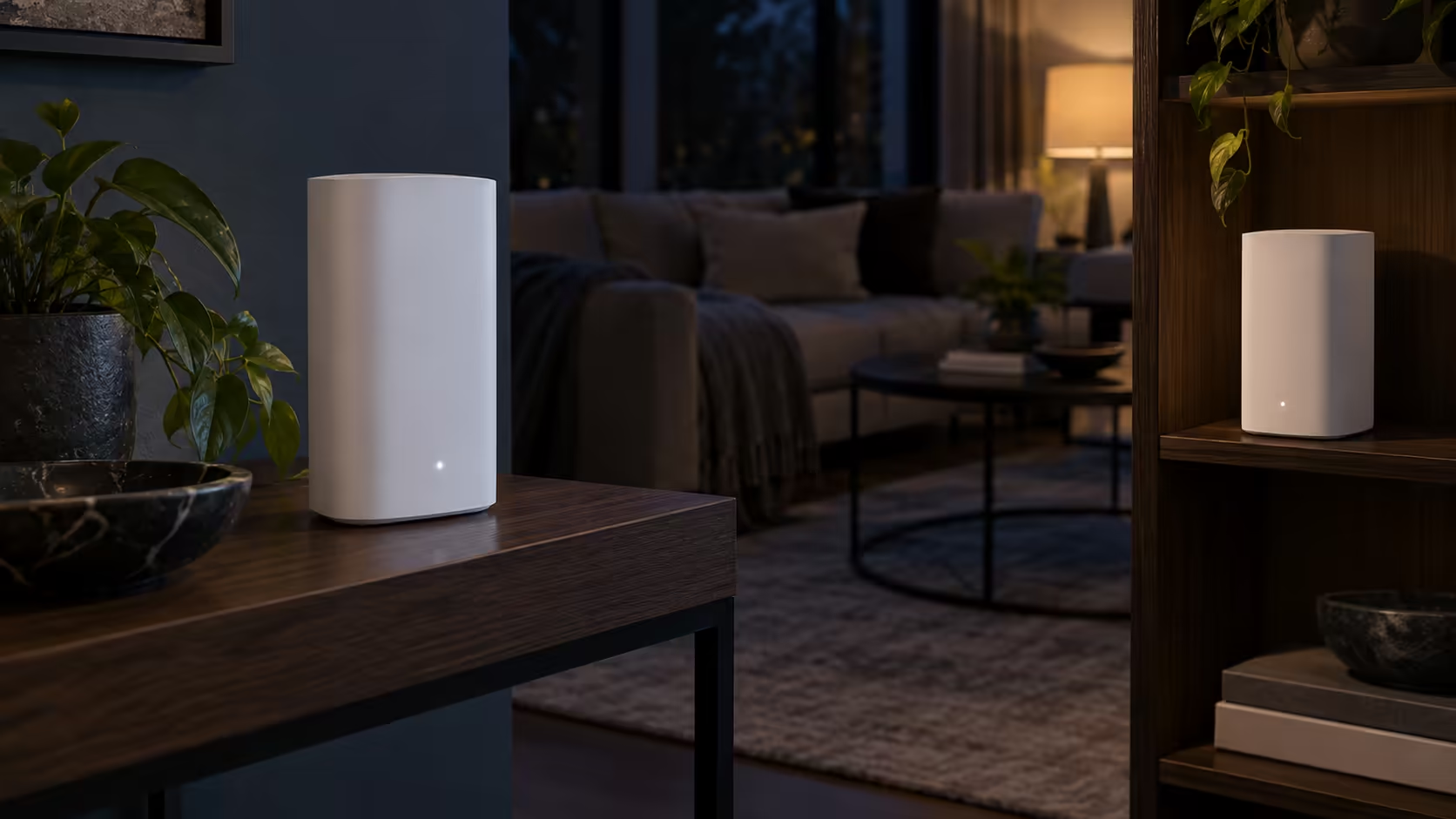
Place the first unit near the ONT, not in the middle of the house. In a double-storey house in Pretoria the ONT is usually downstairs near the front door, and that is exactly where the main unit should sit. Mesh nodes extend a working connection; they cannot create one.
If you are still choosing hardware, our fibre routers page lists what suits a fibre line, and the wireless routers category covers the wider range.
📱 First Boot: Wi-Fi Name, Password and Admin Login
Install the Cudy app on your phone and join the router's default Wi-Fi, whose name and password are printed on the label underneath. The app then walks you through the first-boot wizard. Choose a new Wi-Fi name and a password of at least 12 characters, and set a separate admin password for the router itself.
The Cudy AC1200 is dual-band: Wi-Fi 5 with speeds up to 867Mbps on 5GHz and 300Mbps on 2.4GHz, across four high-gain antennas. The 5GHz band is quicker, and the 2.4GHz band reaches further through walls.
Test the main unit before moving on. Walk to the room furthest from the ONT, open a browser and load a page. Then run a speed test and compare it with the speed your ISP sold you. If the main unit is slow standing next to the ONT, the problem is the line, the cable or the ISP setting, and a second mesh unit will not help. Swapping in a different Ethernet cable is a free test.
🔗 Pairing the Mesh Units One at a Time
Once the main unit works, bring the second unit to a power socket about halfway between the main unit and the weak spot. In a double-storey house that is usually the landing at the top of the stairs, not the far bedroom.
Open the Cudy app, go to the mesh section and add the new unit. Power on only one extra unit at a time, wait for its lights to settle, and finish pairing before you touch the next. Pairing two at once is the most common reason a mesh network ends up with units that cannot find each other.
Our Cudy AC1200 supports Cudy Mesh and covers up to about 100 square metres, so a second unit makes sense once your home is bigger than that or spread over two storeys. Check each unit in the app afterwards: a paired node should show as online. Our networking range page shows current options if you need more units.
🔄 When It Goes Wrong: Reset and Starting Again
There are two kinds of reset, and the difference matters. A restart is switching the unit off at the wall for 30 seconds and back on, which loses nothing. A factory reset wipes the Wi-Fi name, password and mesh pairings, and is the right choice only when you cannot log in or a paired unit has gone missing.
To factory reset, keep the router powered on, press and hold the small Reset button with a paperclip for about 10 seconds until the lights flash, then let go. After a reset, repeat the sequence from the start: main unit alone, then the Wi-Fi name, then one mesh unit at a time.
Work through three checks before you reset. First, confirm the ONT still shows PON and not a red LOS. Second, confirm the cable is in the WAN port and not in a LAN port. Third, make sure only one router is handing out addresses, which means your old router is off or in bridge mode. If you want a second internet connection for when fibre drops out, the Cudy AC1200 4G LTE Cat 6 router takes two nano SIMs and reaches up to 300Mbps down, at R1,799.
Frequently Asked Questions
Which port do I plug the fibre ONT into?
Use the port labelled WAN on the Cudy, with an Ethernet cable from the ONT's LAN port. The other Gigabit ports are for your own devices, such as a PC or smart TV.
How many mesh units do I need for a double-storey house?
Start with one unit by the ONT and test the upstairs signal. If upstairs is weak, add a second unit on the landing, roughly halfway to the weak spot, rather than in the far room.
Does a mesh node fix slow internet from the ISP?
No. A node repeats what the main unit receives, so if the main unit is slow next to the ONT, check the line, the cable and the ISP settings first.
How long should I hold the reset button?
Hold it for about 10 seconds with the router powered on, until the lights flash. A quick press only restarts the unit and does not clear your settings.
What if the router will not power on or keeps rebooting after a reset?
Try a different wall socket and the power adapter that came in the box first. If the unit still will not start, the fault is in the router or its adapter and not in your setup, so no amount of resetting will change that.
Ready to sort out your home Wi-Fi?
Browse the Evetech Wi-Fi router range and pick a main unit for your ONT, then add mesh units for the upstairs rooms.