


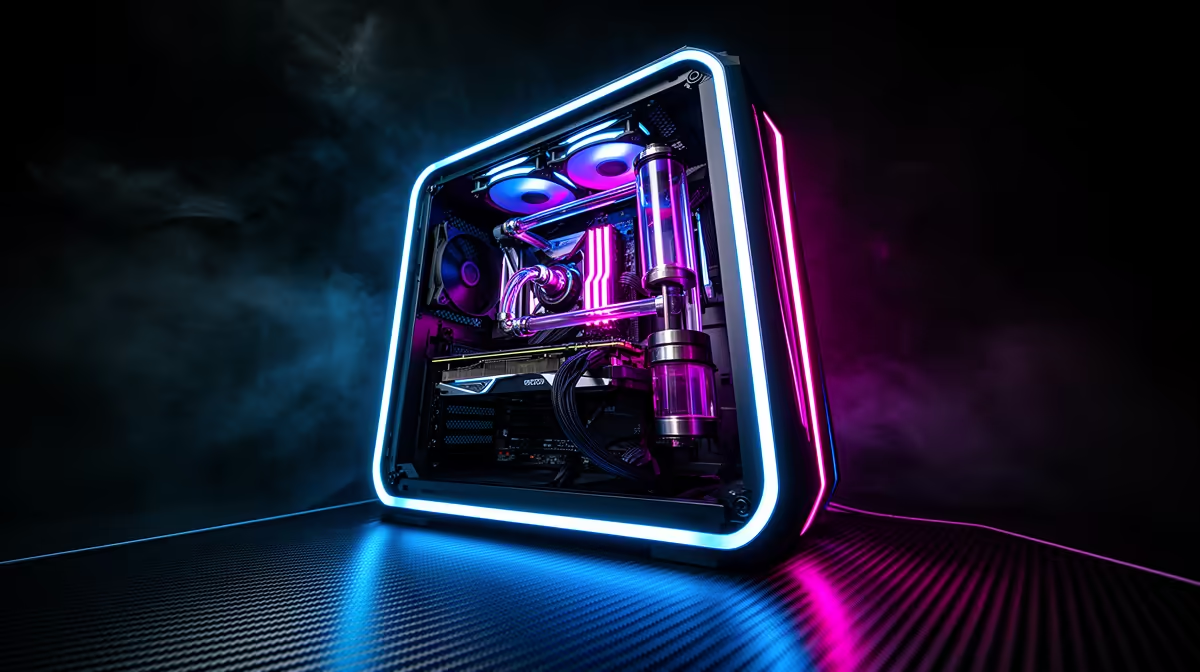
An R20,000 SA build runs Doom 2016 at extreme frame rates and gives plenty of headroom for newer titles too, since the 2016 shooter barely taxes this class of hardware.
Quick Answer
At R20,000, a Ryzen 5 7600 with an RTX 4060 Ti or RTX 4070, 16GB DDR5 and a 1TB NVMe SSD runs Doom 2016 on Vulkan at 1440p Ultra well past 200 fps and 4K Ultra at 120-165 fps.
The R20,000 Parts List
A Ryzen 5 7600 (around R4,000), an RTX 4070 (R12,000), 16GB DDR5, a 1TB Gen4 NVMe SSD, a B650 board and a 650W PSU fit R20,000. The RTX 4070 is overkill for Doom 2016 alone but ensures the game runs maxed at 4K and futureproofs you for newer titles.
Doom 2016 Performance
On this build, Doom 2016 runs 1440p Ultra well past 200 fps and 4K Ultra at 120-165 fps using Vulkan. The frame rates exceed most monitors, so the GPU spends Doom 2016 sessions mostly idle, leaving headroom for demanding modern games.
Why This Build Makes Sense
At R20,000 you are really buying a high-end 1440p machine that treats Doom 2016 as trivial. It runs current AAA titles at 1440p Ultra 90-144 fps, so the value is future-proofing while enjoying Doom 2016 at extreme frame rates today. For storage, the 1TB NVMe SSD loads Doom 2016's arenas instantly, and at 4K the RTX 4070 leaves enough headroom that you can pair a 4K 144Hz panel and still hold well above 120 fps in the game's fastest fights.
FAQ
What FPS does Doom 2016 hit on a R20,000 build?
Well past 200 fps at 1440p Ultra and 120-165 fps at 4K Ultra on a Ryzen 5 7600 with an RTX 4070, using the Vulkan API.
Is R20,000 overkill for Doom 2016?
For Doom 2016 alone, yes. The build's value is running current AAA titles at 1440p while Doom 2016 runs at extreme frame rates as a bonus.
Can this build run Doom 2016 at 4K?
Yes, at 120-165 fps at 4K Ultra. The RTX 4070 handles Doom 2016 effortlessly at every resolution, including high-refresh 4K.
Pair the RTX 4070 with a 1440p 240Hz or 4K 144Hz panel; Doom 2016 runs past 200 fps while current AAA titles stay maxed at 1440p.










