


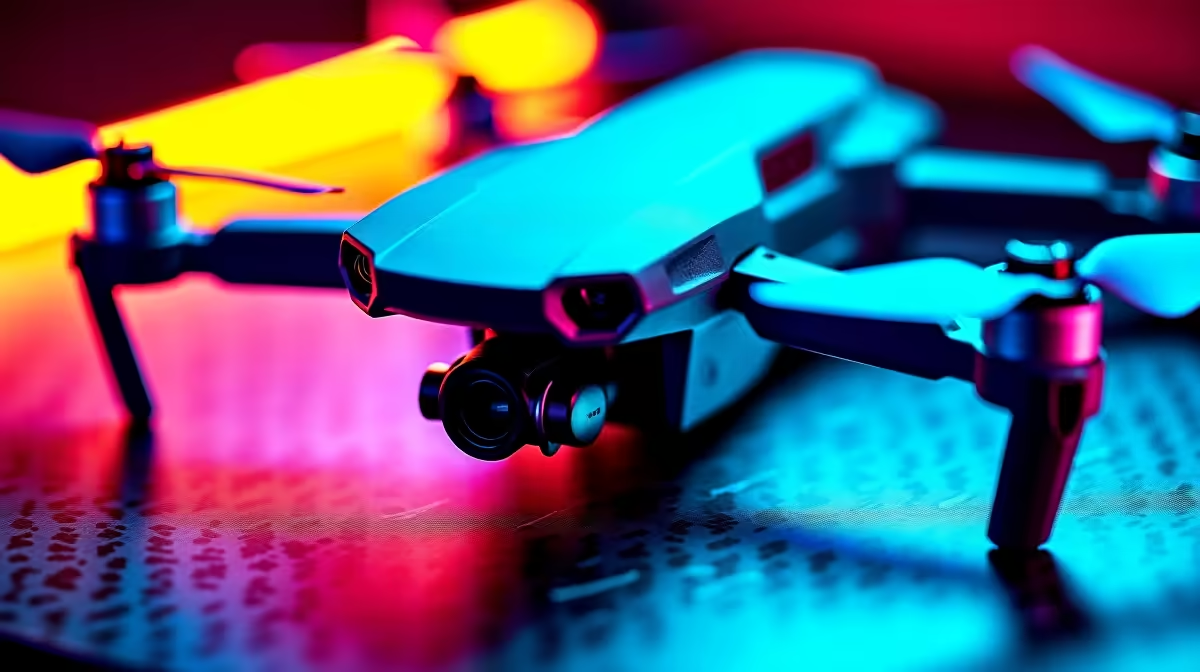
A crashed drone is almost always traceable to something skipped on the ground. A flat battery mid-flight, a hairline crack in a propeller, a GPS lock that never fully acquired, these cost more in repairs and lost footage than the two minutes a check takes. A repeatable drone pre-flight checklist turns a good flight from luck into routine, and these ten checks cover the failures that actually ground pilots.
Quick Answer
Before every takeoff, verify ten things: battery charge on the drone and controller, current firmware, propeller condition, GPS satellite lock, free storage space, compass and IMU calibration, a clear takeoff area, the controller link, your return-to-home setting, and the local airspace rules. Run them in the same order every time and the routine takes about two minutes.
Power and storage: the checks that end flights early
Start with the basics that strand a drone in the air or lose your footage.
- Drone battery charge. Confirm a full, healthy pack and watch for any swelling, which means retire that battery. Account for wind, since fighting a breeze drains power faster than calm-air flight time suggests.
- Controller battery charge. A dead controller is as dangerous as a dead drone. Charge it alongside the aircraft so they are never out of step.
- Storage space. Check the SD card has room and, ideally, format it before a shoot so a full card never cuts a clip short mid-flight.
Treat the battery as the single most important item. Plan to land with a comfortable reserve rather than flying a pack to empty, because the last few percent is where forced landings happen.
Hardware and firmware: confirm the drone is airworthy
- Firmware status. Make sure the drone and controller are on current firmware, but never start an update minutes before flying, since a half-finished update can leave the aircraft unflyable. Do updates the day before.
- Propeller inspection. Check each propeller for cracks, chips, bends or looseness. A damaged prop throws the drone off balance and can fail under load. Replace anything questionable rather than risking it.
- Compass and IMU calibration. Calibrate when the app prompts, especially after travelling to a new area. A poorly calibrated compass causes drift and fly-aways, so this is one of the most safety-critical checks.
Inspect props every single flight, not just when something feels off. They take the most punishment and fail without warning if a crack is missed.
Site and signal: read the environment before you launch
- GPS satellite lock. Wait for a strong satellite lock before takeoff. GPS underpins stable hover, accurate positioning and return-to-home, so launching before full lock invites drift and unreliable safety features.
- Clear, level takeoff area. Choose a flat, open launch spot away from people, trees, power lines and water. Scan upward as well, since branches and cables overhead cause as many crashes as obstacles on the ground.
- Controller link. Confirm a solid connection between controller and drone, and check for obvious interference sources nearby before you commit to the air.
A few seconds spent reading the site, the obstacles, the people, the wind, the overhead hazards, prevents the situations no in-flight correction can save you from.
Safety settings and the rules
- Return-to-home and airspace. Set a sensible return-to-home altitude that clears nearby obstacles, and confirm the home point is recorded. Then check you are clear to fly the location under South African rules, since some areas near airports and restricted zones are off limits.
In South Africa, recreational and commercial drone use is governed by civil aviation regulations, and flying responsibly means staying within line of sight, away from airports and crowds, and below the legal altitude ceiling. Knowing the rules for your spot is as much a pre-flight item as checking the battery. Smart-home and connected gadgets that pair with a flying kit, from controllers to storage, sit within the smart home and connected devices range at Evetech, and spare cards, cases and cables to keep this checklist quick live among the accessories best sellers at Evetech.
Make it a habit, not a hope
The value of a checklist is that it runs the same way every time, so nothing depends on memory or mood. Run the ten checks in a fixed order, top to bottom, before every single flight, even the quick ones. The flights that go wrong are almost always the ones where a pilot decided this time did not need the full routine.
Frequently Asked Questions
What is the single most important pre-flight check?
Battery charge, on both the drone and the controller. A power failure mid-flight is the most common cause of a forced landing or crash, so always launch with a healthy, full pack and plan to land with a reserve.
Should I update firmware right before flying?
No. Always update the day before. A firmware update interrupted close to takeoff can leave the drone unflyable, so never start one minutes before a flight.
Why does GPS lock matter so much?
GPS underpins stable hover, accurate positioning and return-to-home. Taking off before a strong satellite lock leads to drift and makes safety features unreliable, so wait for full lock every time.
How often should I inspect the propellers?
Every single flight. Propellers take constant stress and can fail from a crack that is easy to miss, so check each one for damage and replace anything questionable before launching.
Do I need to follow drone rules for a quick flight?
Yes. South African civil aviation rules apply regardless of flight length. Stay within line of sight, clear of airports and crowds, and below the legal altitude, and confirm your location is allowed before you fly.
Fly with confidence on every takeoff. Browse Evetech's drones, spare batteries and storage, and keep a fully kitted, checklist-ready setup so nothing grounds your next flight.











