The moment you hear your own voice echo back at you through headphones, the recording session gets harder. That 10 to 30 millisecond gap between speaking and hearing yourself creates a rhythm disruption that trips even experienced presenters. Dual low-latency real-time monitoring systems solve this by routing each voice through hardware directly, cutting that software-induced echo for both hosts simultaneously.
Quick Answer
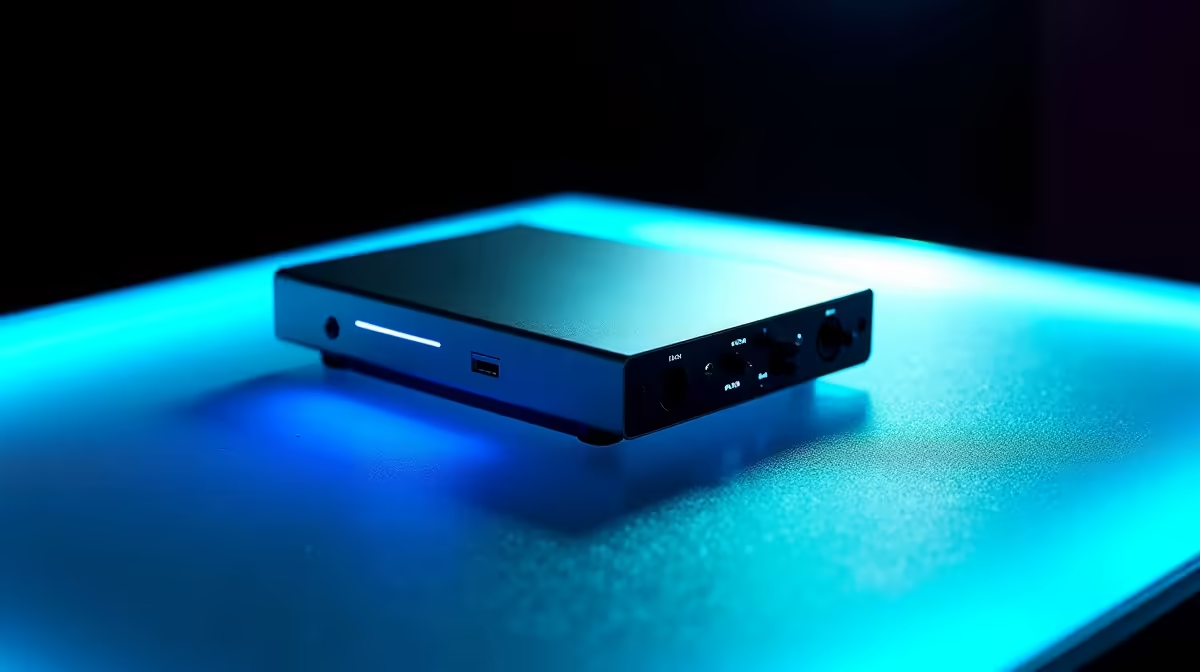
Connect two hosts to an interface with independent headphone outputs set to direct hardware monitoring. Each output bypasses software, delivering a 0ms feed so neither host hears their own voice echoing back. The echo problem disappears at the hardware level before it reaches recording software.
🔧 Where Audio Delay Actually Comes From
Software monitoring routes your microphone input through the audio engine, processes it, and sends it back to your headphones. Every step in that chain adds time. Even a fast system running a low buffer size introduces 10 to 15 milliseconds of round-trip delay. That sounds small until you hear your own voice returning that fraction late.
Direct hardware monitoring bypasses this entirely. The interface reads the microphone signal and routes it to the headphone output before the audio engine ever sees it. The delay at that point is effectively zero, constrained only by the physics of the circuitry itself, which is measured in microseconds rather than milliseconds.
For two hosts in the same room, this matters doubly. If one person hears latency and the other does not, their timing diverges. The host with the delay subconsciously slows down to compensate. Running both outputs through direct monitoring keeps both presenters on the same temporal footing.
⚡ Independent Outputs Versus a Shared Mix
A single headphone output forces a trade-off. Both hosts share one blend, so adjusting the level for one person changes what the other hears. One host asking for more of their own voice in the mix can make the overall volume uncomfortably loud for the other.
Two independent outputs remove that constraint. Each host controls their own headphone volume without touching the other. A host who prefers themselves slightly forward in the mix can set that privately, while the second host sets a completely different blend. The interface handles both simultaneously, each at zero latency.
The overhead of maintaining two separate mixes is minimal at the hardware level. A good two-output interface draws no more power or processing from your computer than a single-output model because neither mix passes through the CPU. Both feeds run on dedicated circuitry inside the interface chassis.
Pro Tip ⚡
After routing both outputs to direct monitoring, play back a short reference recording to confirm neither host is running software monitoring in parallel. Most DAWs leave software monitoring enabled by default, which stacks a latent echo on top of the direct feed and defeats the purpose of the hardware route. Disable it in the software settings before the first take.
🎯 Headphone Output Power and Impedance
A zero-latency feed sounds terrible if the headphones cannot reproduce it clearly. Interface headphone outputs typically range from 30 to over 150mW of output power. That range covers most standard gaming and studio headphones, but high-impedance studio cans around 250 ohms need more voltage to reach a comfortable listening level.
For dual monitoring, confirm the interface can drive both outputs at sufficient volume simultaneously. Some interfaces attenuate when both outputs are active. If you run high-impedance headphones on one output and a low-impedance pair on the other, the signal balance can shift. Matching impedance ranges across both pairs keeps levels stable and predictable throughout a long recording session.
🔌 What Dual Monitoring Cannot Eliminate
A remote guest adds a third audio path that hardware monitoring does not control. Their voice reaches the studio across a network, carrying whatever delay the connection introduces, typically 80 to 150ms on a South African fibre setup depending on server location. Both local hosts hear this at the same time, so there is no asymmetry between them, but it is not zero latency.
The constructive approach is to treat the remote return as a programme element rather than a monitoring problem. Both local hosts accept the small network delay as the cost of remote participation and build a conversational pause into their responses. Software monitoring would not reduce it anyway, so the dual hardware setup is still the right configuration for the local voices.
Frequently Asked Questions
How exactly does direct hardware monitoring reach zero latency?
The interface takes the microphone signal off the input circuit and feeds it straight to the headphone amplifier before the audio driver processes anything. No buffer, no sample conversion, no round trip through the operating system. The time involved is dominated by the physical length of the circuit traces, which is far below any humanly perceptible threshold.
Does running two headphone outputs at once tax the interface?
No. Each output operates on its own dedicated amplifier section. The interface is not splitting a single amplifier between two outputs, which would reduce power per channel. Two independent circuits each deliver their rated power simultaneously, and neither one imposes processing load on the connected computer.
Can software monitoring ever be useful in a dual setup?
Yes, in a narrow circumstance. If you apply real-time effects processing and want to hear a processed version of your voice through headphones, you would need software monitoring active for that signal path. In that case the software loop adds latency. Most podcast recording workflows use dry input monitoring and apply processing afterwards, so software monitoring stays switched off.
What is the risk of leaving V-sync and software monitoring both active?
The DAW routes the input signal twice: once through hardware at 0ms and once through software at 15ms or more, depending on buffer size. The headphones play both simultaneously, creating a doubled, comb-filtered version of your voice that is fatiguing to listen to and can cause you to strain your delivery. Confirm only one monitoring path is active at any time.
Why would two hosts ever share one monitoring feed?
For very casual recordings where tracking individual preferences is not worth the setup time, a shared mix is simpler. The shared path means one person adjusting volume affects both, and neither host can independently weight their own voice. For anything intended for publication, separate feeds consistently produce a more natural-sounding performance because neither host is compensating for a mix that does not quite suit them.
Ready to remove the echo and record with confidence?
Browse the audio interface range with independent dual headphone outputs and set up the zero-latency monitoring your co-host sessions deserve.