


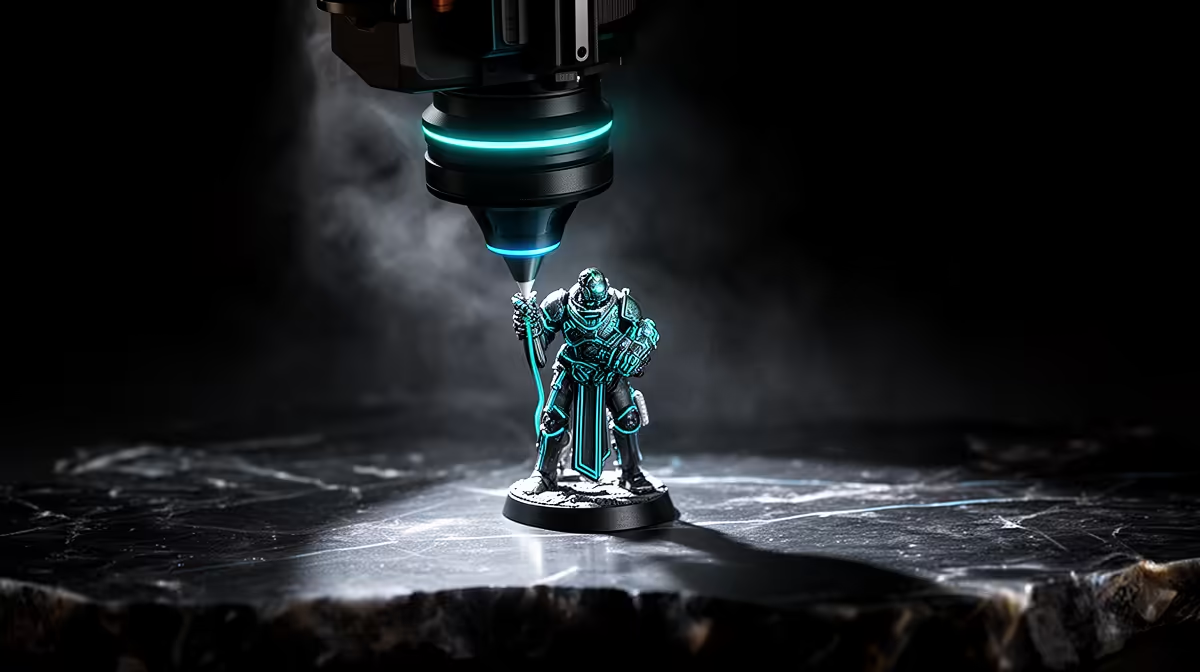
Pick the wrong printer for your tabletop hobby and you either spend months sanding visible layer lines off a hero model, or you wrestle a resin machine to print a terrain piece it was never meant to handle. FDM and resin are not better or worse than each other, they are built for different jobs. FDM lays down plastic in lines you can often see on small figures, while resin cures liquid in layers fine enough to capture chainmail and faces. Match the machine to what you actually print and the hobby gets a lot less frustrating.
Quick Answer
For character miniatures and detailed single figures, resin wins. MSLA resin printers reach Z-layer resolutions around 0.01 to 0.05mm, fine enough to render crisp faces, weapons and texture. For large terrain, scenery and tough functional pieces, FDM wins on size, material choice and lower running cost. Many serious hobbyists eventually own one of each.
The core difference: how each printer builds a model
FDM, or fused deposition modelling, melts a plastic filament and draws each layer as a line of molten material. Typical layer heights land around 0.1 to 0.2mm, and on a small mini those layers can remain visible as fine ridges, especially on curved surfaces like cloaks and faces. It is excellent for strength and size, less so for tiny detail.
Resin printing, specifically MSLA, cures liquid resin one ultra-thin layer at a time using a screen and UV light. Because it works in layers as fine as a hundredth of a millimetre, it captures the kind of detail a 28mm or 32mm character mini demands. The detail you see on a well-printed resin figure is the main reason it has become the standard for character work.
How to choose: a step-by-step walkthrough
Work through these in order and the right machine usually becomes obvious.
1. Decide what you print most
Be honest about your actual hobby, not your aspirational one. If ninety percent of your output is character minis, busts and detailed single figures, you are a resin candidate. If you mostly print terrain, buildings, movement trays and functional bits, FDM serves you better. Print volume of each type, not enthusiasm, should decide this.
2. Weigh detail against size
Resin printers tend to have smaller build areas, which suits minis but makes large terrain a multi-part chore. FDM machines offer much larger build volumes, so a big building or board feature can come off the plate in fewer pieces. If your hobby leans toward sprawling scenery, the larger FDM bed is a real advantage.
3. Factor in the workflow and mess
This is where many newcomers underestimate resin. Liquid resin needs careful handling, gloves and ventilation, and prints require washing in isopropyl alcohol and curing under UV before they are ready. FDM is far cleaner: load filament, print, remove supports. If you print at a kitchen table or in a shared space, that difference matters.
4. Consider material strength
FDM materials like PLA and PETG produce tough, durable parts that survive handling and transport well, which suits gaming pieces that get moved around constantly. Standard resin prints are more detailed but can be more brittle, though tougher resin blends exist. For pieces that take knocks, FDM has the edge.
5. Budget the full cost, not just the printer
Both machines are only the start. Resin adds the resin itself, isopropyl alcohol, gloves, a wash-and-cure routine and replacement screens over time. FDM adds filament, the odd nozzle and build plate. Resin consumables tend to cost more per print for small items, while FDM is cheaper per gram for bulky pieces. Factor consumables into the decision, not just the sticker price.
What each excels at, summarised
Resin is the tool for crisp character minis, busts, intricate single figures and anything where surface detail is the whole point. FDM is the tool for terrain, buildings, large scenery, trays, tokens and functional parts where size, durability and low cost matter more than capturing every rivet.
If you want to compare the local lineup of both printer types side by side before deciding, the 3D printer range at Evetech lists current FDM and resin machines with their build volumes and layer specs.
The two-printer reality
Plenty of committed hobbyists end up running both: an FDM machine for terrain and bulk, a resin machine for heroes and detail. If that is your trajectory, start with whichever matches your most common output today and add the second later. Either way, a kit of the right consumables makes a new machine far less frustrating, and the best-selling accessories list is a quick way to pick up the basics owners reach for first.
Frequently Asked Questions
Is resin always better for miniatures?
For character minis and detailed single figures, resin's finer layers give a clear quality edge. But for large terrain, scenery or pieces that take rough handling, FDM is often the better and cheaper choice. The right answer depends on what you print.
Are FDM layer lines a dealbreaker for minis?
On small figures FDM layer lines can be visible, though good settings and sanding reduce them. They matter less on larger models and terrain. If flawless small-scale detail is your priority, resin avoids the issue entirely.
Is resin printing safe to do at home?
It is, with the right precautions: gloves, good ventilation and careful handling of liquid resin and isopropyl alcohol. Prints also need washing and UV curing. FDM is cleaner and simpler if you lack a dedicated, ventilated space.
Which is cheaper to run?
For small detailed items, FDM filament is generally cheaper per print than resin and its consumables. For bulky pieces, FDM's lower cost per gram is even more pronounced. Resin's per-print cost climbs once you factor in alcohol, gloves and screen replacements.
Should I buy FDM or resin first?
Buy whichever matches the bulk of what you print today. Heavy on terrain and functional parts means FDM first; heavy on character minis means resin first. Many hobbyists add the second machine once the first proves its worth.
Ready to match a printer to your hobby? Browse the FDM and resin machines in the 3D printer range at Evetech, weigh detail against size and running cost, and pick the one that fits what you print most.








