Kingston 16GB current-gen SODIMM at R741 suits a first-time laptop buyer who wants a simple memory bump without paying for a full desktop kit. For a new buyer, the safest move is to match the upgrade to the machine first: laptop users should look at that Kingston 16GB module, while desktop builders should consider a 32GB RAM kit if the budget allows.
Start with the slot, then choose the size
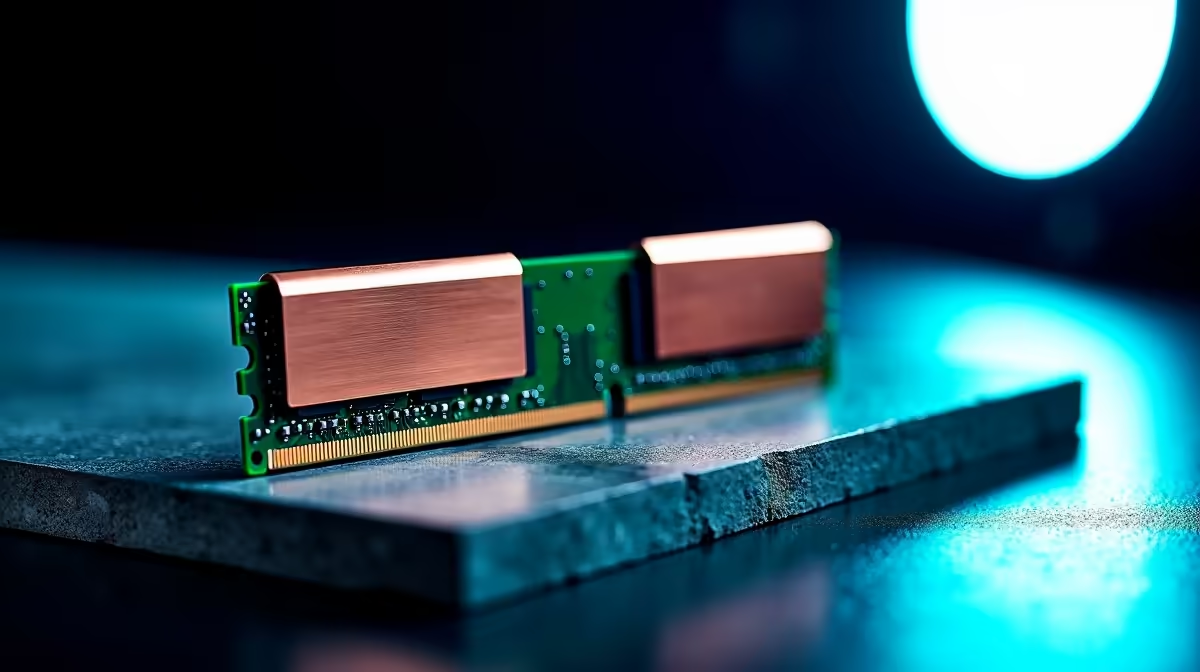
The Kingston 16GB current-gen SODIMM at R741 is the sensible first check for a laptop upgrade because the listed spec is a single 16GB current-gen SODIMM. It suits a student desk or home office laptop where the goal is smoother multitasking, not RGB styling or extreme speed.
For a first desktop build, TEAMGROUP VULCAN 32GB current-gen 6000 at R1,460 is the stronger value pick. It gives a 32GB memory capacity and 6000 speed, which is a practical starting point for gaming, browsing, school work, and everyday creative apps on a modern PC.
Kingston FURY 32GB current-gen 6400 at R2,300 is the cleaner step-up if the build budget has room for faster memory. The 32GB capacity keeps the system comfortable, while the 6400 speed makes more sense for a buyer already choosing newer current-gen parts.
First PC desk setup in South Africa
If this is a first gaming room or student desk build, avoid overspending before the rest of the PC is balanced. KLEVV CRAS V 32GB 7200 RGB at R6,400 has 32GB memory, 7200 speed, and RGB, but it is better for a more premium setup than a basic first upgrade.
Ready to choose the right memory?
Compare the listed memory range and match the capacity, speed, and format to your PC before you buy.