Ever dreamed of soaring over the Drakensberg or banking hard over Cape Town's iconic stadium? You're not alone. Building the ultimate flight sim setup in South Africa is more achievable than ever, turning your desk into a high-tech cockpit. Forget clunky controls and laggy screens… we’re talking about pure, immersive flight. Let's break down how to design your dream cockpit, piece by piece, right here in SA. ✈️
The Engine Room: Your PC Build
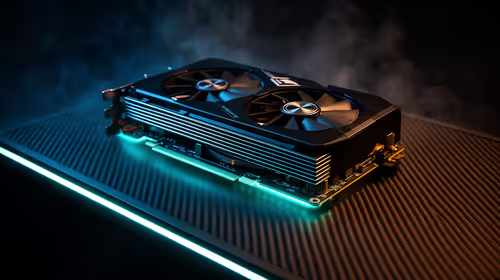
Before you even think about yokes or pedals, you need a powerful core for your flight sim setup. Modern simulators like Microsoft Flight Simulator 2020 are notoriously demanding, requiring a solid CPU for complex physics calculations and a beefy GPU to render breathtaking scenery in high detail. Stuttering or low frame rates can completely ruin the immersion.
For a smooth experience, you'll want a PC that can handle ultra settings without breaking a sweat. Instead of guessing component compatibility, consider a pre-optimised system. Our range of specialised Microsoft Flight Simulator gaming PCs is specifically configured to deliver the performance you need, from casual VFR flights to intense IFR approaches in busy airspace.
Your Window to the World: Choosing a Monitor
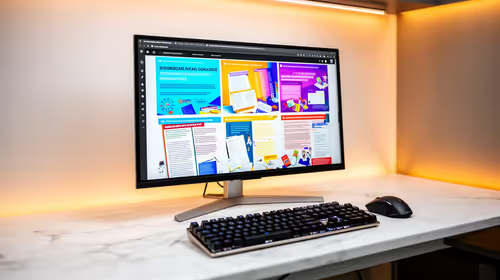
What’s the point of a powerful PC if you’re viewing the world through a tiny, low-resolution screen? Your monitor is your cockpit window, and it's a critical part of any flight sim setup in South Africa. For maximum immersion, a single ultrawide or curved monitor is a fantastic choice. The extended peripheral vision makes you feel like you're actually sitting in the pilot's seat.
Many local simmers are opting for immersive curved monitors to wrap the game's visuals around them, making it easier to spot landmarks and runways during your approach. Alternatively, a multi-monitor setup can give you dedicated screens for instruments, maps, and your main view. Whichever path you choose, explore our vast selection of PC monitors to find the perfect panel for your budget and space.
Cockpit View Pro Tip 🖥️
For a more realistic Field of View (FOV) on an ultrawide monitor, start with the simulator's default settings and slowly increase it until you notice a 'fisheye' effect at the edges, then dial it back slightly. This gives you maximum peripheral vision without distorting the perspective, making landings feel much more natural.
Taking the Controls: Yokes, Pedals, and HOTAS
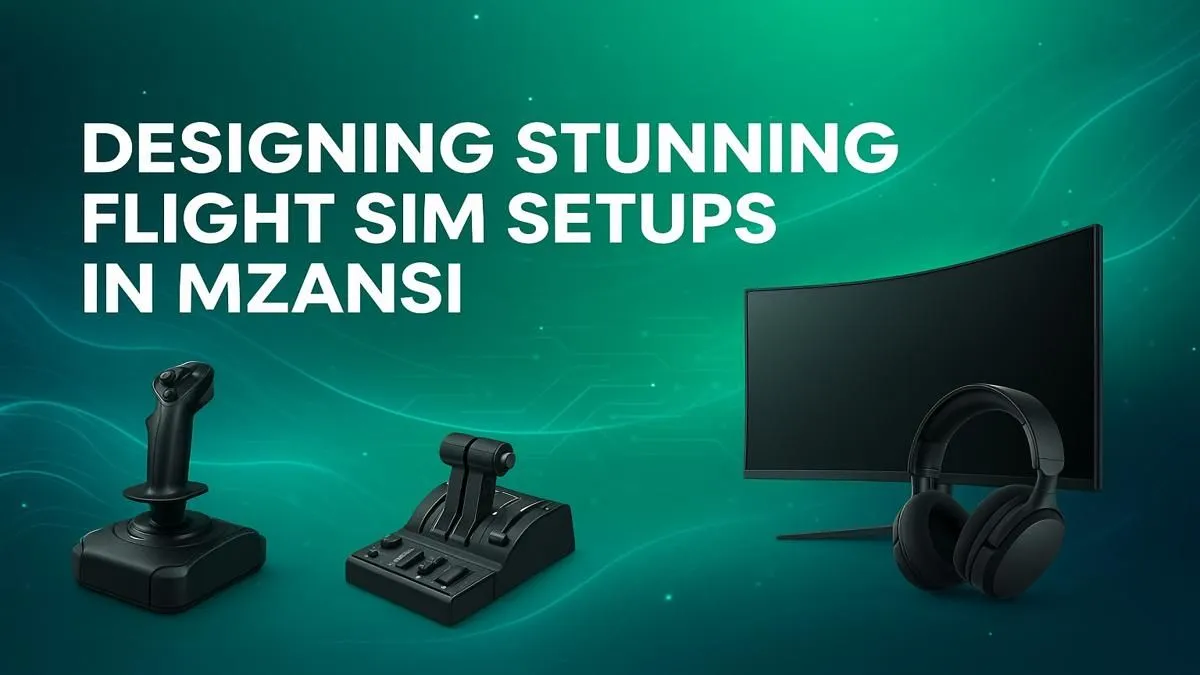
This is where your simulation truly comes to life. Moving beyond a mouse and keyboard to a dedicated flight control system is the single biggest step toward realism. The three main components are:
- Yoke/Stick: For controlling pitch (up/down) and roll (left/right). A yoke is typical for civilian aircraft like a Cessna or Boeing, while a stick is common in military jets and Airbus planes.
- Rudder Pedals: These control the yaw (left/right movement of the tail) and are essential for coordinated turns, taxiing on the ground, and handling crosswinds.
- Throttle Quadrant: This lets you precisely manage engine power, flaps, and spoilers.
For an all-in-one solution or individual components, it's hard to look past Thrustmaster's excellent range of flight controls, which offer incredible realism and build quality for both beginners and seasoned virtual pilots. 🕹️
The Captain's Chair: Comfort for the Long Haul
Those trans-Atlantic flights can take hours. The last thing you want is a sore back pulling you out of the experience. A proper chair isn't just about comfort; it's about maintaining focus and posture during long sessions. An adjustable, ergonomic high-quality gaming chair provides the support you need, allowing you to focus on your flight plan, not your back pain. Look for adjustable armrests, lumbar support, and a solid base to complete your dream cockpit.
Building a dedicated flight sim setup is a rewarding journey. By choosing the right components, you can create an incredibly immersive experience that lets you explore the world from the comfort of your home. ✨
Ready to Take Flight?
Building your dream cockpit is a journey, not a race. From the perfect PC to immersive controls, every piece adds to the realism. Explore our massive range of PC components and start designing your ultimate flight simulator today.