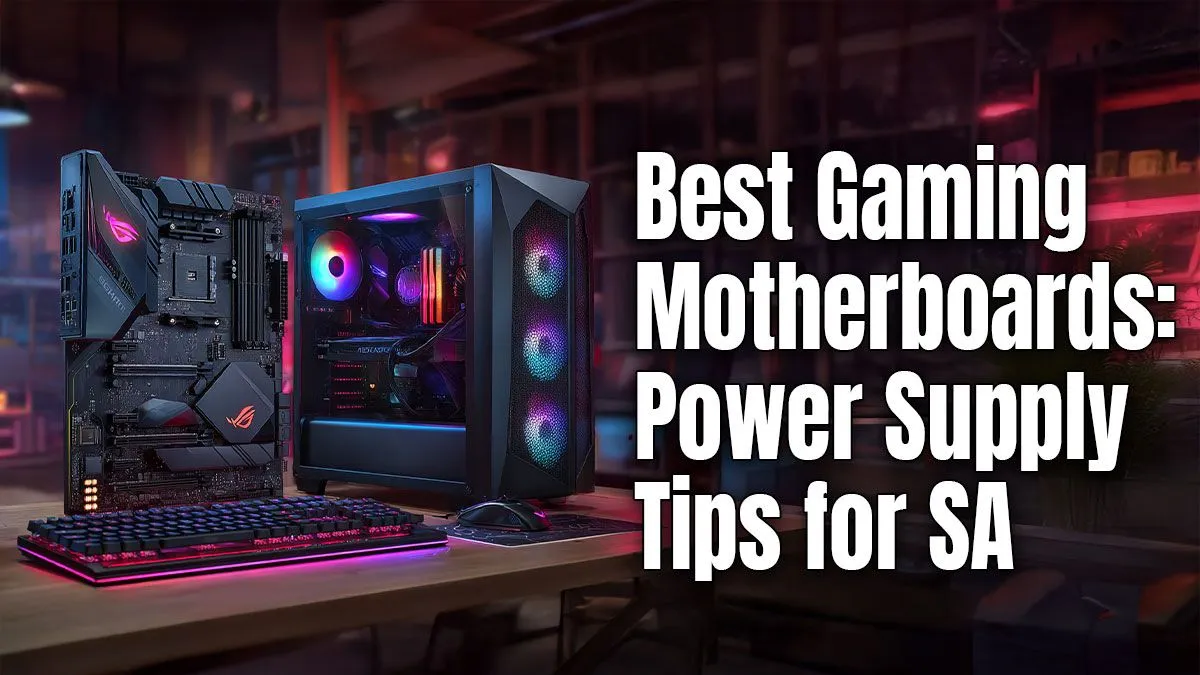
So, you’re planning a new gaming rig. You've picked a beast of a GPU, a CPU that laughs at 4K rendering, and enough RGB to light up a small town. But what about the unsung hero holding it all together... the motherboard? Figuring out your gaming motherboard power requirements can feel tricky, but it’s simpler than you think. Get this right, and you’re on your way to a stable, high-performance machine that won't let you down mid-match. 🚀
Understanding Motherboard Power Consumption
Let's clear up a common misconception: the motherboard itself isn't the most power-hungry component in your PC. Your GPU and CPU take that prize by a long shot. Instead, think of the motherboard as the central nervous system and power grid of your build. Its primary job is to efficiently distribute power from your Power Supply Unit (PSU) to all the other components.
The main power connections you’ll deal with are:
- 24-Pin ATX Connector: This is the big one. It provides the main power for the board itself, running the chipset, PCIe slots, RAM slots, and other integrated features.
- 8-Pin (or 4+4 Pin) CPU Connector: This delivers dedicated, stable power directly to your processor. High-performance CPUs need this clean power, especially when boosting or overclocking.
Understanding the gaming motherboard power requirements is less about the board's own consumption and more about its ability to handle the power needed by your chosen components.
Do High-End Motherboards Need More Power?
Yes and no. A high-end motherboard often has features that slightly increase its own power draw, like more complex VRMs (Voltage Regulator Modules), built-in Wi-Fi, premium audio chips, and extensive RGB lighting. However, the real reason they are paired with bigger PSUs is because they are designed to support top-tier, power-hungry processors and multiple GPUs.
For example, if you're building an overclocking monster with a new Ryzen 9 CPU, a solid foundation from our range of AMD motherboards is crucial. These boards have robust power delivery systems designed to keep that powerful chip fed with stable voltage, which is essential for performance and longevity. 🔧
Similarly, if you're aiming for the highest frame rates with an Intel Core i9, the top-tier Intel motherboards are built for this exact purpose, featuring beefy heatsinks and plenty of power phases to handle the load. The board itself isn't the main draw; it's the enabler for the components that are.
PSU Pro Tip ⚡
Always look for an 80 Plus rating on your Power Supply Unit (PSU). An '80 Plus Bronze' PSU is 85% efficient at 50% load, meaning only 15% of the power is lost as heat. A 'Gold' or 'Platinum' unit is even better. This saves you money on your electricity bill (a big win in SA!) and ensures your components get cleaner, more stable power.
Calculating Your Total Gaming PC Power Needs
The smart way to approach this is to calculate the total power your entire system will need, not just the motherboard. The two biggest consumers are your CPU and GPU. Check their TDP (Thermal Design Power) specifications—this gives you a good baseline for their power consumption under load.
Then, add a little extra for everything else:
- RAM sticks (a few watts each)
- SSDs and HDDs (5-10W each)
- Case fans and CPU cooler (2-5W each)
- RGB lighting and USB devices
Once you have a total, it’s wise to add a 20-30% buffer. This headroom ensures your PSU isn't constantly running at 100% capacity, which improves its efficiency and lifespan. For example, if your components add up to 450W, a good 650W PSU would be a safe and efficient choice.
Choosing the Right Motherboard for Your Build
Ultimately, your motherboard choice is about balance. You don't need a R10,000 board with 20 power phases for a budget gaming PC. The key is matching the motherboard's capabilities to your CPU and overall build goals. Even our more affordable motherboard options provide stable power for mid-range builds, ensuring you get a reliable gaming experience without overspending.
Focus on the features you actually need—like the right socket for your CPU, enough RAM slots, and the necessary M.2 slots for your storage. Getting this right is the first step to building a balanced, powerful, and reliable gaming PC. ✨
Ready to Build Your Powerhouse PC?
Understanding your PC's power needs is the first step to a stable and powerful build. Now, it's time for the fun part. Explore our massive range of motherboards and find the perfect foundation for your next gaming conquest.