

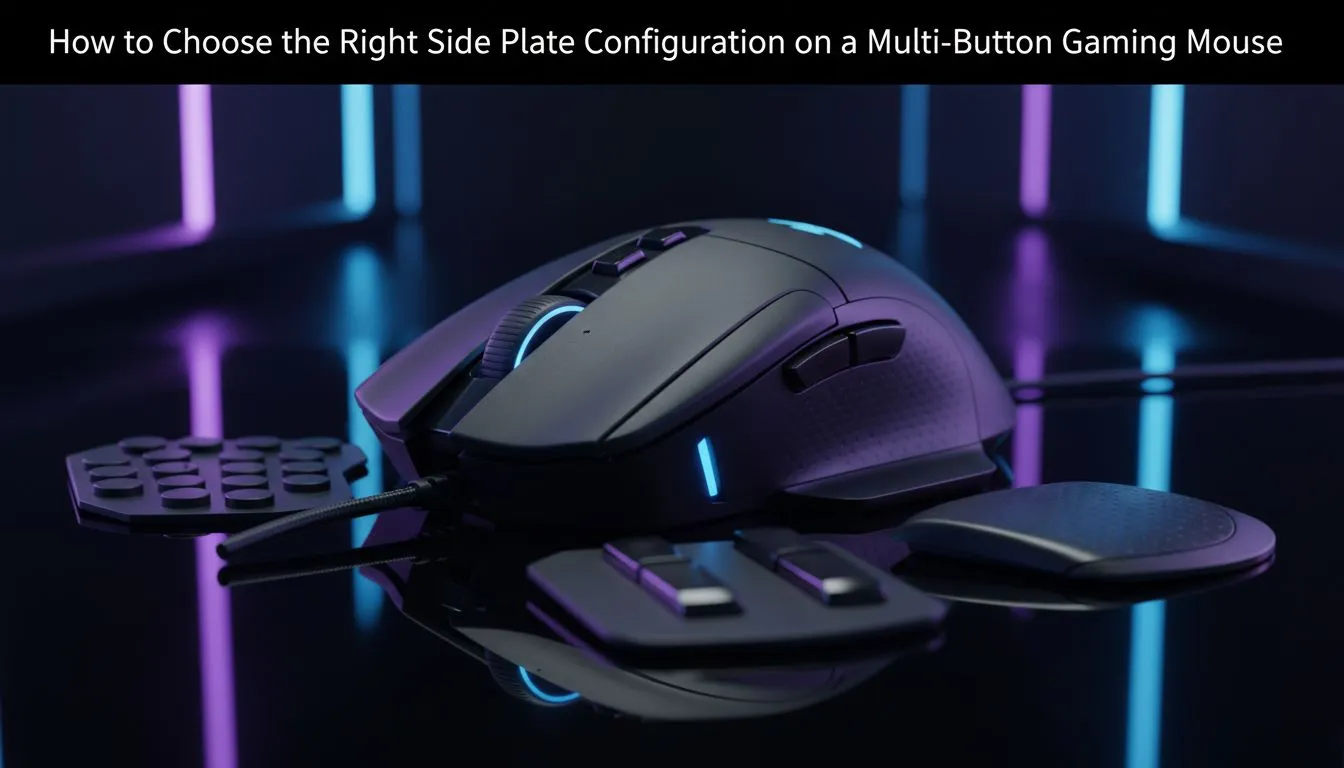
Side plate setup for gaming mice — pick the right configuration fast 🔧
South African gamers: small changes to your mouse can shave milliseconds off flicks and stop thumb slips in clutch fights. If you’re debating side plate swaps, grip comfort, or extra buttons, this short guide helps you decide fast — and points to local buying options and deals in ZAR so you can buy with confidence. Let’s tune that hand fit and get you back to winning. ⚡
Why side plate configuration matters for aim and comfort
Side plate choices affect grip, button reach, and balance. Competitive players often favour a low-profile plate to reduce wrist torque; streamers or MMO fans want bigger, programmable plates for macros. For a broad look at available models and parts, check Evetech’s gaming mouse components to compare shapes and button layouts — it’s a good starting point when you want specs and photos in one place: https://www.evetech.co.za/components/gaming-mouse-117.aspx.
Match configuration to grip style and game genre
Palm, claw or fingertip grips each prefer a different side plate. Try a slightly thicker plate for palm grips and a slim, textured plate for fingertip control. If you play shooters, prioritise quick lateral motion and predictability. For MMOs, consider extra side buttons for binds. Evetech’s best gaming mouse deals page helps you spot models with swappable plates and native macro support when you’re hunting ZAR savings: https://www.evetech.co.za/best-gaming-mouse-deals/x/054.aspx 🚀
Wired or wireless? How your side plate decision changes
Wireless mice have closed internal layouts, so plate swaps might be limited on some models. If modular side plates are crucial, look specifically at wired variants or higher-end wireless designs that advertise modularity. Browse wired and wireless categories to filter for swappable parts before you commit: wired options — https://www.evetech.co.za/buy-wired-mouse/x/1596.aspx; wireless choices — https://www.evetech.co.za/buy-wireless-mouse/x/1597.aspx.
Quick Fit Tip ✨
When trying a new plate, tape a thin strip of foam to simulate added thickness. Test for 15 minutes in-game to feel how reach and control change before buying replacement parts.
Practical steps to test and choose side plates
- Measure: note current plate thickness and button spacing.
- Test ergonomics: use a temporary shim (sellotape or foam) to simulate changes.
- Check button reach: press every side button rapidly to ensure no accidental inputs.
- Confirm weight and balance: heavier plates can slow flicks. For accessories and replacement plates, see Evetech’s mouse accessories listings to compare add-ons and stabilisers: https://www.evetech.co.za/buy-mouse-accessories/x/1595.aspx.
Final buying tips and local context
South African stock moves fast when a popular model drops. If you want the easiest route, Evetech lists a wide range of compatible mice and replacement parts — always read return policies and warranty info on the product page before buying. Explore models and make your final pick with local warranties and delivery in mind at Evetech’s mouse category pages: https://www.evetech.co.za/components/gaming-mouse-117.aspx.
Ready to Find Your Perfect Match? The Mac vs Windows debate is complex, but for maximum power, choice, and value in South Africa, Windows is hard to beat. Explore our massive range of laptop specials and find the perfect machine to conquer your world.











