


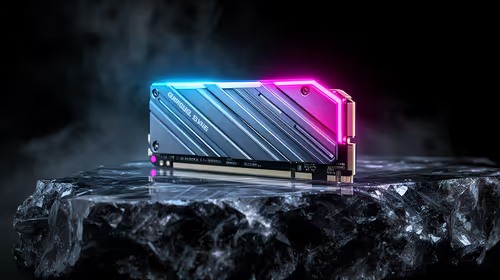
Best SSD for Gaming in South Africa - Updated July 2026
The best SSD for gaming is available at Evetech from R1,599 including VAT, with 58 drives in stock. A PCIe Gen4 NVMe drive at 500GB to 1TB is the recommended pick for most gamers.
Read moreGaming mice are available at Evetech from R199 including VAT, with 25 models in stock under R500. The strongest options run from R399 up to R499 wireless tri-mode mice.
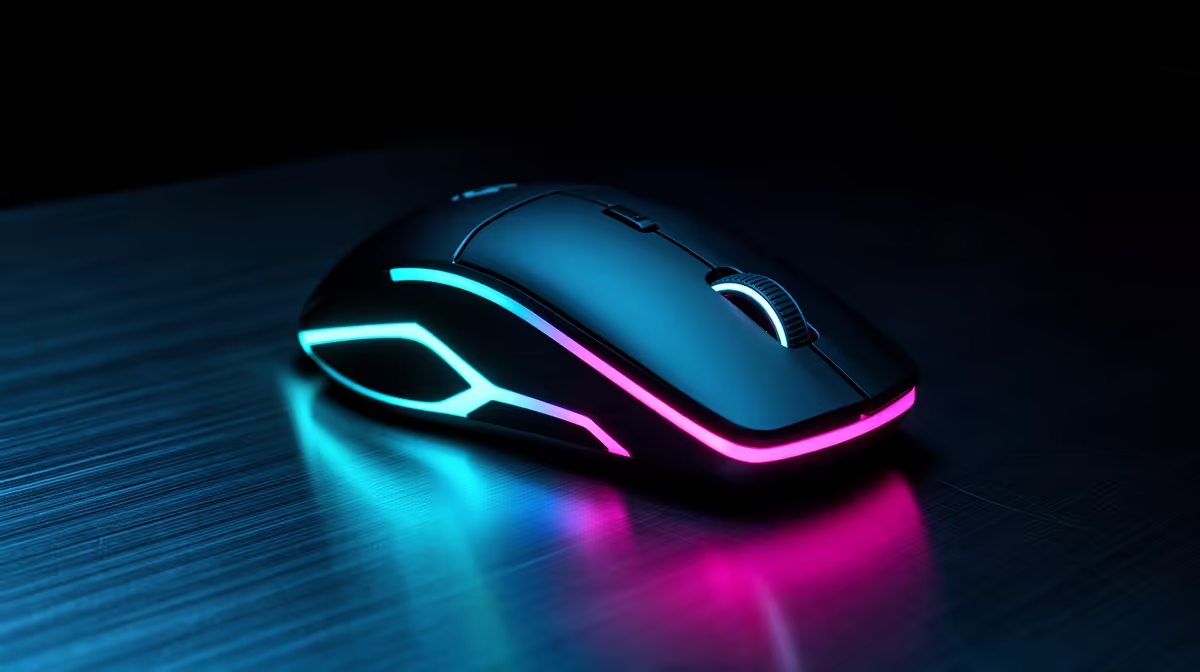
A gaming mouse under R500 goes considerably further in South Africa than it did a few years back, and cutting the cable is no longer the sacrifice this budget demands. Between 55g wired shells and tri-mode wireless models carrying five-figure DPI sensors, the sub-R500 shelf has quietly stopped being a compromise. Here is what that R500 reaches, and how to choose your side of the wired-wireless line.
Gaming mice are available at Evetech from R199 including VAT, with 25 models in stock under the R500 mark. Within that cap the strongest picks run from the MONSTER Airmars KMH5 at R399 to three wireless models tied at R499, most of them carrying 12,000 DPI sensors.
Prices verified 16 July 2026. These are in-stock models at Evetech, cheapest first, and every price includes VAT.
The category floor is R199, and that buys the bare mechanics of a working gaming mouse. The six above are the more interesting proposition: the sub-R500 mice that concede surprisingly little to hardware costing many times more. The Airmars opens at R399 on a 5,000 DPI sensor, a sane specification for anyone who is not chasing headline numbers. From R439 the Lorgar MSA10 pair climb to 12,000 DPI and drop to a 55g shell, which is properly light for a wired mouse at this money. The broader mice under R1,000 range shows what another few hundred rand would add.
Wireless starts at R449 with the MARVO Niro 50, and it arrives tri-mode: 2.4GHz dongle, Bluetooth, or a cable when the battery dies, rather than locking you to one method. R499 brings two more, the tri-mode Monka G982W and the Niro 60, the latter built on a Pixart 3311, a well-proven optical sensor that turns up across a great many entry-level gaming mice for good reason.
The Lorgar MSA10 is the pick for anyone who ranks feel above convenience. At 55g on a cable it undercuts the weight of plenty of mid-range wireless mice, and a wire removes the latency conversation altogether, which is why budget-conscious competitive players keep choosing wired. The tri-mode models at R449 and R499 give up a little weight and add some connection complexity in exchange for a clear desk, plus a wired fallback for the evening you forget to charge. Anyone certain about staying tethered should look through the wired mouse range rather than paying for radios they will never switch on.
DPI escalates quickly here, from 5,000 on the Airmars to 12,000 across four of these six, but read those upper figures as headroom rather than a setting you will live at. Most players sit comfortably between 800 and 3,200 DPI; a 12,000 ceiling simply means the sensor keeps its composure if you push sensitivity somewhere unusual.
Sensor pedigree and weight outrank DPI ceiling once you are shopping this bracket. A mouse built on a known-good chip like the Pixart 3311 in the Niro 60 tracks more predictably than one advertising a larger number on a rougher sensor. Shape carries equal weight: all six here use a fairly compact, ambidextrous-leaning shell that flatters fingertip and claw grips but can feel undersized for a large hand resting flat. For a sense of what the premium end does differently, the best gaming mouse deals make the contrast obvious.
A R500 budget stretches furthest on the wireless tri-mode options at R449 and R499, or the 55g Lorgar MSA10 wired mouse at R439 if you would rather stay tethered.
Yes. Three wireless tri-mode mice sit at R449 and R499, giving you 2.4GHz, Bluetooth and wired fallback in the same mouse.
It depends what you value. The 55g wired MSA10 delivers the lowest latency and lightest feel available here, while tri-mode wireless trades a little weight for a cable-free desk.
No, not by itself. What counts is how steadily the sensor tracks at the DPI you genuinely use; a proven sensor at 5,000 DPI can beat a rougher one advertising far more.
It varies by model. The MARVO Niro 60 runs a Pixart 3311, a reliable and widely deployed choice at this price, while the others use manufacturer-tuned optical sensors of their own.
Ready to shop gaming mice under R500? See today's stock of 55g wired and tri-mode wireless options and pick the sensor that suits your grip.
A R500 budget stretches furthest on the wireless tri-mode options at R449 and R499, or the 55g Lorgar MSA10 wired mouse at R439 if you would rather stay tethered.
Yes. Three wireless tri-mode mice sit at R449 and R499, giving you 2.4GHz, Bluetooth and wired fallback in the same mouse.
It depends what you value. The 55g wired MSA10 delivers the lowest latency and lightest feel available here, while tri-mode wireless trades a little weight for a cable-free desk.
No, not by itself. What counts is how steadily the sensor tracks at the DPI you genuinely use; a proven sensor at 5,000 DPI can beat a rougher one advertising far more.
It varies by model. The MARVO Niro 60 runs a Pixart 3311, a reliable and widely deployed choice at this price, while the others use manufacturer-tuned optical sensors of their own.
The best SSD for gaming is available at Evetech from R1,599 including VAT, with 58 drives in stock. A PCIe Gen4 NVMe drive at 500GB to 1TB is the recommended pick for most gamers.
Read more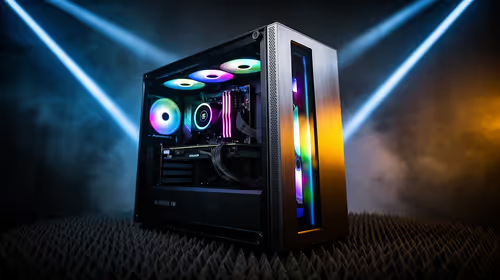
The best streaming PC range is available at Evetech from R20,684 including VAT, with 22 models in stock. Every build pairs a multi-core CPU with an NVENC or Quick Sync capable GPU, so streaming and gaming can run on one machine without stealing frame rate.
Read more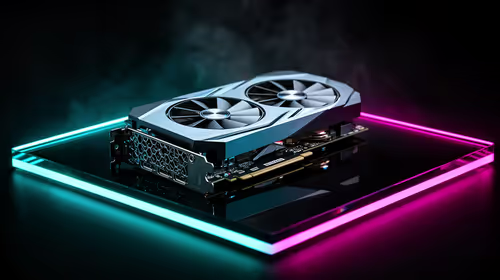
The RTX 5070 is available at Evetech from R11,899 including VAT, with 18 models in stock and most cards priced between R11,899 and R14,000. It is the current 1440p value pick in the NVIDIA 50-series.
Read more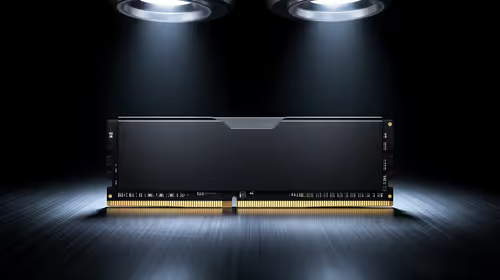
16GB DDR5 RAM is available at Evetech from R3,799 including VAT, with 22 modules in stock. It is the sensible baseline for budget and esports builds.
Read more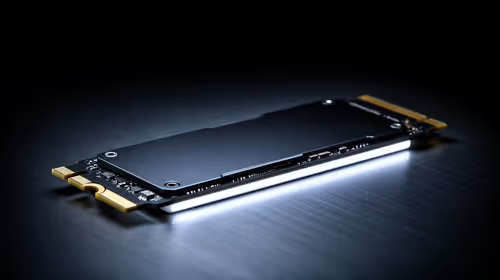
The cheapest 1TB NVMe SSD is available at Evetech from R2,599 including VAT, with 21 drives in stock. 1TB PCIe Gen4 is the current sensible default for a gaming or work PC.
Read more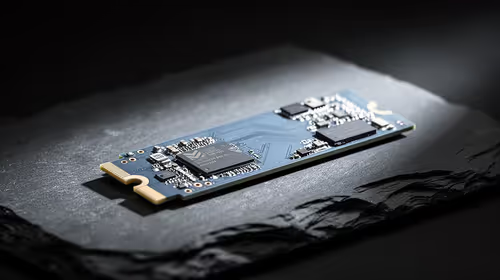
The cheapest 2TB NVMe SSD is available at Evetech from R4,999 including VAT, with 21 drives in stock. 2TB is now the comfortable capacity for a real gaming library.
Read more
Wi-Fi 7 vs Wi-Fi 6e for cinematic story games comes down to router support, latency goals, device compatibility, and coverage. SA buyers should match the choice to the real network setup.

The real world difference between PCIe 5.0 and PCIe 4.0 for MMO and live-service games is usually about loading, patches, and headroom. SA players should weigh NVMe speed, GPU lanes, CPU limits, and platform cost.

Windows 11 gaming laptop dead pixel checks begin with a full-screen colour test. This how to fix dead pixel windows 11 gaming laptop guide helps SA users compare settings, drivers, external screens, and warranty routes.

AM5 motherboard stuck pixel fixes in South Africa start with panel, cable, GPU output, and Windows checks. Use a clean test path before blaming the motherboard or replacing screen hardware.

FPS drops blamed on a wireless mouse often point to input, driver, USB, network, or system-load checks. Use a quick SA-friendly troubleshooting flow to isolate software, firmware, thermals, storage, and game settings before replacing hardware.

How to fix fps drops on steam deck starts with power profile, shader cache, storage health, and per-game settings. For South Africa, check charger quality, heat, and download stability before assuming the handheld needs repair. Retest after updates.

How to fix low FPS after an RTX 5080 build upgrade starts with driver cleanup, display settings, thermals, and power mode. For SA gamers, verify GPU usage, PCIe speed, RAM profile, and CPU limits before changing parts.

Hollow Knight Silksong at 4K needs a GPU matched to settings, VRAM, CPU balance, and monitor goals. Use this SA guide to compare tiers without treating FPS target or prices as fixed.
The best SSD for gaming is available at Evetech from R1,599 including VAT, with 58 drives in stock. A PCIe Gen4 NVMe drive at 500GB to 1TB is the recommended pick for most gamers.
The best streaming PC range is available at Evetech from R20,684 including VAT, with 22 models in stock. Every build pairs a multi-core CPU with an NVENC or Quick Sync capable GPU, so streaming and gaming can run on one machine without stealing frame rate.
The RTX 5070 is available at Evetech from R11,899 including VAT, with 18 models in stock and most cards priced between R11,899 and R14,000. It is the current 1440p value pick in the NVIDIA 50-series.
16GB DDR5 RAM is available at Evetech from R3,799 including VAT, with 22 modules in stock. It is the sensible baseline for budget and esports builds.