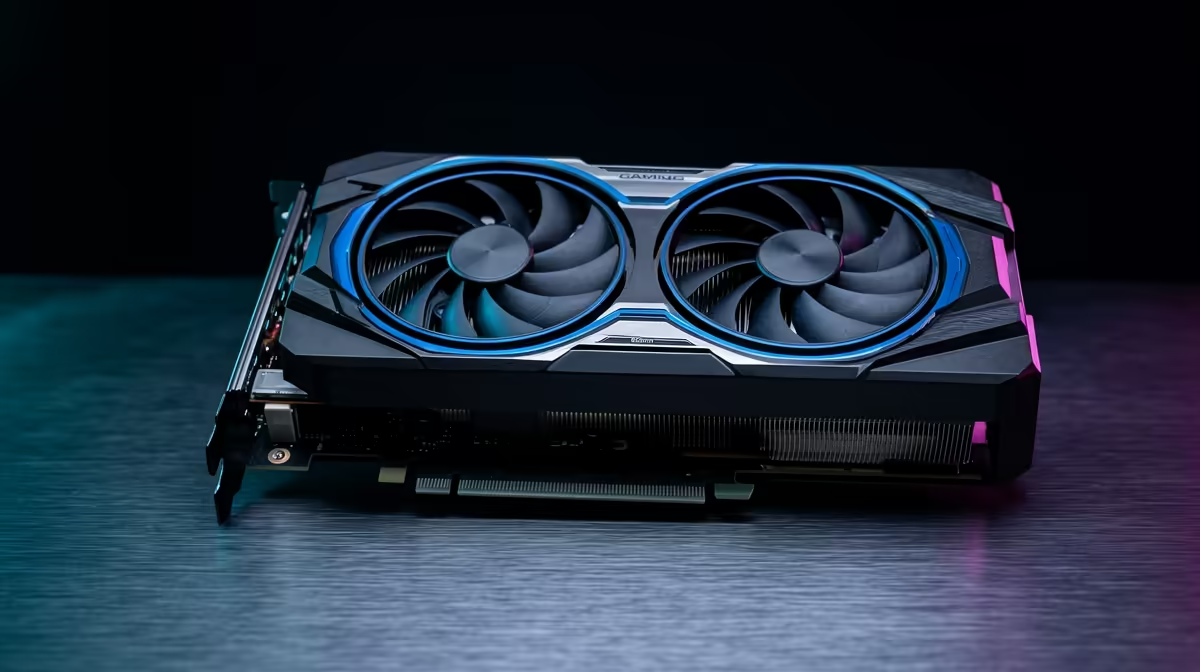
Is your gaming PC so loud it sounds like a jet is taking off from OR Tambo? You're not alone. Many builders focus on raw power, only to end up with a rig that screams under pressure. The secret to a cool, whisper-quiet machine isn't just about more fans… it's about smarter fans. Understanding high CFM airflow is the key to building a powerful and quiet gaming PC that won't ruin your immersion.
The Truth About High CFM Airflow
Before we dive deeper, let's clear the air. What is CFM? It stands for Cubic Feet per Minute, and it's a simple measure of how much air a fan can move in 60 seconds. A higher CFM number means the fan moves more air. Simple, right?
But here's the catch: not all airflow is created equal. You might also see a spec called "static pressure," which is a fan's ability to push air against resistance, like a dense heatsink or radiator. For case fans with little obstruction, high CFM is king. For radiators and coolers, a balance of both is ideal. Getting this balance right is crucial when selecting the right CPU coolers for your build.
Why More Airflow Means Less Noise
This sounds backwards, but stick with us. How can moving more air result in a quiet gaming PC? The magic lies in efficiency. 🔧
Imagine two fans:
- Fan A (Low CFM): To cool your CPU, it has to spin at 2000 RPM, creating a noticeable whine.
- Fan B (High CFM): It can move the same amount of air as Fan A but at only 1200 RPM.
The result? Fan B delivers the same cooling performance with significantly less noise. By investing in components designed for high CFM airflow, you allow your fans to work smarter, not harder. This means your PC stays frosty during those intense Warzone drops without sounding like it's about to achieve liftoff. It's why so many seasoned builders in South Africa look to premium options from Corsair for their quiet-focused builds.
Pro Tip: Master Your Fan Curves ⚡
Your motherboard's BIOS or software like Fan Control allows you to create custom fan curves. Set your fans to spin at a very low, inaudible speed for everyday tasks like browsing. Then, create a gentle curve that ramps them up smoothly only when your CPU or GPU temperatures climb during a gaming session. This is the ultimate way to optimise for silence.
Finding Your Cooling Sweet Spot
Chasing the absolute highest CFM number isn't always the answer. The goal is to find the sweet spot between performance, noise, and your budget. Larger fans (like 140mm models) generally move more air at lower speeds than their 120mm counterparts, making them an excellent choice for a silent build.
Don't forget about your case! A well-designed case with mesh panels and plenty of ventilation makes your fans' job much easier. You can achieve amazing results without breaking the bank, with many builders finding great value choices from GAMDIAS that deliver excellent airflow without the hefty price tag.
AIOs vs. Air Coolers: The Airflow Factor
The principles of high CFM airflow apply to both traditional air coolers and All-In-One (AIO) liquid coolers.
- Air Coolers: A massive tower cooler needs good case airflow to whisk away the heat its fins have dissipated. Without it, the hot air just sits inside your case.
- AIO Liquid Coolers: The fans on an AIO's radiator are critical. They need enough static pressure and CFM to force cool air through the dense radiator fins, cooling the liquid within. This is especially true for GAMDIAS AIO liquid coolers, which rely on efficient fans to maximise their thermal performance.
Ultimately, whether you choose a beefy air cooler or one of the ever-popular 240mm AIO coolers, pairing it with a smart airflow strategy is the final piece of the puzzle for a truly quiet and powerful gaming rig. ✨
Ready to Build Your Silent Beast?
A quiet gaming PC isn't a luxury... it's an upgrade to your entire experience. Armed with the knowledge of high CFM airflow, you can finally build a rig that performs without the noise. Explore our massive range of CPU coolers and find the perfect parts to chill your components in silence.