


Quick Answer
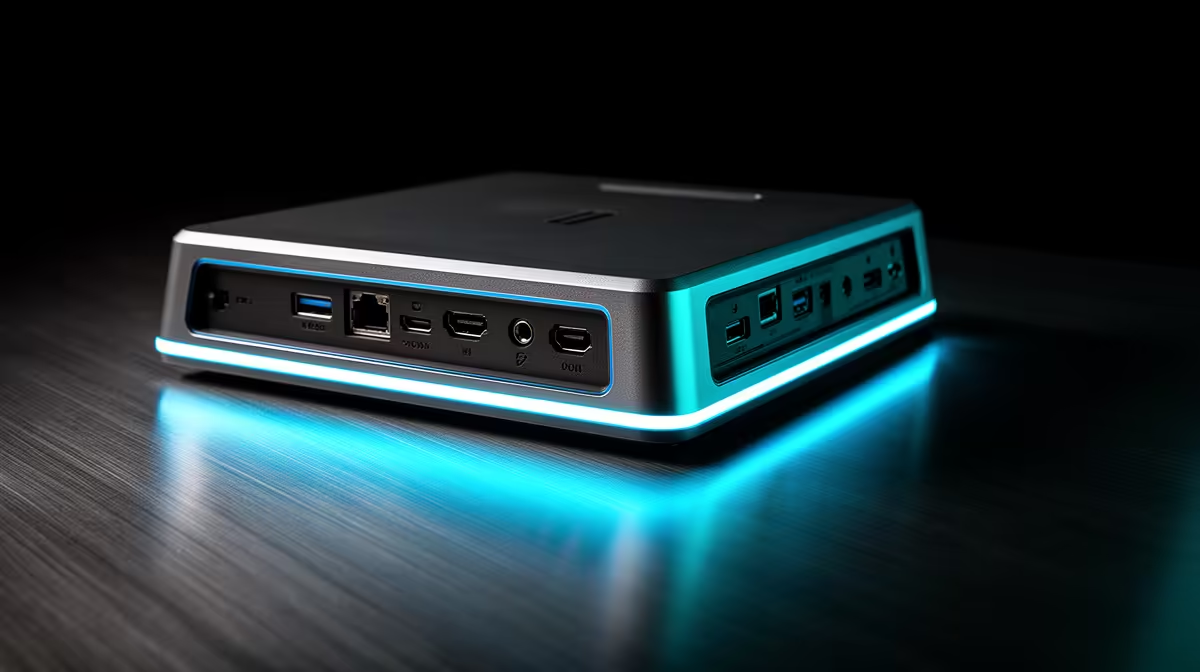
You need enough usb ports for the devices you use daily, plus one realistic spare. With docking stations, compare 65W-100W power delivery, HDMI or DisplayPort, 5Gbps/10Gbps USB and Gigabit Ethernet and keep the plan near R900-R3,500 before paying for unused capacity.
Count Real Usb Ports Needs
Start with the devices and habits you use every day. Map the monitor, PC, phone, headset, controller and storage before buying. If the layout uses two connections, paying for six unused ones wastes budget.
Specs And SA Price Anchors
Use numbers to keep the choice honest. For docking stations, compare 65W-100W power delivery, HDMI or DisplayPort, 5Gbps/10Gbps USB and Gigabit Ethernet. Local planning should start around R900-R3,500, with examples such as Lenovo ThinkPad USB-C Dock, Dell WD19-style docks and RTX 4060 laptops keeping the shortlist tied to real hardware.
What To Skip
Skip anything that adds clutter without fixing the main job. That includes spare modes you will not use, adapters with unclear support, weak warranties, and premium trim that does not improve comfort or reliability in South African PC and study setups.
FAQ
How much should SA buyers spend on docking stations?
Use R900-R3,500 as a broad planning range, then narrow it by your exact devices. Spending more is justified when it buys 65W-100W power delivery, HDMI or DisplayPort, 5Gbps/10Gbps USB and Gigabit Ethernet that you will use weekly.
What is the most important docking station check before buying?
Confirm compatibility with your main PC, laptop, phone or room layout before extras. For South African PC and study setups, the purchase should solve match the laptop port, monitor count and power need without uncertain adapters.
When should you choose a premium docking station?
Choose premium when comfort, warranty, lower noise, better control or stronger performance affects long sessions. If use is occasional, a balanced model plus a clean setup is usually smarter.
Before checkout, list your main device, room size, required ports or comfort needs, and the one spec you cannot compromise on for South African PC and study setups.








