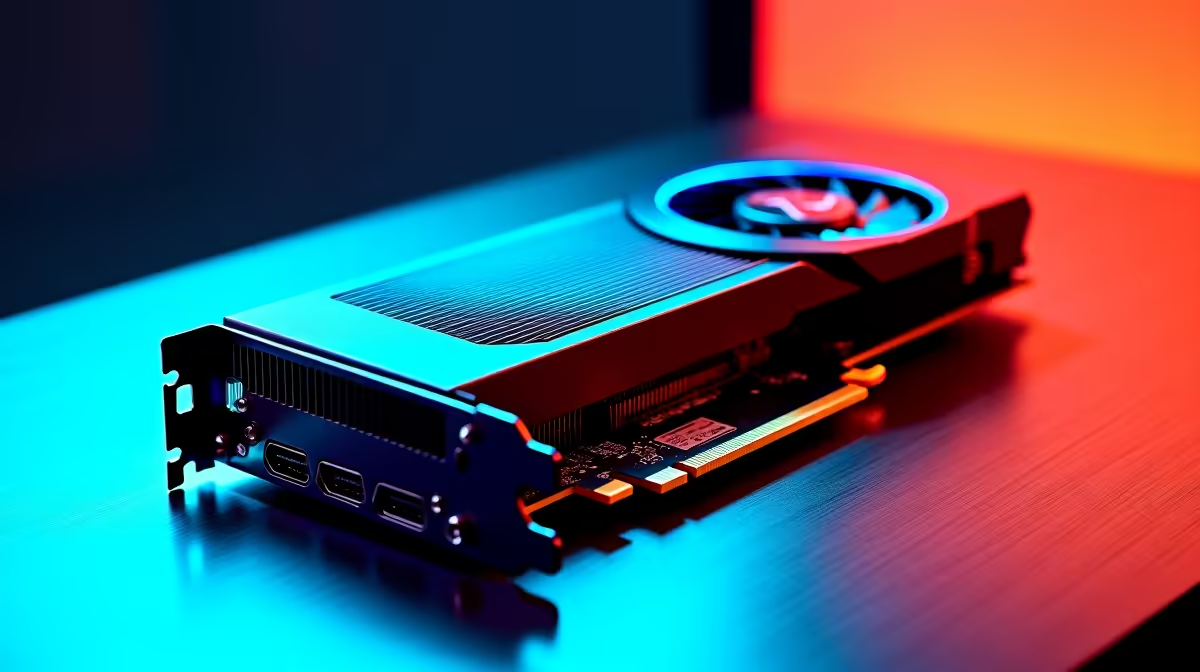
Scoring a sweet deal on a second-hand GPU on Gumtree can feel like a massive win... but it can also be a massive risk. How do you know that "slightly used" RTX 3070 wasn't thrashed in a mining rig 24/7? This guide is your ultimate checklist to test used PC components like a pro, ensuring your bargain build in South Africa doesn't become a very expensive paperweight. Let's get you buying smarter. 🚀
Why You Must Test Used PC Components
Buying second-hand hardware is tempting, especially with today's prices in ZAR. But without a warranty, you are the quality control. A quick visual inspection isn't enough. Hidden faults, from degraded memory controllers on a CPU to a power supply on its last legs, can cause random crashes and performance issues that are a nightmare to diagnose. A thorough process to test used PC components turns a risky gamble into a savvy investment.
The Essential Software Toolkit
Before you even meet the seller, get these free tools ready on a USB stick. This is your mobile testing lab.
- HWiNFO64: For monitoring temperatures, clock speeds, and voltages in real-time.
- Prime95: A classic stress test that pushes your CPU to its absolute limit, revealing any instability.
- FurMark or Unigine Heaven: These are GPU "furnaces." They stress the graphics card to check for overheating, artifacting (weird visual glitches), or crashes under load.
- CrystalDiskInfo: An absolute must-have for checking the health of any SSD or hard drive. It reads the drive's S.M.A.R.T. data to show you its history and condition.
- MemTest86: The gold standard for testing RAM, though it requires booting from the USB. The built-in Windows Memory Diagnostic is a decent, quicker alternative.
A Component-by-Component Testing Guide
Here’s how to approach checking the most common used computer parts you'll find online. Always ask to test the component in the seller's current system if possible.
The CPU (Processor)
The brain of the operation. A faulty CPU is rare, but it happens.
- Visual Check: If the CPU is already out of the motherboard, look for bent pins (on AMD AM4/AM5 CPUs) or damaged contact pads (on Intel LGA CPUs). Any physical damage is a major red flag.
- Stress Test: Run Prime95's "Small FFTs" test for at least 15-20 minutes. While it's running, watch the temperatures in HWiNFO64. If they skyrocket past 95°C, the cooling might be poor, or the chip could have issues. The system shouldn't crash or show errors. If you'd rather skip the risk, browsing our range of new CPU processors comes with peace of mind and a full warranty.
The GPU (Graphics Card)
This is the component most likely to have been abused. Be extra careful here. ✨
- Visual Check: Look for excessive dust, signs of rust on the I/O plate, and check that the fans spin freely.
- Benchmark Test: Run FurMark or Heaven for 15-20 minutes. Watch for visual artifacts, screen flickering, or the driver crashing. Again, keep an eye on temps. A well-maintained card should stay below 85-90°C under full load. A faulty card is heartbreaking, which is why our selection of new NVIDIA and AMD graphics cards is always a safe bet.
Don't Get Caught Out! 🔧
Before buying a used motherboard and CPU separately, always check the motherboard manufacturer's website. You need to confirm the exact CPU model is supported by the board's current BIOS version. An older BIOS might not recognise a newer CPU, leaving you with a system that won't even boot. It's a simple check that can save you a massive headache!
The Motherboard
The central nervous system of the PC. A faulty one can cause all sorts of strange problems.
- Visual Check: Inspect for any bulging or leaking capacitors. Check the CPU socket for bent pins.
- Port Test: This is crucial. Try to test every single port: all the USBs, the audio jacks, the Ethernet port, and every RAM and PCIe slot. It's tedious, but a dead port can ruin your day. We stock a huge variety of reliable Intel and AMD based motherboards for every budget.
RAM (Memory)
Faulty RAM is a primary cause of the infamous Blue Screen of Death.
- Run a Diagnostic: Use the Windows Memory Diagnostic tool for a quick check. For a truly deep scan, MemTest86 is the way to go. Let it run for at least one full pass. Any errors, even just one, mean the RAM is faulty. It's a hard pass. Brand new DDR4 and DDR5 gaming RAM is often more affordable than you think.
Storage (SSDs and Hard Drives)
Your data lives here. Don't take chances.
- Check Health: Open CrystalDiskInfo immediately. Look at the "Health Status." Anything other than "Good" is a no-go. Also, check the "Power On Hours" and "Total Host Writes" to get an idea of how much use it's had. For guaranteed reliability, new solid-state drives offer incredible speed and peace of mind.
The PSU (Power Supply Unit)
The unsung hero. A failing PSU can take your entire system with it. ⚡
- Listen & Look: This is the hardest part to test without specialist tools. Visually check for leaking capacitors. When the PC is running a stress test, listen for any weird buzzing (coil whine) or grinding from the fan. Never risk your build with a dodgy power supply; a quality Corsair power supply is a non-negotiable investment for a stable rig.
Putting It All Together for the Test
To test these parts, you'll need a basic setup. A simple test bench or even just the motherboard box will do. You'll need a known-good CPU cooler to manage temperatures during stress tests, and don't forget to apply fresh thermal paste from our wide range of thermal solutions. You can house your new-found parts in one of our many computer cases to complete your build.
If sourcing and testing individual parts sounds like too much admin, there's a simpler way. Our pre-tested Intel and AMD bundle packs give you a massive, warranty-backed head start on your build.
Tired of the Second-Hand Gamble?
Testing used components can save you a buck, but it's not without risk. For guaranteed performance, a full warranty, and zero hassle, building with new parts is the ultimate power move. Explore our legendary component bundles and get a rock-solid, pre-tested foundation for your next dream PC.