


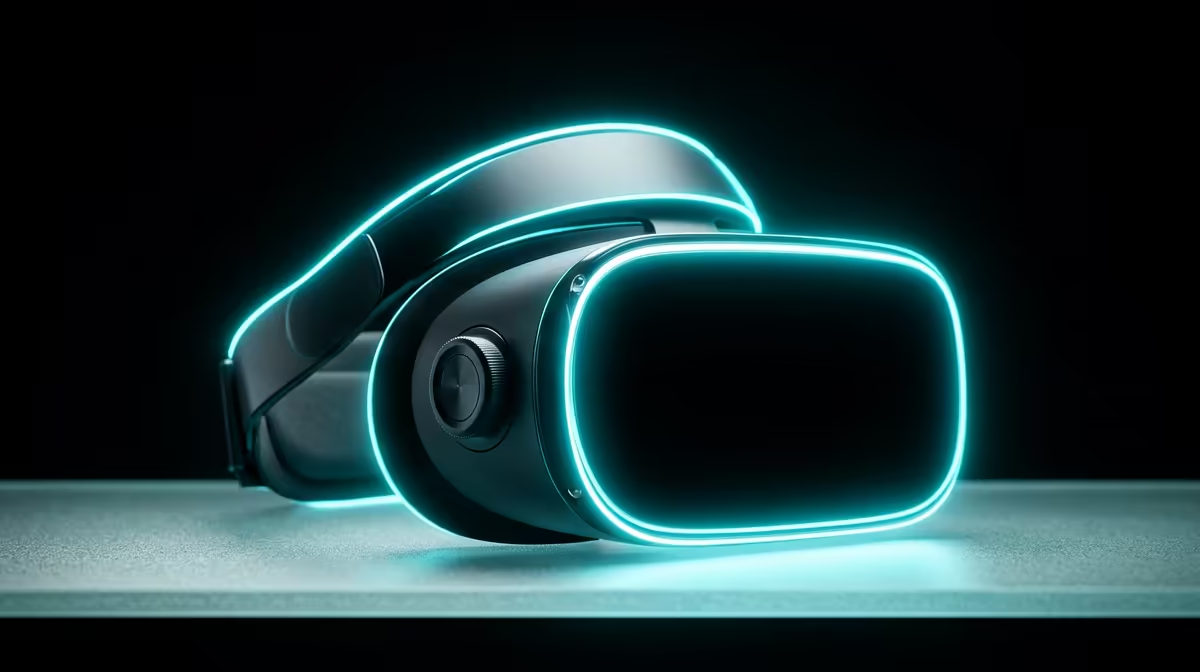
Blurry edges, a headache after twenty minutes, that queasy feeling that VR "just isn't for you". The usual culprit is not your eyes or the headset's resolution, it is the lens spacing. Adjusting IPD on a Meta Quest 3 lines the lenses up with your pupils, and on the Quest 3 it is a smooth physical wheel rather than the three fixed positions older headsets forced you into.
Quick Answer
The Quest 3 uses a continuous IPD wheel on the underside of the headset that slides the lenses anywhere between 53mm and 75mm. Match that number to your own pupil distance and the image snaps into sharp focus while eye strain and nausea drop sharply.
Where The Wheel Is And How To Use It
Unlike the Quest 2's three-step lever, the Quest 3 gives you a stepless slider for fine control.
- Put the headset on and tighten the strap so it sits where you will actually use it.
- Reach underneath the front of the headset, below the lenses, and find the slider wheel.
- Slide it left or right while looking at sharp text or the home menu.
- Stop where the centre of the image is at its sharpest and the picture feels comfortable across the whole field of view.
The headset shows the millimetre value on screen as you move the slider, so you can dial in a specific number once you know yours.
Measure Your IPD First For A Head Start
Guesswork works, but knowing your real IPD saves time. There are two easy ways to get it:
The Mirror And Ruler Method
Hold a millimetre ruler against your brow, look straight into a mirror, close your right eye and line the zero mark up with the centre of your left pupil. Without moving the ruler, close your left eye and read the number at the centre of your right pupil. That figure, in millimetres, is your IPD. Most adults land between 58mm and 68mm.
Your Optician's Record
If you wear glasses, your prescription often lists your PD, which is the same measurement. Pull it from your last script and set the wheel straight to that value.
Why Correct IPD Matters So Much
When the lens centres do not sit over your pupils, your eyes strain to fuse two slightly misaligned images into one. That constant micro-effort is what produces the headaches and motion sickness new users blame on VR itself. Getting the spacing right is the single most effective comfort fix you can make, ahead of strap adjustment or refresh-rate settings.
There is a clarity payoff too. VR lenses are sharpest dead centre. Off-centre, text smears and the sweet spot shrinks. Correct IPD puts your pupils in that sharp zone, so the headset finally looks as crisp as the spec sheet promised. As mixed reality and AR eyewear keep maturing, the same alignment principle carries across the category, and you can see where the hardware is heading across the AR and VR range at Evetech.
Common Mistakes To Avoid
Do not set IPD once and forget it if other people use the headset, because their spacing will differ and they will inherit your discomfort. Do not crank the wheel to an extreme just because the image looks "different", since different is not the same as correct. And do not confuse a dirty or fogged lens for an IPD problem; wipe the lenses with a proper cloth before you start adjusting. A small kit of cleaning and comfort extras from the accessories best sellers keeps the lenses clear so your IPD tuning actually shows its benefit.
Frequently Asked Questions
What is the IPD range on the Meta Quest 3?
The Quest 3 adjusts continuously from 53mm to 75mm. Because it is a smooth slider rather than fixed steps, you can land on any value in that range, which covers the vast majority of adult faces and many younger users too.
How do I know my IPD is set correctly?
Look at sharp text in the home menu and slide the wheel until that text is at its clearest and the image feels comfortable across your whole view. If text stays slightly soft no matter where you slide, recheck your measured IPD and try setting that exact number.
Can the wrong IPD cause motion sickness?
Yes. Misaligned lenses force your eyes to compensate constantly, which is a leading cause of VR nausea and headaches in new users. Correcting IPD is usually the first fix to try when someone feels unwell in VR.
Should children use a different setting?
Often, yes. Children typically have a narrower IPD than adults, sometimes below the headset's minimum. Set the wheel to its smallest value for young users and keep sessions short, since VR headsets are generally not recommended for very young children.
Comfortable VR starts with hardware set up right. Explore the AR and VR range at Evetech and find a headset that fits your eyes and your gaming.











