


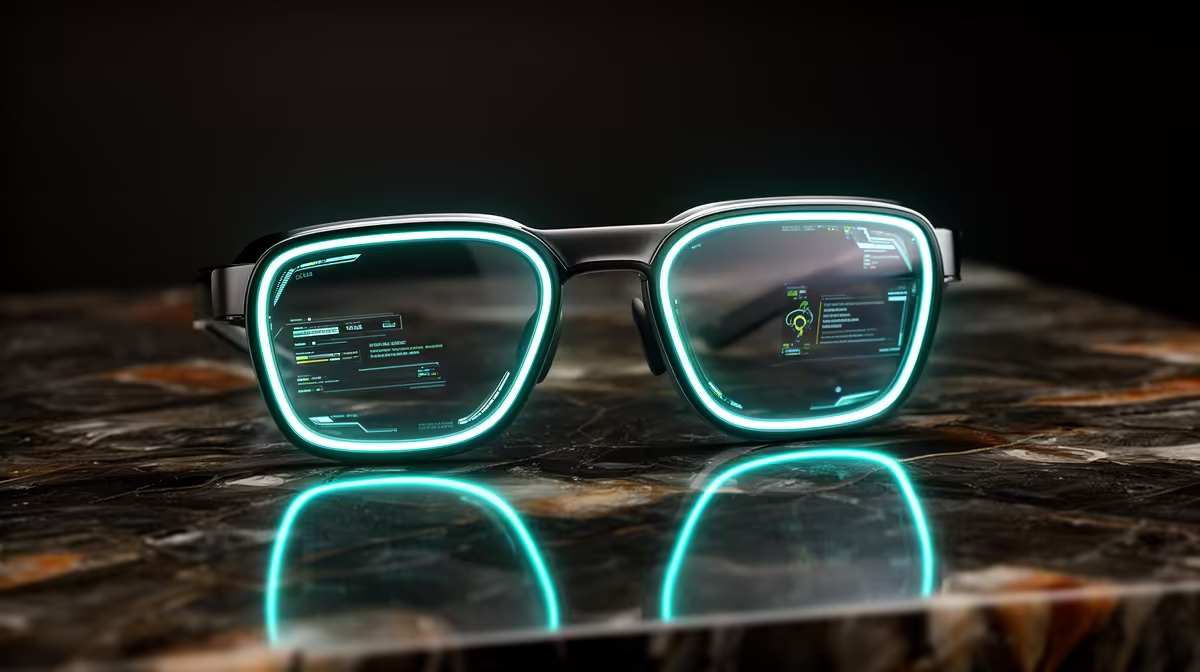
Point your face at a plant you cannot name, a menu in a language you do not read, or an appliance you are thinking of buying, and say a few words. The Ray-Ban Meta glasses use the camera in the temple to see what you see, then Meta AI answers your spoken question out loud through the speakers in the arms. There is no phone to pull out and no app to open, which is exactly why the look-and-ask feature is the most genuinely useful trick these glasses do.
Quick Answer
Say "Hey Meta" followed by a question about what is in front of you, and the glasses photograph the scene, send it to Meta AI, and speak the answer back within seconds. It identifies objects, reads and translates signs, and explains landmarks, all hands-free. For longer sessions you can start a live mode that keeps the camera active so you stop repeating the wake phrase. Browse smart eyewear in the AR glasses range at Evetech.
How look-and-ask actually works
The feature ties three things together: the camera in the frame, the microphones and speakers in the arms, and Meta AI running in the cloud. When you ask a visual question, the glasses capture an image of what the camera is pointed at, pass that image and your spoken words to the AI, and the AI reasons over both before answering through the open-ear speakers. Because the processing happens in the cloud, the glasses themselves stay light and simple while still giving you a capable visual assistant.
The key to good answers is that the camera sees roughly what you see. Whatever is centred in your view is what the AI analyses, so aiming your face matters more than any setting. This is also what makes it feel natural: you look at a thing, ask about the thing, and hear back about the thing, with no screen in between.
Triggering it for the best results
A short, deliberate routine gets you the most reliable answers.
- Frame the subject. Turn your head so the object, sign, or scene is centred in your view. The camera captures what is in front of you, so good framing is the single biggest factor in a good answer.
- Say the wake phrase. Begin with "Hey Meta" to wake the assistant, then ask your question in the same breath.
- Ask a specific question. "Hey Meta, what breed of dog is this?" works far better than a vague "what is this?" The more precise the question, the more useful the spoken answer.
- Listen for the reply. The answer comes back through the speakers in the arms within a few seconds. You can follow up with another question if you need more detail.
Questions that work especially well
Some prompts play directly to the feature's strengths. Ask it to identify a plant, an animal, or a landmark in front of you. Ask it to read and translate a sign or a menu into your language. Ask it to summarise a page of text you are looking at, or to give you details about a product on a shelf. Each of these gives the AI a clear visual subject and a concrete task, which is where it shines.
When to use live mode instead
Repeating "Hey Meta" for every question gets tedious when you are working through one topic in depth. For that, you can say "Hey Meta, start live AI" to begin a continuous session. Once it starts, the camera and microphone stay active and you no longer need the wake phrase for the rest of the session, so the conversation flows like talking to a guide standing next to you.
Live mode suits situations with a single ongoing subject or several visual subjects in a row: cooking a recipe while asking about steps, getting fashion feedback while you try things on, or walking through a museum asking about exhibits as you reach them. Because the responses stay tied to what you are currently looking at, the back-and-forth feels contextual rather than disjointed. You can see how these wearables sit beside other gear in the best-selling accessories.
Practical tips and limits
A few habits sharpen everyday use. Good lighting helps the camera, just as it would for a phone photo, so dim scenes give weaker answers. Hold your head steady for a moment as you ask, since a blurry capture means a vaguer reply. And phrase questions around what is genuinely visible, because the AI is reasoning about the image, not reading your mind.
It is worth being realistic about the edges too. The assistant can occasionally misidentify an obscure object or misread cluttered text, so treat its answers as a fast, helpful guide rather than an infallible authority for anything that really matters. Used that way, look-and-ask becomes a quietly powerful everyday tool: a translator, a field guide, and a shopping assistant that lives on your face and answers when you ask.
Frequently Asked Questions
How do I ask my glasses about something I am looking at?
Centre the subject in your view, say "Hey Meta," then ask your question in the same breath, such as "what is this building?" The glasses photograph the scene and Meta AI answers through the speakers within seconds.
Do I need my phone out to use look-and-ask?
No. The interaction is fully hands-free through the glasses, with the AI processing in the cloud. Your phone stays in your pocket while you look, ask, and listen.
What kinds of questions work best?
Specific, visual ones: identifying a plant or animal, reading and translating a sign or menu, summarising text, or getting details about a product in front of you. Precise questions get more useful answers than vague ones.
What is live AI mode and when should I use it?
Live mode keeps the camera and microphone active so you only say "Hey Meta" once, then keep asking without the wake phrase. It suits in-depth tasks like cooking, fashion advice, or touring a museum with several subjects in a row.
Is it always accurate?
Mostly, but not perfectly. Poor lighting, blur, or obscure subjects can lead to a wrong or vague answer, so treat responses as a quick helpful guide rather than a guaranteed fact for anything important.
Want a visual AI assistant you can simply ask out loud? Explore current models in the Evetech AR glasses range and see how look-and-ask fits into your day.











