


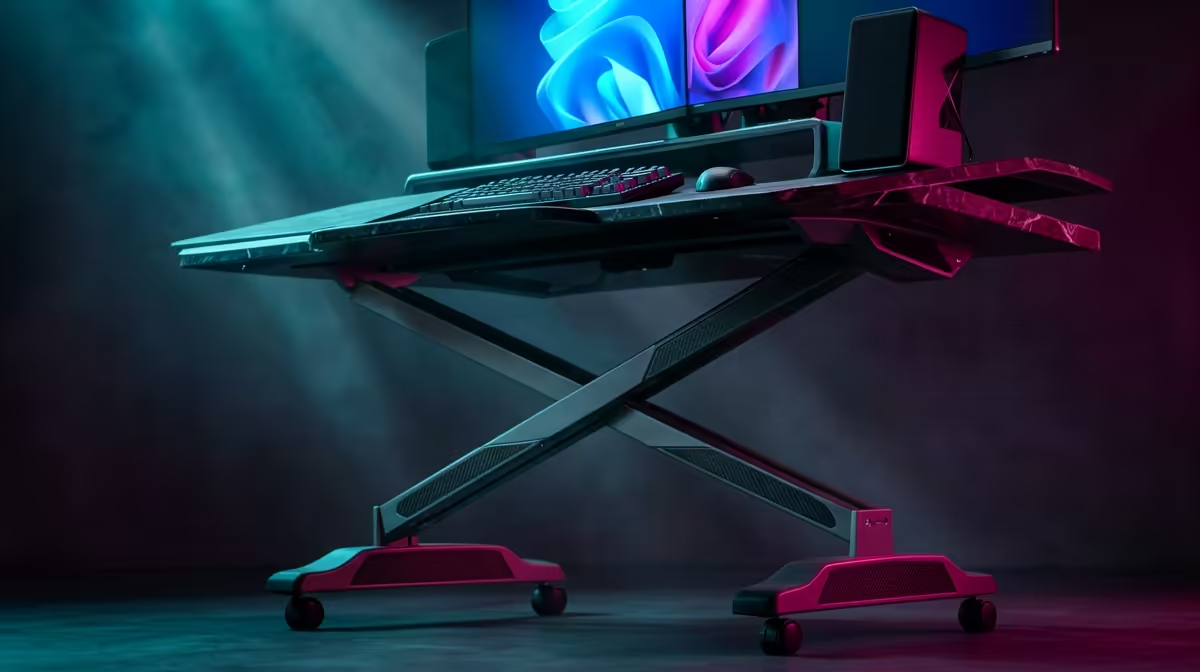
Most sit-stand desk assembly goes wrong in two places: people fully tighten bolts before the frame is squared on the desktop, and they skip the reset cycle that the desk needs before it will move. Get the order right, keep a second pair of hands nearby for the heavy lift, and a modern electric standing desk goes from box to first standing height in under an hour.
Quick Answer
Assemble a sit-stand desk in this order: build the leg frame, fit it to the upside-down desktop, connect the motor cables to the control box, then run the reset cycle before saving your heights. Budget about 45 to 60 minutes, and have a second person hold the desktop steady while you fasten the bolts to avoid the most common injuries and scratches.
Before You Start
Clear a large floor space and lay an old blanket or the flattened box down to protect the desktop finish while it sits upside down. Open every carton, lay out all parts and match them against the manual's parts list, then group the bolts and the supplied hex key together so nothing goes missing mid-build. Check you have a powered wall socket within reach of where the desk will live, because the final reset needs the desk plugged in.
Step by Step
- Build the leg frame. Attach the side brackets to the crossbar, then bolt the motorised legs to the brackets and fit the feet. Leave the crossbar bolts slightly loose for now, because you will need to slide the frame wider or narrower to match your desktop in the next step.
- Place the frame on the upside-down desktop. Flip the desktop face-down on your protected surface and lower the frame onto it. Slide the crossbar until the frame is centred, leaving an equal margin from each edge so the feet do not overhang.
- Square it with a tape measure. Measure from the frame to the left and right edges, adjust until both match, then do the same front to back. A squared frame now saves a wobbly desk later. Once it is centred, tighten the crossbar bolts.
- Fasten the desktop. Drive the supplied screws through the frame's mounting holes into the desktop. Use only the screws provided or ones of the correct length, because screws that are too long will punch through the surface. This is where a second person holding the desktop steady pays off.
- Mount the control box and handset. Fix the control box to the underside of the desktop and attach the height controller to the front edge where you will actually reach it.
- Connect the motor cables. Plug each leg's motor cable into the matching port on the control box. Some desks use extension leads between the leg cables and the box, so connect those first if your model includes them. Seat every connector fully.
- Tidy the wiring. Clip or cable-tie the leads along the frame so nothing dangles into the leg path or snags as the desk rises and lowers.
- Run the reset cycle. Stand the desk upright with help, plug it in, and follow the manual's reset procedure. Typically you hold the down button until the desk lowers fully and gives a confirmation, which calibrates the legs so they travel evenly. Skipping this is why some desks refuse to move or rise crookedly.
- Test and save your heights. Run the desk through its full up-and-down range to confirm smooth, level travel, then set your seated and standing heights and store them to the memory presets.
Getting Your Heights Right
Set your seated height so your forearms rest level with the desktop and your screen sits at eye line. For standing, your elbows should bend at roughly a right angle with the keyboard, and the monitor again at eye level. Saving both to presets means one tap to switch, which is the whole point of buying electric. Pairing the desk with a proper workspace surface matters just as much for long days, and Evetech's height-adjustable desk lineup takes care of the furniture side of a sit-stand routine. If you want to see what other local buyers add to their setup, the Evetech workspace accessory best sellers are worth a browse before you finalise the station.
Frequently Asked Questions
Can I assemble a sit-stand desk on my own?
You can do most of it solo, but the step where you fasten the heavy desktop to the frame is far safer and cleaner with a second person holding it steady. A helper prevents the desktop slipping and scratching, and reduces the risk of straining your back during the flip.
Why won't my standing desk move after assembly?
The most common cause is skipping the reset or calibration cycle. Until you run it, the control box does not know the legs' travel range and may refuse to move or display an error. Follow the manual's reset steps with the desk plugged in.
What tools do I need?
Usually just the hex key supplied in the box. A cordless screwdriver speeds up driving the desktop screws, and a tape measure is worth having to square the frame accurately, but no specialist tools are required.
How long does assembly take?
Plan for about 45 to 60 minutes for a first build, less if you have assembled one before. Rushing the squaring and the cable connections is what causes wobble and faults, so the time spent getting those right is worth it.
How do I stop the desk wobbling?
Wobble almost always traces back to a frame that was not squared on the desktop or bolts that were not fully tightened after squaring. Recheck that the frame is centred and every bolt is firm, and make sure the feet sit flat and level on the floor.
A standing desk only delivers if the workspace around it is right too. Browse the desk range and accessories at Evetech to complete a sit-stand setup built for long working days: https://www.evetech.co.za/accessories-best-sellers/x/1919











