


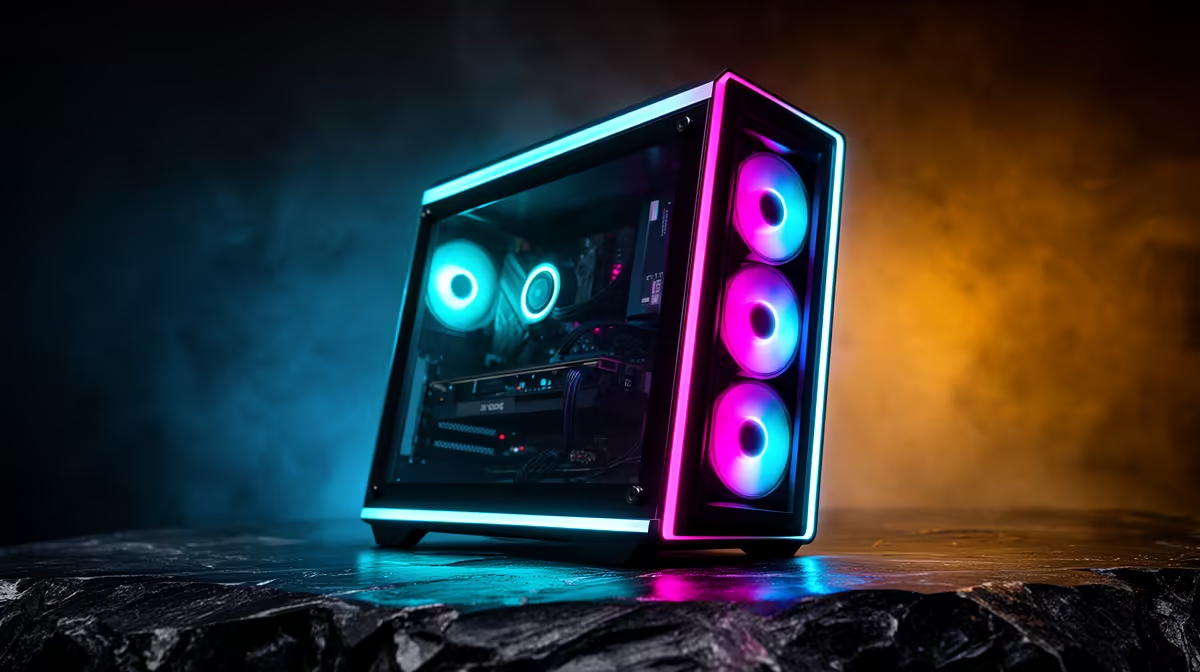
A games console boots straight into a couch-friendly interface, navigates entirely on a controller, and sleeps and wakes without a thought. A PC under your TV can do all of that too, if you build it right. A small-form-factor AMD machine running Bazzite, the SteamOS-style Linux distribution, boots directly into Big Picture Gaming Mode so the whole experience feels like a console rather than a desktop hiding behind a TV. No keyboard, no mouse, no fiddling. This guide walks the build from parts to first boot.
Quick Answer
To build a living-room SteamOS console PC, assemble a compact Mini-ITX AMD system with a Ryzen APU or a CPU paired with a small graphics card, install Bazzite, and set it to boot into Gaming Mode. The result navigates fully on a controller with suspend and resume like a console. Budget for a quiet case that fits your TV unit, fast NVMe storage for game loading, and enough RAM to keep multitasking smooth.
Choosing The Right Parts
The goal is small, quiet and quietly powerful. Form factor drives most of the decisions here, because a living-room machine has to fit a TV cabinet and stay silent during quiet game moments.
Pick a compact platform
Go Mini-ITX. A small AMD-based system keeps the footprint console-sized and runs cool enough for a slim case. A Ryzen APU with capable integrated graphics is the simplest route for 1080p couch gaming and indie titles, while pairing a CPU with a compact graphics card lifts you to comfortable 1440p and higher-detail AAA play. Match the ambition to your TV and your budget.
Storage and memory
Use an NVMe SSD as the primary drive. Game loading on the couch should feel instant, and a fast NVMe delivers that. For memory, 16GB is a sensible floor and 32GB gives breathing room if you also stream or run heavier titles. Browse the best-selling pre-built and component options if you would rather start from a known-good base and adapt it.
Building The Machine, Step By Step
With parts in hand, the assembly is standard small-form-factor work. Take your time with cable routing, because airflow in a compact case is less forgiving than in a full tower.
- Fit the CPU and cooler. Seat the AMD processor in the socket, lower the retention arm, and mount a low-profile cooler that clears the case lid. In a slim living-room case, cooler height is the spec that most often catches people out, so confirm clearance before you buy.
- Install memory and NVMe. Push the RAM sticks into the correct slots until they click, then secure the NVMe drive into its M.2 slot and screw it down. These are the two fastest jobs in the whole build.
- Mount the motherboard and graphics card. Secure the Mini-ITX board into the case standoffs. If you are using a discrete card, fit it into the slot, ideally a compact model sized for small cases, and screw the bracket down. APU-only builds skip this entirely.
- Connect power and route cables. Plug in the 24-pin, CPU power and any graphics card connectors, then tuck spare cable behind the tray. Tidy routing matters more here than in a big case because there is so little room for warm air to move.
- First power-on test. Before closing the case, connect a display and power up to confirm fans spin and the system posts. Catching a loose connector now is far easier than after everything is buttoned up.
Installing Bazzite
Bazzite is the SteamOS-style distribution that gives you the console experience. The install is straightforward and far friendlier than a typical Linux setup.
- Create the installer. On another computer, download the Bazzite image and write it to a USB drive with a standard imaging tool. Choose the desktop or handheld-style image suited to a TV setup.
- Boot from USB and install. Plug the USB into your new build, enter the boot menu, and select the drive. Follow the guided installer, choosing your NVMe as the target. The process is mostly automatic.
- Set it to boot into Gaming Mode. This is the step that makes it feel like a console. Configure Bazzite to launch straight into Big Picture Gaming Mode on startup, so powering on the machine drops you onto a controller-driven game library rather than a desktop.
- Pair your controller and sign in. Connect your controller, sign into your game platform, and let your library populate. From here, everything navigates on the gamepad.
Tuning The Couch Experience
A few finishing touches separate a PC under a TV from a genuine console replacement.
Suspend, resume and quiet running
Enable sleep so a tap of the power button suspends the machine and wakes it back to your game, exactly like a console. Set a sensible power profile so the fans stay quiet during menus and quieter moments, ramping up only under load. The point of a living-room build is that it disappears into the room, and noise is what breaks that illusion.
Display and audio over one cable
Connect over HDMI to your TV so picture and sound travel together, and set the resolution and refresh rate to match your panel. If you game at the couch distance, 1080p or 1440p usually looks excellent on a large screen without demanding flagship hardware. For the input side, the handheld and controller range covers gamepads that pair cleanly with a Bazzite setup.
Frequently Asked Questions
Is Bazzite the same as SteamOS?
Bazzite is a SteamOS-style Linux distribution that delivers the same console-like Gaming Mode experience and works across a wide range of PC hardware, not just a specific handheld.
Do I need a powerful graphics card for couch gaming?
Not necessarily. A capable AMD APU handles 1080p and many indie and esports titles well. Add a compact graphics card if you want 1440p and higher detail in demanding AAA games.
Can I navigate everything with just a controller?
Yes, once you set Bazzite to boot into Gaming Mode. The interface is built for controller navigation, including the store, library and settings, so a keyboard and mouse become optional.
Will it suspend and resume like a console?
Yes. With sleep enabled, pressing the power button suspends the machine and a second press wakes it straight back to your game, matching the console feel.
How small can the build actually be?
A Mini-ITX case keeps it console-sized and easy to fit in a TV unit. The main constraint is cooler height and graphics card length, so check clearances against your chosen case.
A SteamOS console PC gives you couch gaming with the flexibility of a full PC under the hood. Gather your compact parts and gamepads at Evetech and start the build: https://www.evetech.co.za/PC-Components/handheld-gaming-consoles-357











