


Quick Answer
You can build a genuinely immersive gaming room for between R3,000 and R6,000 in decor and lighting additions, without touching your PC hardware budget. The key is layering RGB peripherals, ambient wall panels, and a monitor with good contrast rather than spending on a single expensive item.
Prioritising Your ZAR Decor Budget 🎮
Immersion in a gaming setup comes from two things: reducing visual distractions and adding complementary light. Start with your monitor position. A monitor arm (typically R500 to R900 locally) clears desk clutter instantly and lets you raise or lower the screen to eye level, which reduces neck fatigue during long sessions. Next, address your chair. A gaming chair with lumbar support and adjustable armrests, available from around R2,500 to R5,000, keeps you comfortable across 3-plus hour sessions. These are functional buys that also look the part. Once seating and ergonomics are sorted, you have a clear baseline to build ambient lighting around without the setup feeling chaotic.
LED Lighting as the Visual Anchor 💡
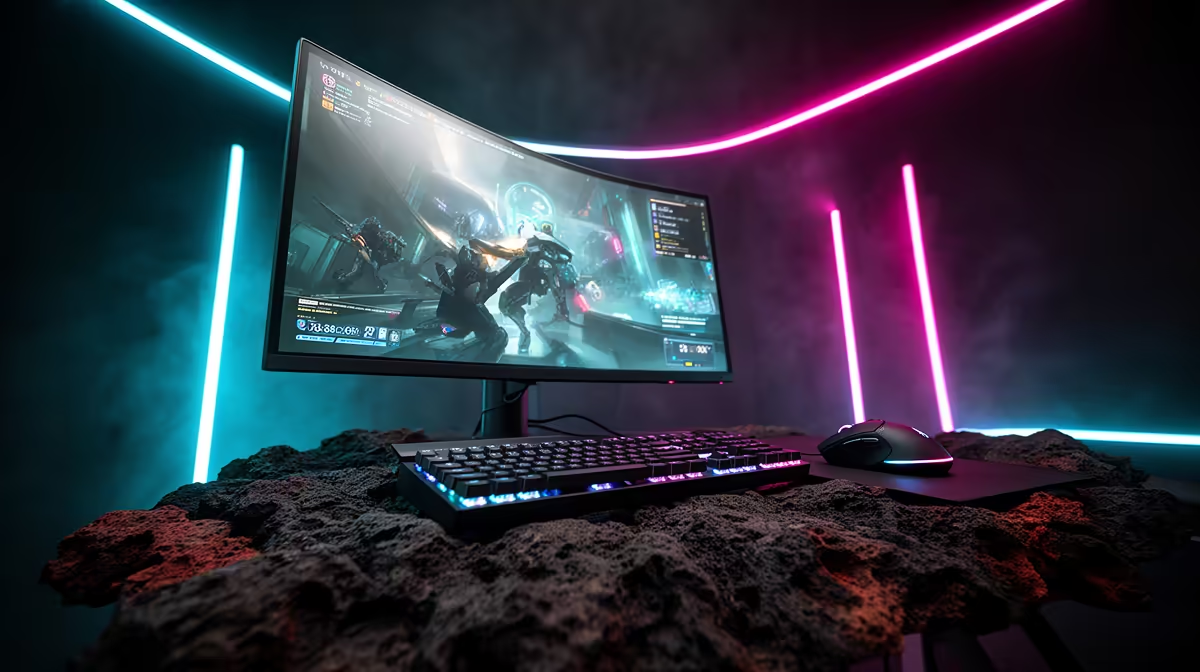
A common mistake is buying multiple RGB products that clash because they run different software ecosystems. If your motherboard is ASUS ROG, lean into Aura Sync-compatible products. If you game on a Razer-heavy peripheral setup, Razer Chroma ties your keyboard, mouse, and even compatible Nanoleaf panels into one app. Modular LED wall panels give the biggest visual return for the money: a starter 9-panel kit covers roughly 700mm to 800mm of wall and creates strong bias lighting that reduces eye strain when your monitor is bright. Budget R1,200 to R2,200 for a quality starter kit stocked locally.
Desk Organisation That Actually Works 🗂️
Cable management is free and transforms how a setup photographs and feels. Use velcro cable ties (under R100 a pack) and a cable management tray mounted under the desk. Route your monitor cable, keyboard, and mouse cables together down one leg of your desk. If your desk is against a wall, stick a small cable raceway along the skirting board to hide the run to your power strip. A single monitor light bar, available for around R400 to R700, adds downward desk illumination without the glare of a desk lamp and looks clean from every angle. With these changes, even a budget R1,500 desk looks intentional.
Bias Light Placement Tip ⚡
Place your LED strip or panel kit at least 10cm behind your monitor rather than directly beside it. This creates a soft halo that reduces the harsh contrast between your bright screen and a dark room wall, measurably cutting eye fatigue during evening sessions.
FAQ
What is the cheapest way to add RGB to a gaming room in SA?
A single LED strip kit with a remote controller is the entry point, available for around R150 to R400. Stick it behind your monitor or under a desk shelf for immediate ambient effect. For smarter control, a Wi-Fi-enabled strip that connects to a phone app adds roughly R100 to R200 to the cost.
Do gaming chairs actually improve long sessions?
Yes, a chair with proper lumbar support and adjustable armrests reduces lower back strain noticeably after sessions longer than two hours. Budget gaming chairs from around R2,500 already include these features. The benefit is more pronounced for students in res who sit at a desk all day before gaming at night.
Should I buy a gaming desk or use a regular desk?
A regular desk with a cable management tray and a monitor arm outperforms a cheap gaming desk in both functionality and longevity. Spend on the peripherals and lighting first. Upgrade the desk only when you need a specific width or height for your setup.
Want to transform your gaming room without breaking budget? Evetech stocks gaming chairs, LED panels, monitor arms, and desk accessories to complete your setup, all available online.











