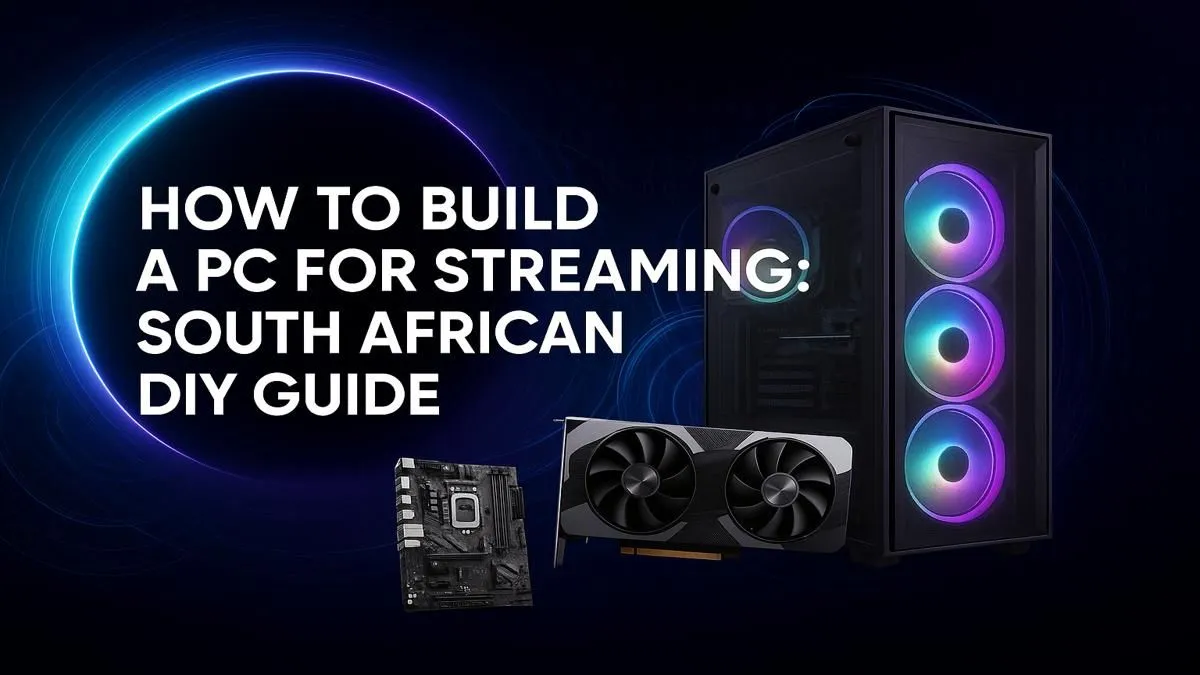
Dreaming of hitting 'Go Live' and sharing your Apex Legends wins or Helldivers 2 chaos with a South African audience? You're not alone. The secret isn't magic… it's a purpose-built machine. This guide will show you exactly how to build a streaming PC that delivers a flawless broadcast without emptying your wallet. Let's get you ready for the big leagues. 🚀
Understanding the Heart of a Streaming PC
Before we dive into parts, what makes a PC great for streaming? It's all about multitasking. Your computer has to do two intensive jobs at once: run your game smoothly and encode the video feed for platforms like Twitch or YouTube. This encoding process is the secret sauce. A weak PC will stutter, drop frames, and give your viewers a poor experience. A proper streaming PC build handles both tasks with ease, keeping your gameplay crisp and your broadcast professional.
Choosing Your Core Components: The Big Four
Building a PC is like assembling a championship team. Every component has a role, but a few key players do the heavy lifting. Here’s where to focus your budget for the best results.
The CPU: Your Rig's Director 🧠
The Central Processing Unit (CPU) is the brain of your operation. For streaming, it's even more critical. If you use software encoding (known as x264), the CPU handles both the game and the stream encoding. This requires a CPU with multiple cores and threads.
- AMD Ryzen: Often favoured for their excellent multi-core performance, making them fantastic for a single-PC streaming setup. A Ryzen 5 or Ryzen 7 from a recent generation is a brilliant starting point for any serious streamer. You can find them at the heart of many powerful AMD Ryzen gaming rigs.
- Intel Core: Intel CPUs offer incredible single-core speeds, which is great for high-frame-rate gaming. Modern Core i5 and i7 processors have enough cores to handle streaming well, especially when paired with a good GPU. Many of our top powerful Intel-based systems are built for this kind of workload.
The GPU: The Star of the Show
While the CPU is the director, the Graphics Processing Unit (GPU) is the star that everyone sees. It renders your game at high quality and, crucially, can also handle the stream encoding. NVIDIA GPUs have a dedicated encoder called NVENC, which is incredibly efficient. It takes the streaming load off your CPU, freeing it up to focus purely on gaming performance. This is why most streamers prefer NVIDIA cards.
Finding the right balance of power and price is key. You don't need the absolute top-tier card, but a solid mid-range option will ensure a great experience for you and your viewers. To see what's possible, check out our best gaming PC deals which often feature perfectly balanced builds.
Streaming Pro Tip: Encoder Magic 🧙♂️
In your streaming software like OBS or Streamlabs, you'll have an 'Encoder' option. Choose 'NVENC (New)' if you have an NVIDIA RTX graphics card. This uses a dedicated chip on your GPU for encoding, resulting in almost zero performance loss in your game. For most gamers, this is the best and easiest choice for a smooth, high-quality stream.
RAM and Storage: The Supporting Cast
- RAM: For a gaming and streaming PC, 16GB of RAM is the absolute minimum. However, 32GB is the new sweet spot. It gives you plenty of headroom to run your game, streaming software, Discord, and browser tabs without a single hiccup.
- Storage: A fast NVMe SSD is non-negotiable. It ensures your PC boots quickly, games load in a flash, and your system feels responsive. Use it for your operating system and your most-played games.
Budgeting Your Build: A Realistic SA Approach
Let's talk Rands. You don't need to take out a second bond to start streaming.
- Entry-Level (The Foot-in-the-Door): It's entirely possible to get started on a tighter budget. A build focused on a modern CPU with integrated graphics or a capable entry-level GPU can handle 720p streaming for less demanding games like Valorant or League of Legends. Many of our range of budget gaming PCs are an excellent starting point.
- The Sweet Spot (The Pro-Am): This is where most streamers should aim. A mid-range Ryzen 5/Core i5, an NVIDIA RTX 3060/4060, and 16-32GB of RAM. This setup will comfortably handle 1080p streaming for almost any modern title.
- The High-End (The Pro): For those wanting to stream at 1440p or 4K, you'll be looking at high-end components like a Ryzen 7/Core i7 and an RTX 4070 or better.
DIY vs. Pre-Built: The Final Choice 🔧
Now for the big question: do you build it yourself or buy a ready-made machine?
The DIY route offers total customisation and can be a hugely rewarding experience. You pick every single part. The downside? It takes time, research, and if something goes wrong, you're the one troubleshooting.
Alternatively, a pre-built PC offers peace of mind. It's assembled by experts, tested, and comes with a full system warranty. You can unbox it, plug it in, and start streaming on day one. If you value convenience and support, exploring Evetech's pre-built PC deals is a smart move that gets you live faster. ✨
Ultimately, the path you choose depends on your confidence and available time. Both can lead you to an incredible streaming machine.
Ready to Go Live?
Building a streaming PC is a rewarding journey, whether you go full DIY or choose a professionally assembled rig. The right hardware is your first step to a successful channel. Explore our massive range of custom and pre-built PCs and find the perfect machine to launch your streaming career.