


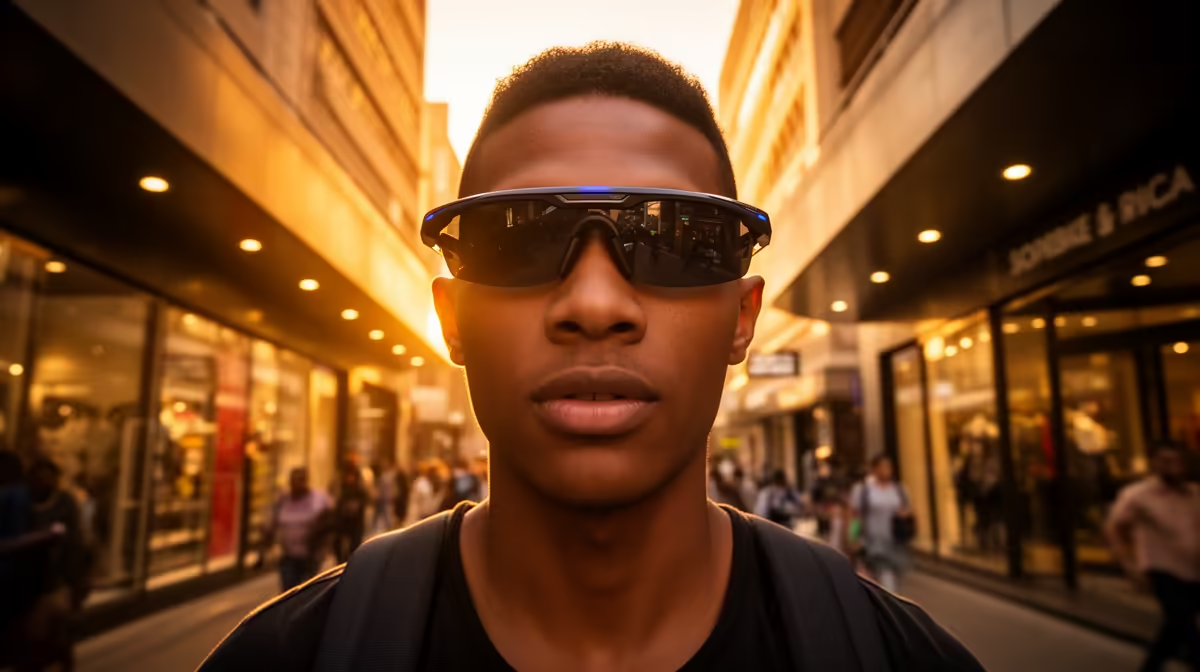
Sharper footage from Ray-Ban Meta glasses starts with one fact most people overlook: the camera lives in the left temple, not between your eyes, and it points wherever you point your head, not where your eyes glance. Once that clicks, the rest is technique. The Gen 2 hardware gives you more to work with, shooting ultra-wide video at higher resolutions with steadier stabilisation, but framing is still a skill you build with your neck, not a setting you toggle.
Quick Answer
The camera is in the left temple and frames whatever your head faces, so turn your whole head toward the subject rather than flicking your eyes. The Gen 2 records ultra-wide video up to 3K at 30fps, with smoother stabilisation than Gen 1, which makes head-led framing far more forgiving than it used to be.
Step 1: Learn Where the Lens Actually Looks
Spend five minutes filming a fixed object and reviewing the clip. You will quickly see the offset: because the lens sits on the left temple with a roughly 100 degree ultra-wide field of view, the centre of your shot lands slightly left of where you think you are looking. The wide field hides a lot of framing sins, but it also means anything you want dead-centre needs your nose pointed straight at it. Eyes-only glances do nothing for the camera.
Step 2: Lead With Your Head, Hold the Pose
The single biggest improvement comes from moving deliberately. Turn your head smoothly to the subject, pause for a beat, then move on. Quick darting head movements look frantic on playback even with stabilisation. Treat your head like a slow tripod pan. When you want a clean shot of something specific, square your face to it and hold for two to three seconds so the footage has a stable frame to settle on.
Step 3: Use the Gen 2 Resolution Sensibly
The Gen 2 gives you options Gen 1 never had. The 12MP ultra-wide sensor records up to 3K Ultra HD at 30fps, 1440p at 30fps, and 1080p at 30 or 60fps, where Gen 1 topped out at 1080p. Higher resolution is not always the right call. For action and movement, the 60fps 1080p mode gives smoother motion and more usable handheld-style footage. For a static scene where detail matters, the 3K mode captures far more to crop into later. The longer clip limits on Gen 2 also mean you are not cut off mid-moment as quickly.
Match the mode to the moment
Walking through a market or filming your hands building something? Drop to 1080p60 for fluid motion and easier framing. Capturing a landscape or a product on a desk where nothing moves fast? Step up to 3K and let the resolution do the work. The ultra-wide field is generous either way, so you can frame a little loose and crop in afterwards rather than fighting to nail a tight shot on the spot.
Step 4: Light and Steadiness Beat Settings
No resolution rescues a dim, shaky clip. The improved stabilisation on Gen 2 smooths out walking footage noticeably, but it works best when you give it good light and unhurried movement. Film with the light in front of you or to the side, not behind your subject, and keep your pace even. Smart glasses live in the same wearable-tech family as the broader range you will find in the AR glasses section, and the practical capture habits carry across every camera-equipped pair.
Step 5: Build a Repeatable Routine
The creators who get consistently good POV footage do the same few things every time: confirm the lens is clean, frame with the head not the eyes, hold each shot briefly, and pick the resolution to suit motion versus detail. The mounting and care odds and ends that keep a wearable kit in shape often sit among the top accessories, and a quick lens wipe before recording does more for sharpness than any in-app tweak.
Frequently Asked Questions
Where exactly is the camera on Ray-Ban Meta glasses?
It is built into the left temple, so it captures from slightly left of your eye line and points wherever your head faces. Framing is controlled by head angle, not by where your eyes are looking.
What is the highest video quality on the Gen 2?
The Gen 2 records ultra-wide video up to 3K Ultra HD at 30fps, with 1440p at 30fps and 1080p at 30 or 60fps as alternatives. Gen 1 was limited to 1080p, so Gen 2 is a clear step up for video.
Should I always film at the highest resolution?
No. Use 1080p at 60fps for movement and action where smooth motion matters, and reserve 3K for static scenes where detail and cropping room are the priority. The right mode depends on how much is moving in the shot.
Why does my footage look off-centre?
Because the lens is offset to the left temple and shoots ultra-wide. Point your nose directly at the subject rather than glancing with your eyes, and the subject will sit where you expect.
Does the stabilisation fix shaky walking footage?
It improves it significantly on Gen 2, smoothing out the bob of walking, but it is not magic. Move your head slowly and deliberately and the stabilisation has an easier job, giving you noticeably steadier clips.
Want to see what wearable cameras can do? Explore the AR and smart glasses range at Evetech and find a pair built for capturing your day from your own point of view.











