


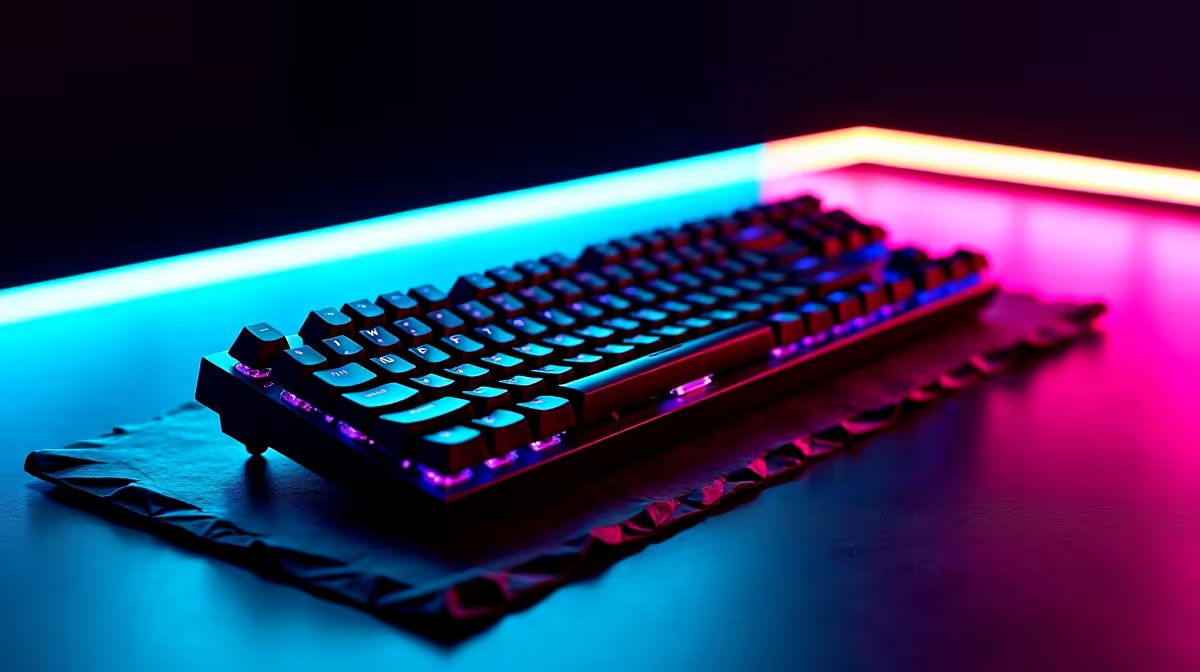
Cables are the ultimate enemy of a clean desk. If you want a sleek and modern setup, going wireless is the only way forward. But how do you choose between Bluetooth and USB receiver keyboards in South Africa? The right choice depends entirely on your daily grind. Perhaps you are climbing the competitive ranks. Maybe you are typing up massive spreadsheets. Picking the right wireless tech saves you time and frustration. Let us break down the core differences to help you decide.
The Power of 2.4GHz USB Receivers 🚀
USB receiver keyboards use a dedicated 2.4GHz radio frequency. You plug a tiny dongle into your PC, and it connects instantly. This connection is incredibly stable and reliable. It also offers ultra-low latency for instant inputs. If you play fast-paced competitive shooters, those tiny milliseconds matter.
That is exactly why most high-end premium gaming keyboards rely on USB receivers. They deliver true wired-like performance without cluttering your desk. You never have to worry about navigating pairing menus. You also avoid dropped signals mid-match. Just plug in the dongle and start playing. It is the ultimate plug-and-play solution for serious desktop users.
When Bluetooth Keyboards Make Sense ✨
Bluetooth keyboards do not need a dedicated dongle. This is a massive bonus if your modern laptop lacks standard USB-A ports. The biggest advantage of Bluetooth is multi-device pairing. You can switch between your desktop PC, work laptop, and tablet with a single button press.
If you value a versatile and mobile workspace, Bluetooth is brilliant. It is especially useful for remote workers who move around the house. You can easily explore an incredible range of wireless keyboards in South Africa to find models that support this seamless multi-device switching. Bluetooth is simply the king of productivity.
Battery Life Pro Tip 🔋
Turn off RGB lighting on your wireless keyboard if you want to maximise battery life. A keyboard that lasts three days with full RGB can easily last over a month with the lights switched off.
Dealing with Signal Interference
Wireless technology is fantastic, but it is not perfect. Both connection types can suffer from signal interference. USB receivers operate on the busy 2.4GHz band. This is the same frequency used by many home Wi-Fi routers.
If your router sits right next to your PC, you might experience dropped keystrokes. Bluetooth operates differently but can still struggle in environments with dozens of active wireless devices. Keeping a clear line of sight between your keyboard and your PC always helps maintain a strong connection.
Balancing Performance, Features, and Price 🔧
Your budget will also influence your final decision. Basic wireless setups start at around R300. However, premium mechanical options can easily push past the R3,000 mark. Basic USB receiver models are generally cheaper for everyday typing.
Bluetooth models often cost a bit more due to their advanced connectivity chipsets. Many premium boards now offer both connection types in one package. This gives you the ultimate flexibility... but at a higher cost. If you want the best of both worlds, a hybrid keyboard is a fantastic investment. Always keep a close eye on the latest tech specials to stretch your hard-earned rands further.
Ready to Upgrade Your Typing Experience? Choosing the right wireless peripheral transforms how you work and play. Whether you need lightning-fast 2.4GHz speeds or versatile Bluetooth connectivity, we have you covered. Explore our massive range of keyboards and find the perfect match for your ultimate setup.








