


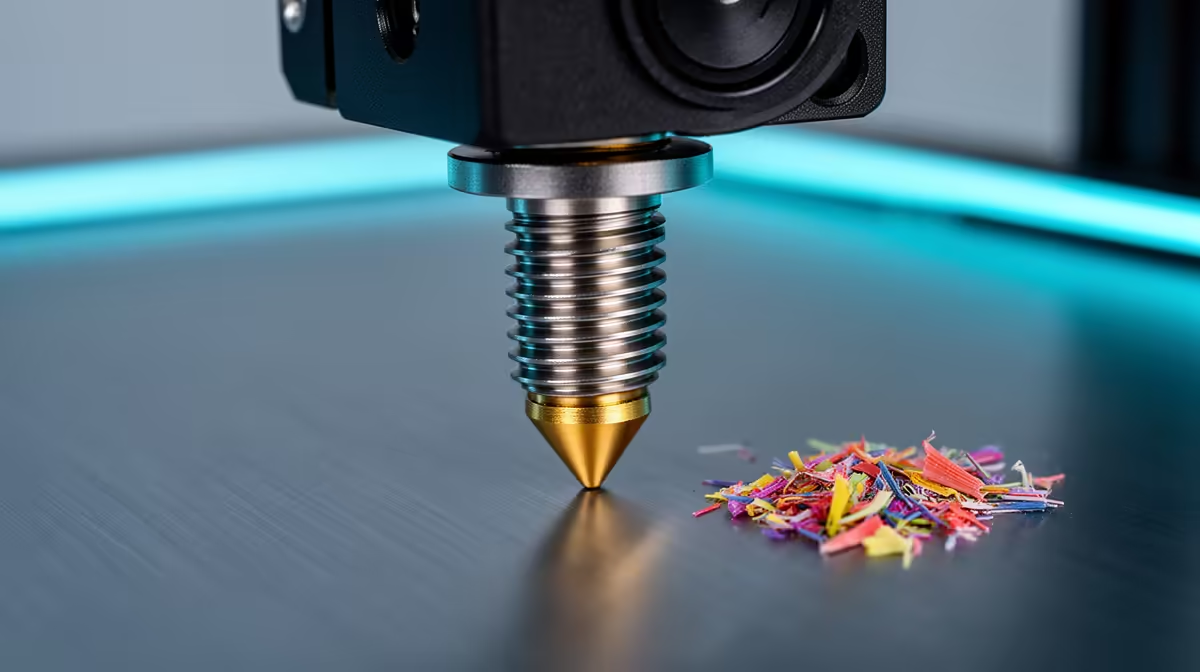
A nozzle that stutters, skips layers, or under-extrudes halfway through a print usually has a partial blockage somewhere inside the brass, and the cold pull is the cleanest way to lift that debris out without taking the hotend apart. The technique softens the filament already sitting in the melt zone, then yanks it upward so it drags carbonised plastic, dust, and tiny PTFE shavings out with it. Done right, it leaves you a small cone-shaped plug that mirrors the inside of the nozzle, and a printer that extrudes smoothly again.
Quick Answer
Heat to print temperature, load filament until it flows, then cool to roughly 90C for PLA or 110C for PETG and pull the strand out by hand in one firm motion. If the bore is worn or the same clog keeps returning after two or three pulls, fit a fresh brass nozzle instead, usually around R80 to R250.
What a cold pull actually removes
Inside the melt zone, repeated heating bakes leftover plastic into a hard, slightly conductive residue. Add a speck of dust pulled in along the filament path or a sliver shed by a worn PTFE liner, and you get a narrowing of the bore that throttles flow. A needle poked up through the tip only clears the very bottom few millimetres. The cold pull grabs the whole column of softened plastic and brings the gunk up and out with it, which is why it fixes the partial clogs that needle-cleaning leaves behind.
The step-by-step pull
- Remove the existing filament normally and heat the nozzle to its usual printing temperature so anything inside goes fully molten.
- Push fresh filament in by hand until a clean stream extrudes from the tip. This primes the melt zone with a known-good plug you can grab onto.
- Turn the heater off and let the temperature fall. Keep light upward pressure on the filament with your fingers as it cools.
- When the readout hits about 90C for PLA, the strand is gummy rather than runny. PETG holds together at a slightly higher 110C. Hit your number, then pull the filament straight up and out in one confident motion.
- Inspect the tip you pulled. A clean cone with no dark flecks means the bore is clear. Grey or black debris on the plug means it worked, but run a second pull to be sure.
If the strand snaps off inside instead of coming free, you pulled too hot and left a plug above the original clog. Reheat to printing temperature, push fresh filament through, and try the pull again a few degrees cooler. The single most common mistake is rushing the temperature, so let it drop into the right window before you commit to the pull.
When replacement beats cleaning
A brass nozzle is a wear item. Abrasive filaments like glow-in-the-dark, carbon-fibre, or glitter blends chew the bore wider in weeks, and even plain PLA slowly enlarges the orifice over months of heavy use. The tell-tale signs are a 0.4mm nozzle that suddenly lays down wider lines than it should, blobs and zits that no retraction setting fixes, or a clog that returns within a print or two of every cold pull. At that point you are fighting a worn tool, not a dirty one. Swapping in a fresh nozzle takes ten minutes and a hot wrench, and hardened steel tips last far longer if you print abrasives regularly. The full filament and maintenance kit picture lives in the 3D printing components category, where the consumables that keep a machine running sit alongside the printers themselves.
Frequently Asked Questions
What temperature should I cool to before pulling?
Aim for roughly 90C with PLA and around 110C with PETG. At those points the plastic is firm enough to hold together as a single strand but still soft enough to release from the walls. Pull too hot and it stretches and snaps; pull too cold and it locks solid.
How often should I do a cold pull?
Only when symptoms appear, such as under-extrusion, skipped layers, or a clicking extruder. It is a fix, not a routine, and doing it on a healthy nozzle just wastes filament and time.
Can I cold pull with any filament?
PLA is the easiest because its soft window is wide and forgiving. PETG works well too. Cleaning filament sold for the job is purpose-made, but a length of plain PLA usually does the same work.
How do I know the nozzle is worn rather than clogged?
If clean cold pulls keep coming out yet print quality stays poor, or the same blockage returns almost immediately, the bore itself is likely enlarged or scored. That is a replacement job, and a new brass nozzle costs very little.
Will a cold pull damage my hotend?
No, as long as you pull by hand with steady force rather than wrenching sideways. The filament is the thing moving, not the metal, so the heatbreak and heater block are unaffected.
Keep a few spare nozzles and a roll of cleaning filament on the shelf so a clog never stops a print mid-job. Browse the maintenance kits and accessories in the Evetech accessories best sellers and have the basics on hand before your next long print.








