


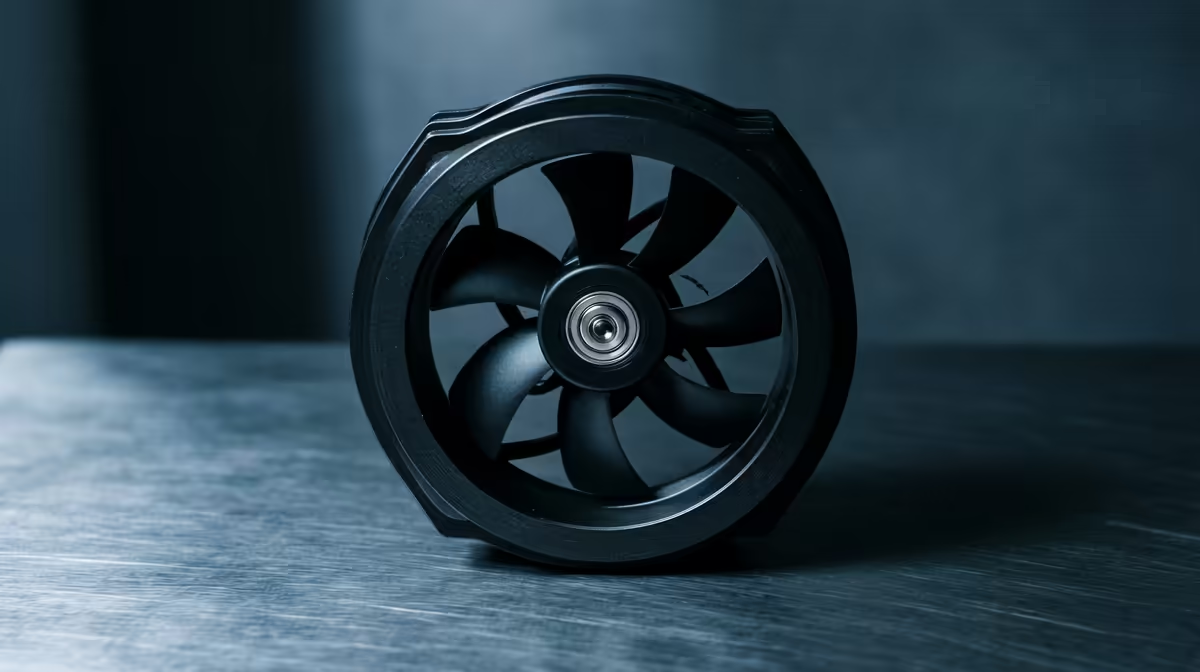
Buying case fans for a home podcasting PC, the hype around airflow numbers and RGB misses the point: a podcast PC needs to be quiet near the mic above all. Comparing fans the right way means weighing noise first, then airflow, and ignoring the marketing.
Quick Answer
To compare case fans for home podcasting without chasing hype, rank them on noise rating first, around 18-24 dBA, then bearing quality, then airflow. A quiet 120mm PWM fan like the Noctua NF-A12x25 (around R450) or Arctic P12 (around R220) on a low fan curve stays inaudible near a mic. A podcasting PC runs light loads, so you rarely need high airflow, quiet wins, and three good fans cost R600-R1,400.
Noise Rating Comes First
A podcast records voice, so a fan humming at 35 dBA gets captured as a drone. Compare fans on their dBA rating at a given RPM, lower is better, and target 18-24 dBA models. Recording load is light, so fans can run slow, 500-800 RPM, where quality fans are silent past 40cm. Do not be swayed by high airflow numbers; you will never run a podcasting fan flat out.
Bearing And Curve Over Hype
After noise, weigh bearing type, fluid dynamic or rifle bearings last longer and run quieter than sleeve bearings, and skip the RGB premium, which does nothing for audio. The fan curve matters as much as the fan: a flat, low curve holding 500-700 RPM keeps any decent fan quiet during recording. Position the mic to the side of the case to remove most captured noise for free.
minute of silence with the PC running and play it back in headphones before buying anything. If you hear a fan drone, lowering the idle RPM in your fan curve often fixes it without spending on new fans at all.
What To Buy For A Podcast PC
Three quiet PWM fans, 18-24 dBA, fluid or rifle bearing, on a flat low curve, around R600-R1,400 total, is the no-hype choice. That keeps a podcasting PC silent on the mic while cooling its light load easily. Spend on quiet and reliability, not on airflow you will never use or RGB that adds nothing.
FAQ
What case fans are quietest for podcasting?
Fans rated 18-24 dBA run on a low curve, like the Noctua NF-A12x25 (around R450) or Arctic P12 (around R220). At the light loads a podcasting PC runs, these stay inaudible past 40-50cm, keeping recordings clean of fan drone.
Do I need high-airflow fans for a podcast PC?
No. A podcasting PC runs light loads, so high airflow is wasted. Prioritise low noise, 18-24 dBA, and a slow fan curve over CFM. Quiet, reliable fans matter far more than airflow for a PC that sits near a mic.
Does RGB on fans affect podcasting?
Not at all, beyond cost. RGB adds nothing to noise or cooling. Spend the premium on quieter fans or better bearings instead. For a podcast PC, the only fan specs that matter are noise rating and bearing quality.
Compare fans on dBA and bearing, not hype, then fit three quiet 18-24 dBA fans from R220 at Evetech on a low curve and side-place your mic for silent podcast recordings.








