


Quick Answer
A true dead pixel (permanently black, never lights up) usually cannot be fixed by software and is a warranty case - but a stuck pixel (frozen on one colour) often clears with a free tool like JScreenFix or UDPixel run for 10-30 minutes. Start with the software fix, and if it is genuinely dead, lodge a warranty claim: most monitors sold locally carry a 2-3 year warranty, and brands like LG and Samsung apply a dead-pixel threshold policy.
Step 1: confirm it is stuck, not dead
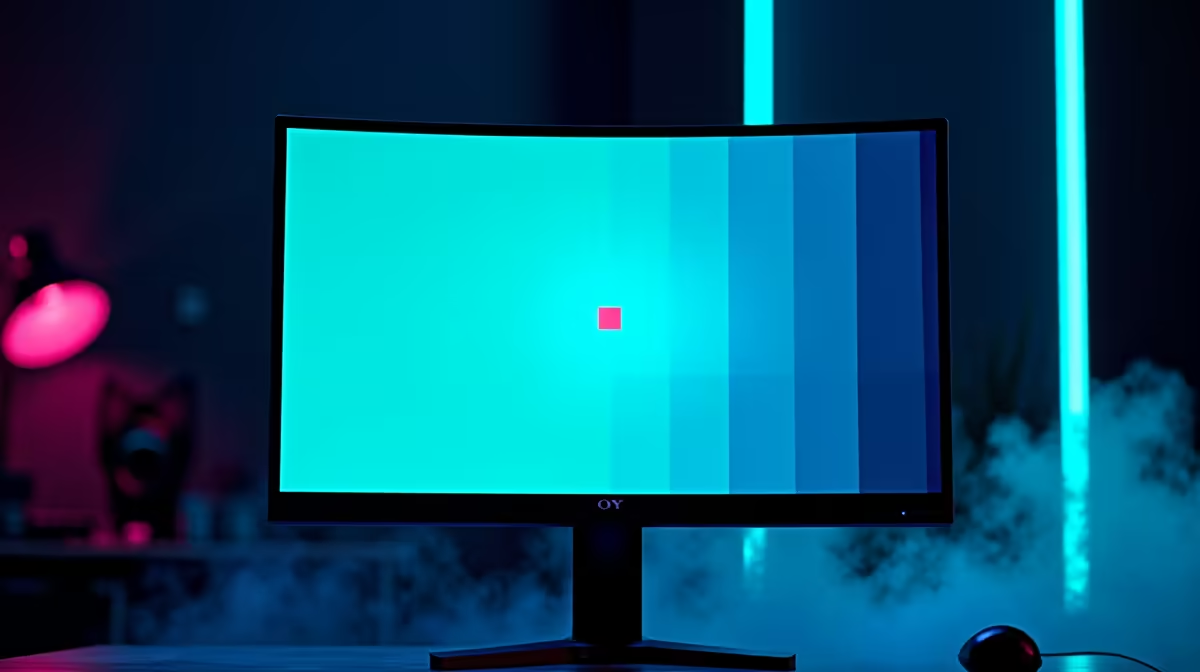
Run a full-screen colour cycle (black, white, red, green, blue) at your panel's native refresh rate, whether that is 60Hz or 165Hz, and watch the pixel. If it stays black on every colour, it is dead. If it shows one wrong colour, it is stuck and likely fixable. JScreenFix runs free in your browser and flashes the area rapidly; UDPixel does the same on Windows. Give either tool 15-30 minutes.
Step 2: gentle pressure method (last resort)
If software fails, power off the monitor, place a soft cloth over the stuck pixel, apply light pressure with a blunt rounded object, then power on while releasing. This sometimes reseats a stuck sub-pixel. Do not press hard - too much force creates more dead pixels and voids your warranty.
Step 3: warranty path in SA
If the pixel is dead, your warranty is the answer. Monitors at Evetech typically carry 2-3 year warranties; LG, Samsung, and MSI each publish a bright/dark sub-pixel threshold (often a small number before they replace). Keep your invoice, photograph the defect on a solid background, and lodge the claim through the retailer rather than attempting risky DIY.
FAQ
Can a dead pixel be fixed for free?
A stuck pixel often clears with free tools like JScreenFix or UDPixel in 15-30 minutes. A truly dead pixel that never lights up generally cannot be fixed and needs a warranty claim.
Does a single dead pixel qualify for warranty in SA?
It depends on the brand threshold - LG, Samsung, and MSI each set a minimum number of dead sub-pixels before replacement. Check your model's policy and lodge through Evetech with your invoice and a photo.
How long should I run a pixel-fixing tool?
Give JScreenFix or UDPixel at least 15-30 minutes, and you can leave it running up to an hour. Stuck pixels that respond usually clear within that window.
else, run JScreenFix full-screen for 20 minutes - it is free and clears most stuck pixels without touching the panel or risking your warranty.










