


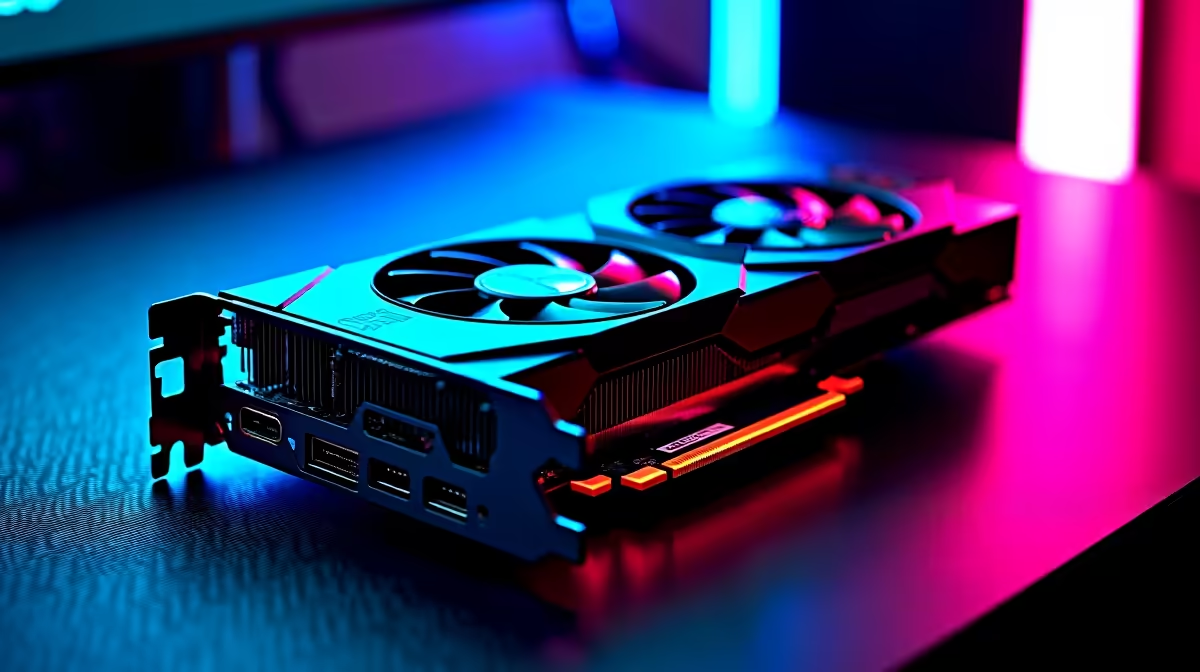
When your RTX 5090 build hits a ghosting issue, work through the checks in order rather than guessing, since the cause is often a loose connection, a driver, or a setting rather than dead hardware.
Quick Answer
Yes, a ghosting issue on a RTX 5090 build is usually a quick fix: set the monitor to its full refresh rate, choose a medium overdrive level, and update the GPU driver. Start with that the 16-pin cable is fully home and the PSU is rated for the 575W card before spending money on replacements.
When to Get SA Support
If the ghosting issue survives every check, the issue may be hardware. RTX 5090 cards carry a 2 to 3 year warranty; log faults with proof of purchase. Keep proof of purchase and note the exact symptom so Evetech support or the brand RMA process moves faster.
First Checks for Your RTX 5090 build
Confirm the panel is running at its rated refresh rate in Windows and the GPU control panel, since running below it makes smearing worse. For a RTX 5090 build specifically, confirm that the 16-pin cable is fully home and the PSU is rated for the 575W card. The RTX 5090 pulls heavy transients; a 1000W or larger ATX 3.1 PSU avoids blank-screen shutdowns.
Drivers, Firmware, and Software
An outdated GPU driver causes frame-pacing problems that look like ghosting. Update to the latest Game Ready or Adrenalin driver. On a RTX 5090 build, clean-install the latest NVIDIA driver after removing the old one with DDU. A clean driver reinstall using DDU often clears display faults that survive a simple reboot.
FAQ
Can the GPU cause ghosting with a RTX 5090 build?
An old or mismatched GPU driver can cause frame-pacing issues that look like ghosting. Update the driver and confirm V-Sync or G-Sync settings.
What causes ghosting on a RTX 5090 build?
Ghosting is trailing pixels from slow response or a too-low overdrive setting. With a RTX 5090 build, also check that the 16-pin cable is fully home and the PSU is rated for the 575W card and set the monitor overdrive to a balanced level.
Does refresh rate affect ghosting on a RTX 5090 build?
Yes. Running below the panel's rated refresh, such as 60Hz on a 144Hz or 240Hz display, increases visible smearing. Set the full refresh rate in Windows and the GPU panel.
Pro Tip
To cut ghosting, set a medium monitor overdrive and confirm that the 16-pin cable is fully home and the PSU is rated for the 575W card; the maximum overdrive level usually adds overshoot instead of helping.




