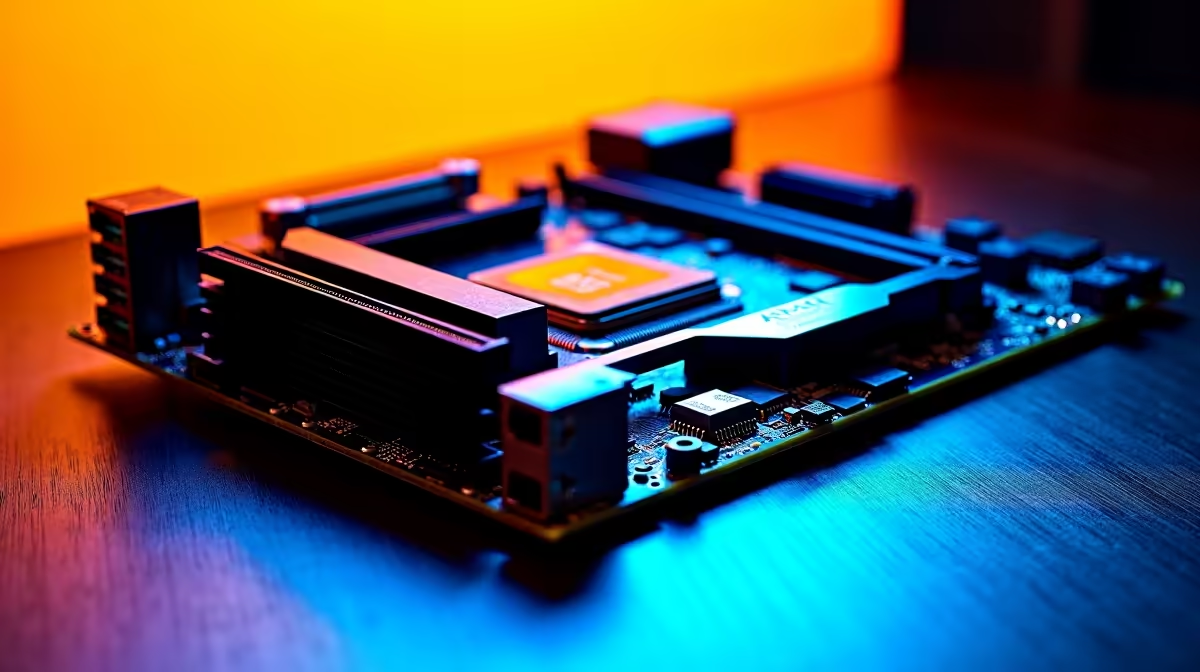
An AM5 motherboard build can microstutter from EXPO memory training quirks, an immature BIOS, or fTPM hitching, none of which mean a faulty board. AM5 rewards a current BIOS and clean memory setup.
Quick Answer
Flash the latest BIOS, enable the EXPO profile for DDR5, and disable fTPM-related stutter by switching to a discrete or updated firmware TPM. A modern AM5 board on a stable BIOS runs DDR5-6000 without the periodic hitch.
BIOS maturity is critical on AM5
Early AGESA versions caused long boot times and intermittent stutter. Update to the newest stable BIOS for your board, then re-enable EXPO so memory runs at its rated speed rather than a slow JEDEC fallback. A modern B650 or X670 board on a current BIOS handles DDR5-6000 without the early-platform quirks.
Memory and fabric tuning
DDR5-6000 with a matched Infinity Fabric is the AM5 sweet spot. If you pushed past 6400, instability can cause hitching; drop back to 6000 CL30. Re-run memory training after any BIOS change so timings settle.
TPM, drivers and power plan
The well-known fTPM stutter shows as a brief freeze every few minutes; an updated BIOS fixes it. Use the AMD chipset driver, set the balanced or AMD power plan, and keep the GPU driver clean to rule out the usual suspects. Keep the chipset and GPU drivers current alongside the BIOS so no single stale component reintroduces a hitch.
FAQ
Does EXPO cause AM5 stutter?
Properly set EXPO does not; an unstable overclock past DDR5-6000 can. Stick to 6000 CL30 for the most reliable pacing on Ryzen.
What is the fTPM stutter?
A periodic micro-freeze caused by firmware TPM access on older BIOS. Update the BIOS or move to a discrete TPM to clear it.
Why update the BIOS on a new board?
Boards often ship with early AGESA that hurts memory stability and pacing. A current BIOS smooths boot times and removes intermittent stutter.
Pro Tip
After every BIOS flash, re-enable EXPO and let the board re-train memory on first boot before judging whether stutter is gone.