


Fewer than 30 percent of South African homes have fibre running past them in the street, which leaves a large chunk of the country watching neighbours get connected while their own road stays untouched. 5G home internet is the route around that wait. Instead of trenching, civil works, and a queue for an installer, you put a SIM into a router, power it on, and you are online, often the same day the kit arrives at your door.
Quick Answer
5G fixed wireless access needs only two things: a powered 5G router and 5G coverage at your address. There is no landline, no trenching, and no technician visit. You insert the SIM, plug in the router, and the connection typically goes live the same day. Coverage at your specific address is the one thing that decides whether it works, so check that before anything else.
Why 5G works where fibre doesn't
Fibre is brilliant once it reaches your street, but laying it is slow and expensive, and the rollout simply has not reached most addresses yet. 5G fixed wireless access sidesteps the physical cable entirely. The signal arrives over the air from a nearby mast, so your home connects without anyone digging up the pavement. For the majority of South African homes still waiting on fibre, that makes 5G the fastest realistic way to get a proper connection, not a stopgap but a genuine alternative.
Step 1: Check 5G coverage at your exact address
Coverage is the first thing to confirm, and it is non-negotiable, because a mast a few streets away can mean the difference between a strong signal and nothing usable. Every major network publishes a coverage map, and you check your specific street address rather than just your suburb. Networks like MTN, Vodacom, Rain, and Telkom have been expanding 5G steadily, with coverage now reaching a large share of the population, but it is still patchy by location. Confirm your address is covered before you spend a cent.
Step 2: Choose a 5G router
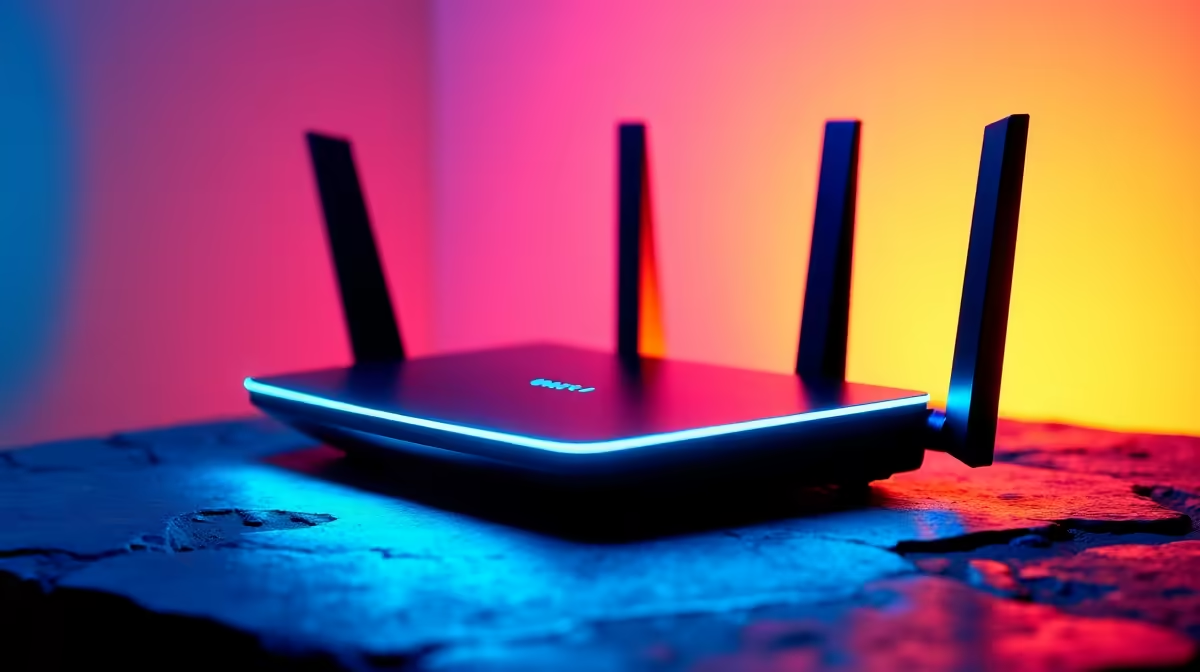
You need a router built to take a SIM and connect over 5G, not a standard fibre router. These come as desk-standing units or window-mounted models, and the right one depends on your signal strength. In an area with strong coverage a simple indoor unit is plenty. Where the signal is weaker, a router with better antennas, or one designed to sit near a window facing the mast, pulls in a stronger connection. The networking range at Evetech covers 5G-capable routers suited to home use.
Step 3: Get a 5G data package
Pair the router with a 5G home internet package from a network or internet provider. South African providers have moved toward large, quasi-uncapped packages aimed squarely at replacing fibre, so a home plan can carry the kind of monthly data a household actually uses. Match the package to your usage: a streaming-heavy home of several people needs a far larger allowance than a couple checking email and watching the occasional show.
Step 4: Insert the SIM and power on
This is the easy part, and the whole reason 5G is so appealing. Slot the SIM into the router, plug the router into power, and switch it on. There is no installer, no trenching, and no waiting weeks for a slot. The router connects to the 5G network on its own, and within minutes you have internet. Many people are genuinely online the same day their kit arrives.
Step 5: Position the router for the best signal
Where you place the unit changes everything. 5G signal is strongest with a clear path toward the mast, so position the router at an exterior window pointing toward the tower rather than in a back room or interior corridor. Move the unit around and watch the signal indicator until you find the strongest spot. A few minutes of repositioning can lift speeds noticeably, and it costs nothing. Small extras like a longer power lead or a sturdy stand from the accessories best sellers help you place the unit exactly where the signal is best.
When 5G is the right call
5G suits any home with no fibre on the street, anyone who wants to be online quickly without an installation wait, and renters who need a connection that moves with them. Where fibre is already available and affordable at your address, it usually still edges ahead on raw capacity and consistency, so 5G shines most precisely where fibre is absent.
Frequently Asked Questions
Do I need a technician to set up 5G home internet?
No. 5G fixed wireless access is plug-and-play. You insert the SIM, power on the router, and it connects on its own, with no installer, trenching, or landline required. Most people are online the same day.
How do I know if 5G will work at my house?
Check the coverage map for your exact street address on your chosen network. Coverage is very local, so confirming your specific address rather than just your suburb is essential before buying anything.
Can 5G really replace fibre?
For most homes without fibre, yes. South African providers now offer large, quasi-uncapped 5G home packages built as a fibre alternative. Where fibre is available it often still leads on capacity, but 5G is a strong substitute where no cable reaches you.
Why does router placement matter so much?
5G signal needs a clear path to the mast. Positioning the router at an exterior window pointing toward the tower typically gives faster, steadier speeds than leaving it in a back room. Trying different spots with the signal indicator running is a free way to improve performance.
Will any router work with a 5G SIM?
No, you need a router specifically built for 5G with a SIM slot, not a standard fibre router. Models range from simple indoor units for strong-signal areas to higher-gain or window-mounted units for weaker coverage.
No fibre on your street is no longer a dead end. Browse the networking range at Evetech to find a 5G router that gets your home online the same day, without waiting for a single trench to be dug.










