


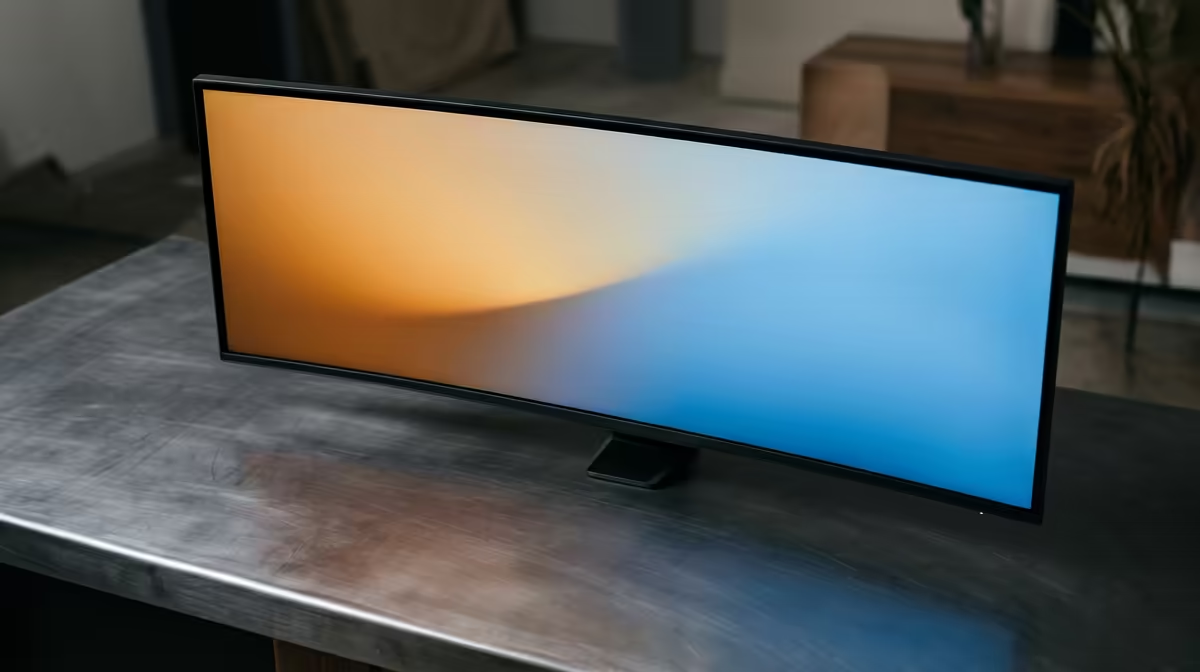
A monitor sitting too low is the quiet cause of most end-of-day neck ache, because it pulls your head forward and down for hours at a time. Getting the height right takes a few minutes and costs nothing if your stand already adjusts. The rule is simple: set the screen so the correct eye level falls naturally on the upper third of the panel, not the middle, so your gaze drops slightly rather than craning down.
Quick Answer
Position your monitor so its top edge aligns with, or sits just beneath, your natural eye line when seated, roughly 50 to 75 cm from your face, so your gaze falls about 15 to 20 degrees downward to the centre of the screen. Tilt the panel back 10 to 20 degrees to cut glare and keep your neck neutral.
Why screen height matters more than you think
Your eyes rest most comfortably looking slightly downward, which is why the centre of the screen should sit 15 to 20 degrees below horizontal eye level rather than dead ahead. When a monitor is too low, you tilt your head forward to read it, and that forward lean loads the muscles at the back of your neck and upper back for the entire working day. Raise the screen so the top edge meets your eyes and the head stays balanced over the spine, which is the position those muscles can hold without strain. Standing desks and sit-stand setups change nothing here: the relationship between your eyes and the top of the panel is what matters, whether you are seated or standing.
Step 1: Set your chair first
Height starts from the floor up, so adjust your chair before you touch the monitor. Sit back fully, feet flat, thighs roughly parallel to the ground, and let your forearms rest level with the desk. Only once your seated posture is fixed does your true eye level become stable enough to measure against. A chair that sags or will not hold height makes every other adjustment pointless, so it is worth getting that base right first. You can browse height-adjustable desk solutions in the gaming and ergonomic desk range at Evetech if your current setup cannot reach the right monitor height.
Once seated correctly, your eyes should land at or slightly below the top of the screen. That is the target both monitors need to meet.
Step 2: Find your eye level and match the top edge
Sit normally, close your eyes, then open them looking straight ahead. The point your gaze lands on is your horizontal eye level. The upper edge of the display should rest at or fractionally below that line. For most people at a standard desk this puts the centre of the panel comfortably in the lower half of their vision, which is exactly where you want it.
Adjusting for large and ultrawide panels
On a 27-inch or larger screen, matching the top edge to eye level can push the bottom of the panel quite low, which is fine because you rarely focus there. If the whole panel feels too tall, drop it slightly so the active area you read most sits around 15 degrees below eye level rather than forcing the geometric centre to that angle.
Step 3: Set distance and tilt
Push the monitor back until it sits roughly an arm's length away, about 50 to 75 cm, then increase that distance for bigger panels so you are not sweeping your eyes across the screen. Finish by tilting the top of the panel away from you by 10 to 20 degrees, which keeps the surface square to your downward gaze and reduces reflections from overhead lighting. If your monitor's built-in stand will not reach the right height, a clamp-mounted arm gives you full control. Browse the best-selling desk and workspace accessories at Evetech to round out a setup that supports good posture rather than fighting it.
Frequently Asked Questions
Should the middle or the top of the screen be at eye level?
The top edge should be at or just below eye level, which places the centre about 15 to 20 degrees lower. Putting the geometric centre at eye level sits the screen too high and forces your chin upward.
How far should the monitor be from my eyes?
Roughly an arm's length, about 50 to 75 cm. Larger and higher-resolution panels can sit a little further back so you can take in the whole screen without constant eye movement.
Do I need a monitor arm or is a riser enough?
A riser works if it lifts the screen to the right height for your desk and chair. A monitor arm is better when you share a desk, switch between sitting and standing, or need to fine-tune tilt and depth precisely.
Does this apply to laptops too?
Yes, and laptops are usually too low because the screen is fixed to the keyboard. Raise the laptop on a stand to bring its top edge to eye level, then add an external keyboard and mouse so you can still type comfortably.
Will fixing monitor height really reduce neck pain?
Correct height removes the forward head tilt that strains the neck and upper back, so it addresses one of the most common posture problems at a desk. It works best alongside a properly set chair and regular short breaks.
A comfortable setup starts with the right desk and mount. Explore the ergonomic desk range and workspace gear at https://www.evetech.co.za/PC-Components/gaming-desk-331 and get your posture working for you.











