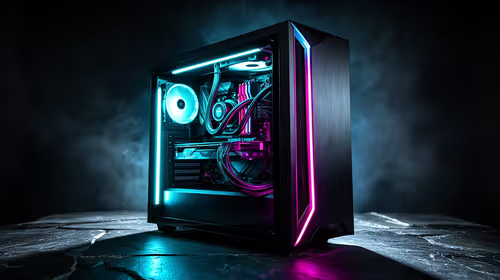
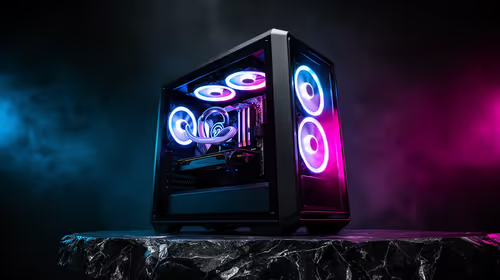
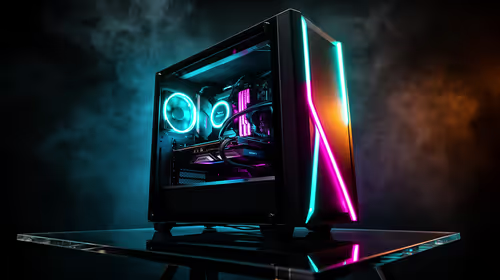
You’ve just built your dream gaming rig. The RGBs are glowing through that stunning tempered glass panel, and you’re ready to dominate. But wait… is your brand-new, beastly graphics card bending? That dreaded GPU sag isn’t just an eyesore; it’s a potential threat to your motherboard’s PCI-e slot. It’s a common issue with today's massive cards, but thankfully, it's easy to fix. Let's look at how to prevent GPU sag and keep your investment safe.
Why Does GPU Sag Happen Anyway?
It’s simple physics, really. Modern graphics cards are heavier than ever. They’re packed with massive heatsinks, multiple fans, and sturdy backplates to keep those powerful chips cool. All that weight, supported by just a tiny PCI-e slot and two screws at the back of the case, creates a lever effect. Over time, gravity wins, and the far end of the card starts to droop.
This not only looks untidy but can put long-term stress on the PCI-e slot, potentially causing connection issues or even permanent damage to your motherboard. Learning how to prevent GPU sag is a crucial step in any modern PC build.
Practical Ways to Stop Graphics Card Sag
You don't have to live with a droopy GPU. There are several effective methods to correct it, ranging from quick fixes to elegant, permanent solutions.
The Pro Choice: GPU Support Brackets
The most reliable way to fix GPU sag is with a purpose-built support bracket or stand. These simple devices sit inside your case, propping up the end of the graphics card to keep it perfectly level. They come in various styles, from simple adjustable stands to sleek, RGB-lit arms that mount to your case, adding to your rig's aesthetic. They offer a stable, long-term solution. 💪
Check Your Level 📏
Before installing a support bracket, use a small spirit level (or a level app on your phone) on top of your GPU's backplate to see how severe the sag is. This helps you adjust the support to make the card perfectly horizontal, ensuring even pressure and preventing any new stress on the components.
The Integrated Solution: Smart Case Selection
Some of the best solutions are preventative. Many modern PC cases are now designed with GPU sag in mind. For example, some compact builds using a solid mini-tower case like the Cooler Master E301 naturally reduce the amount of unsupported space. Digging into Cooler Master's range of cases reveals many models that now include adjustable GPU support arms as a standard feature.
The Stylist's Pick: Vertical GPU Mounting
Want to eliminate sag and show off your GPU's awesome cooler design? Mount it vertically. This shifts the force of gravity from pulling the card down to pushing it against the vertical mount, completely solving the sag problem. This is a popular feature in many modern chassis from brands with innovative designs from TRYX Gaming and other aesthetic-focused options from brands like Gamemax. Just remember you'll need a case that supports it and a quality PCI-e riser cable. ✨
Don't Let It Droop: Final Checks
Ultimately, the best way to prevent GPU sag is to plan for it during your build. Choosing the right components from the start ensures a stable, long-lasting, and great-looking rig. Taking a moment to browse our full selection of computer cases can reveal features you hadn't even considered. A little support goes a long way in protecting your powerful hardware for years of epic gaming.
Ready to Build a Sag-Free Rig? 💪
Preventing GPU sag starts with a solid foundation. A well-designed case can make all the difference, offering better support and mounting options. Don't let your powerful GPU down... literally. Explore our massive range of PC cases and find the perfect chassis for your next build.