


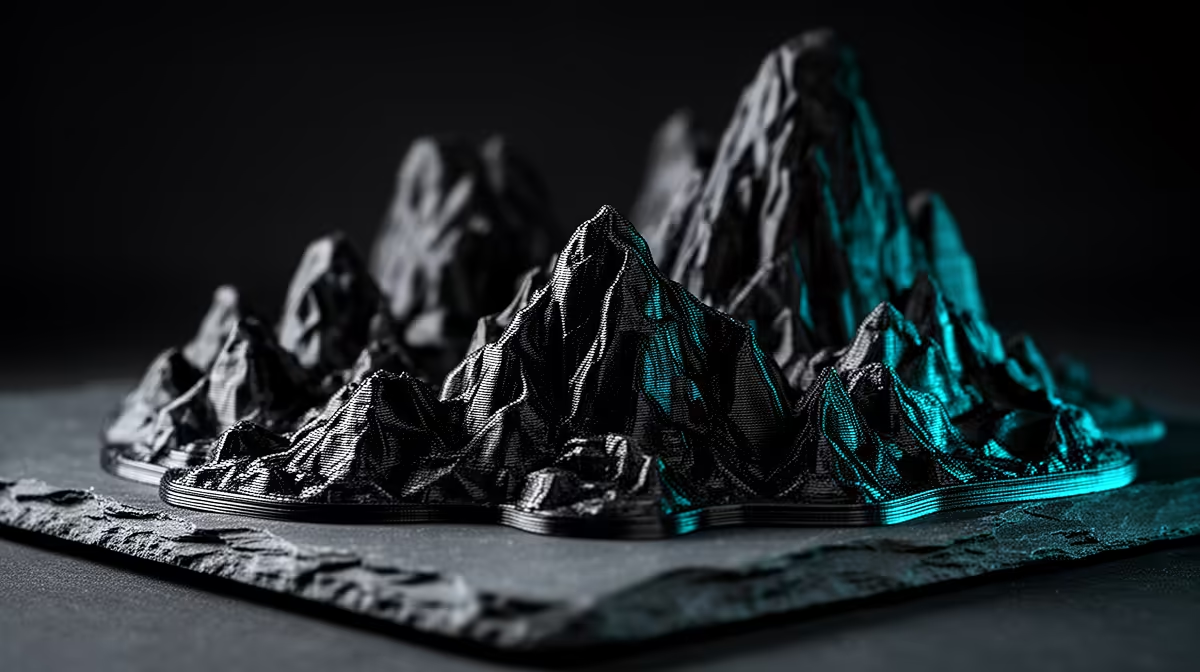
Printing a full dungeon table out of plastic sounds expensive until you realise terrain plays by completely different rules to miniatures. Tabletop terrain prioritises size and structural strength over microscopic detail, which means cheaper filament, faster settings, and a far more forgiving printer. A wall section does not need 0.1mm layers, and that single fact is what makes printing your own scenery genuinely affordable.
Quick Answer
Print terrain in PLA at 0.2mm to 0.28mm layer height with 10 to 15 percent infill, or use vase mode for hollow walls and towers to slash print time. A basic FDM printer with a 220mm bed handles most dungeon tiles and scatter pieces, and a 1kg roll of PLA at roughly R250 to R400 covers a large table's worth of scenery.
Step 1: Pick PLA and a big enough bed
PLA is the right material here. It is cheap, prints reliably, holds detail well enough for terrain, and does not need an enclosure. ABS and PETG add strength you rarely need for scenery that sits on a table, not in a car dashboard. The one spec that matters more than material is bed size: a 220 by 220mm bed prints most standard dungeon tiles in one piece, while anything smaller forces you to split larger walls and glue them.
Step 2: Choose your STL style
Terrain STLs come in two broad flavours, and they print very differently.
- Solid-detail models. Ruins, statues, and crates designed to be printed with normal walls and low infill. These give you the most detail and the most realistic surfaces.
- Vase-mode or open models. Walls, towers, and tiles designed to be printed as a single continuous outline with no infill and no top layer. These print astonishingly fast because the nozzle never stops moving.
Knowing which type you are slicing before you start saves a lot of wasted plastic. Mixing the wrong settings with the wrong model is the most common beginner mistake.
Step 3: Dial in the fast settings
For solid models, set 0.2mm to 0.28mm layer height and 10 to 15 percent infill. Terrain does not bear load, so high infill just wastes filament and hours. Two or three perimeters give walls enough strength to survive being knocked across a table.
For vase-mode pieces, switch on spiralise (vase mode) in your slicer, set a single perimeter, and disable top layers. A wall that takes two hours at normal settings can drop under 45 minutes this way. The result is hollow but plenty rigid for scenery.
Step 4: Speed up the whole batch
Once your settings are dialled in, print in batches. Fill the bed with several scatter pieces at once so the printer runs unattended overnight. Group similar models together so you are not constantly changing settings. A large terrain set is really a queue management exercise more than a printing one. If you want to see the wider category these machines belong to before you commit, the 3D printer range at Evetech gives you a sense of the FDM options available locally.
Step 5: Finish and seal
Straight off the bed, terrain looks raw. A coat of cheap grey primer, a base colour, and a dry-brush highlight transform PLA prints into convincing stone, wood, or metal. Sealing with a matte varnish protects the paint from table wear. None of this is essential to play, but it is what turns a pile of plastic into a board people want to game on. For the paints, brushes, and finishing supplies that go alongside any maker project, Evetech's accessories best sellers are an easy place to round out your kit.
Frequently Asked Questions
Why is PLA better than PETG or ABS for terrain?
PLA is cheaper, prints more reliably, needs no enclosure, and holds enough detail for scenery. PETG and ABS add strength and heat resistance that terrain sitting on a table simply does not need, so they cost more time and money for no real benefit here.
What is vase mode and when should I use it?
Vase mode, also called spiralise, prints a model as one continuous single-wall outline with no infill or top layers. Use it for walls, towers, and hollow tiles designed for it, where it cuts print time dramatically while staying rigid enough for play.
How much infill do terrain pieces need?
For solid models, 10 to 15 percent infill is plenty. Terrain does not carry load, so higher infill only wastes filament and adds hours. Two or three perimeters give the walls enough toughness to survive normal table handling.
How much filament does a full terrain set use?
It varies with the set, but a single 1kg roll of PLA, around R250 to R400 locally, covers a large table's worth of tiles and scatter when printed at low infill. Vase-mode pieces stretch that even further.
Do I need a big printer for terrain?
A 220 by 220mm bed prints most standard dungeon tiles in one piece, which is ideal. Smaller beds still work, but you will split larger walls and glue them together, adding assembly time to every big piece.
Ready to print your own dungeon? Browse the 3D printers and maker accessories at Evetech to get your first terrain batch printing this weekend. https://www.evetech.co.za/components/3d-printers-130










