


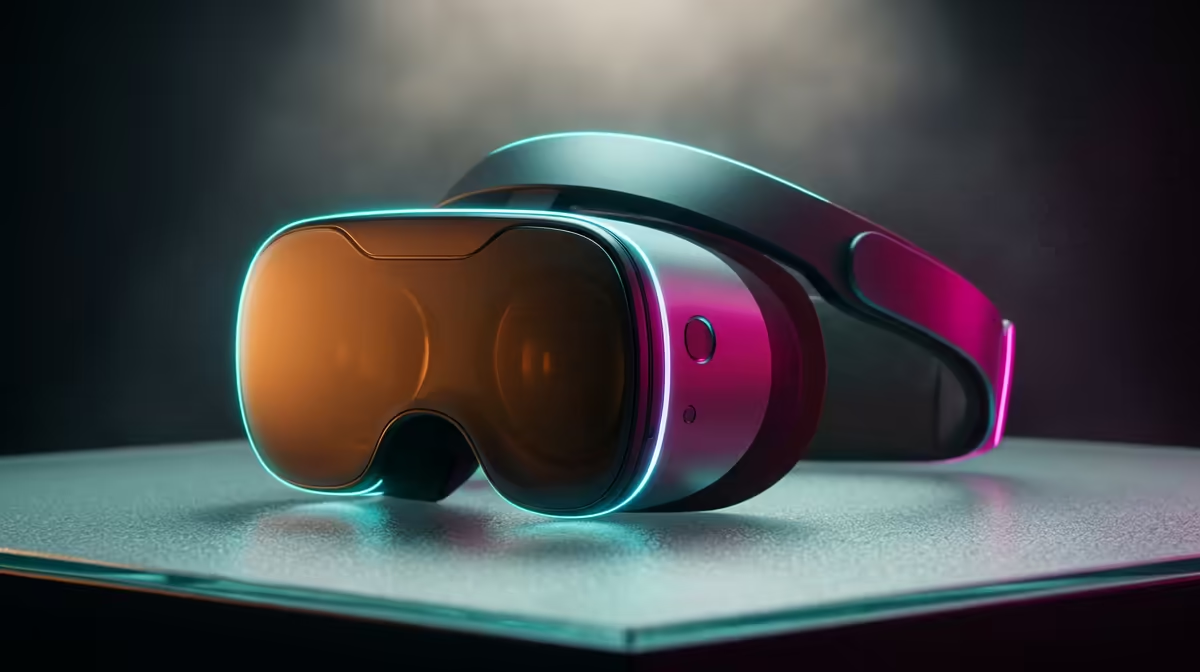
The first ten minutes in a headset can decide whether someone loves VR or never puts it on again. Queasiness, a cold sweat, the urge to sit down: that is VR motion sickness, and for most new users it is preventable rather than permanent. Get a handful of technical and habit fixes right and your brain adapts far faster than you expect.
Quick Answer
Hold a steady 90 FPS, since frame drops are the single biggest trigger of simulator sickness in new users. Set your IPD correctly so the lenses line up with your eyes, start with seated, stationary experiences, and keep early sessions to 15 to 20 minutes. Comfort settings like teleport movement and vignette do the rest.
Step 1: Lock In a Steady Frame Rate
A stuttering image is what sets off nausea, because your visual system receives broken motion data while your vestibular system reports stillness. Aim for a stable 90 FPS or your headset's native refresh rate, and treat consistency as more important than peak numbers.
Close background apps, lower in-game graphics settings before you raise them, and make sure your PC can comfortably drive the headset. A machine that struggles will drop frames in busy scenes, which is exactly when sickness hits hardest. If your current rig is the weak link, the PC components and AR glasses range at Evetech is a useful starting point for understanding what hardware keeps VR smooth.
Step 2: Set Your IPD Correctly
IPD stands for interpupillary distance, the measured gap between your pupils. When the headset lenses do not align with it, every frame carries a subtle visual error that your eyes cannot quite resolve, and that constant strain quietly amplifies nausea even when the frame rate is perfect.
Measure your IPD or use your headset's built-in adjustment until the image looks sharp and comfortable across the whole view. On headsets with a physical slider, take a minute to dial it in properly rather than leaving it at the default.
Step 3: Start Seated and Stationary
Your first sessions should not involve fast artificial movement. Begin with seated experiences where you look around but do not travel, such as cockpit games, creative apps or calm exploration titles. These let your brain learn the new sensory rules without throwing motion conflict at it.
Build up gradually. Once seated play feels natural, move to standing and slow locomotion, and only then to faster action. Rushing straight into a fast shooter on day one is how most people put the headset down for good.
Step 4: Use the Comfort Settings
Modern VR titles include comfort options designed exactly for this. Teleport or snap-turn locomotion removes the smooth artificial motion that upsets the vestibular system. A comfort vignette narrows your field of view slightly during movement, which dramatically reduces queasiness for sensitive users.
Turn these on from the start and switch them off later as you adapt. There is no prize for playing on the most intense settings while you still feel ill.
Step 5: Manage Sessions and Surroundings
Keep early sessions short, around 15 to 20 minutes, and stop the moment you feel the first hint of discomfort rather than pushing through. Pushing through teaches your brain the wrong lesson and makes the next session worse.
A cool, well-ventilated room helps, as a stuffy space makes nausea worse. A small fan moving air across your face gives your senses a real-world anchor. Stay hydrated, take breaks, and give your body a day to settle between longer sessions early on. Most people find their tolerance climbs steeply within the first week or two.
Frequently Asked Questions
Does VR motion sickness go away?
For most people, yes. Tolerance builds with short, regular sessions as your brain adapts to the new sensory input. Within a couple of weeks of sensible practice, many users feel little to nothing.
Why does frame rate matter so much?
Dropped frames create stutter, which widens the gap between what your eyes report and what your balance system feels. That conflict is the core trigger of nausea, so a steady high frame rate is the single most effective fix.
What is IPD and why does it matter?
IPD is the distance between your pupils. If the lenses do not match it, the image is subtly misaligned for your eyes, straining them and worsening the visual mismatch that causes sickness. Setting it correctly is essential.
How long should my first sessions be?
Keep them to roughly 15 to 20 minutes and stop at the first sign of discomfort. Frequent short sessions build tolerance far better than one long session that leaves you feeling ill.
Do comfort settings ruin the experience?
Not at all early on. Teleport movement and a comfort vignette let you enjoy VR while you adapt, and you can switch them off later. They are a bridge to full enjoyment, not a permanent compromise.
Comfortable VR starts with a system that holds a steady frame rate. Explore the VR and AR hardware at Evetech, and stock up on the extras that make sessions cleaner from the accessories best sellers at https://www.evetech.co.za/accessories-best-sellers/x/1919.











