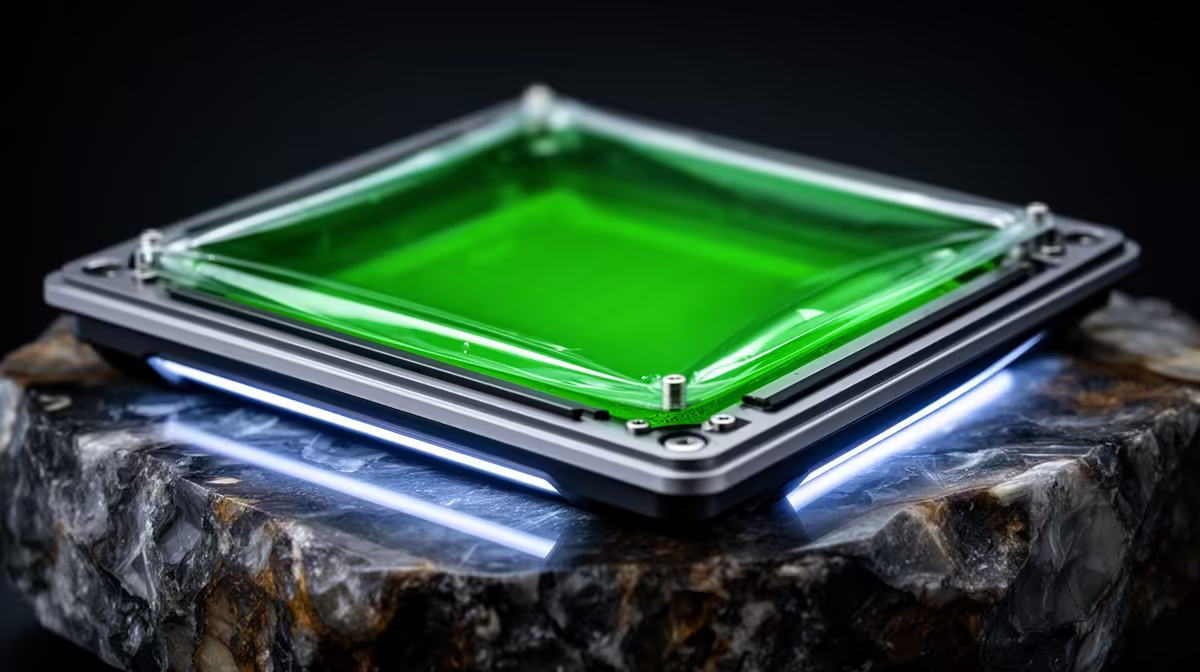
A clouded or stretched release film is the single most common reason a resin print fails when every slicer setting looks correct. Replacing the FEP film and re-tensioning it properly restores the clean UV path your printer needs, and it is a job most resin owners can do in under an hour with a steady hand and a few basic tools. Skip it for too long and you risk a layer letting go mid-print, dumping cured resin onto the LCD below.
Quick Answer
Replace standard FEP film proactively every 30 to 50 prints, even if it still looks usable, because the material degrades optically before damage is visible. Re-tension to a drum-tight membrane, around 250 to 350 Hz if you measure it with a tuning app, and check the vat for scratches and cured debris at the same time.
When the film actually needs replacing
FEP (and the smoother nFEP variant) sits at the bottom of the vat and lets each cured layer peel away cleanly. Over time the constant peel cycle clouds the film, scatters UV light, and lets prints stick where they should release. Watch for a milky or frosted patch over the build area, a permanent dimple or stretch in the centre, small scratches, or a sudden run of failed prints with no setting changes. nFEP and PFA films generally last two to three times longer than plain FEP because they are more non-stick and resist wear during peeling, so if you are replacing film often, the upgrade is worth considering.
The resin vat itself is a consumable too. If you are shopping for a printer or spare parts, the 3D printer range at Evetech is the place to match film and vats to your exact model rather than guessing at generic sizes.
Step by step: removing the old film
- Drain and clean the vat. Pour any leftover resin back through a filter, then wipe the vat with isopropyl alcohol and a soft paper towel until no residue remains.
- Lay the vat upside down on a flat, padded surface so the film side faces up.
- Remove the retaining screws in a diagonal, cross pattern rather than going around the perimeter in order. This releases tension evenly and stops the frame from warping.
- Lift off the metal tension frame and peel away the old film. Take a photo of the screw layout first if your vat design is unfamiliar.
Step by step: fitting and tensioning the new film
- Clean the vat frame thoroughly. Any old adhesive, dried resin, or grit under the new film causes uneven tension and leaks.
- Lay the new film over the vat, centred, with a little overhang on all sides. Many sheets ship with a protective layer, so peel it only once the film is seated.
- Seat the tension frame and start the screws by hand. Do not fully tighten any single screw yet.
- Tighten gradually in a cross pattern, a turn or two per screw at a time, working opposite corners. This is where even tension comes from.
- Check the tension. Lightly tap the centre of the film. It should sound tight and drum-like, not slack. If you use a phone tuning app, aim for a main peak around 250 to 350 Hz. Below that, tighten a little more; above it, ease off so you do not strain the Z axis motor or crack the frame.
- Trim the excess film flush once you are happy, then refit the vat and run a short test print before committing to a long job.
Caring for the vat between changes
Treat the vat gently and the film lasts longer. After each session, filter resin back into the bottle rather than leaving it to settle and partly cure in the vat. Never scrape cured chunks off the film with anything metal or sharp; use a soft plastic or silicone spatula. If a print fails, always clean out the cured layer stuck to the film before the next attempt, because a single hardened patch will telegraph straight into the next print. Store the printer out of direct sunlight so stray UV does not slowly haze the film and resin. A small kit of soft scrapers, gloves, and lint-free wipes makes this routine painless, and you can pick those up from the accessories best sellers alongside your consumables.
Frequently Asked Questions
How do I know if my FEP film is too loose or too tight?
Tap the centre lightly. A correctly tensioned film sounds tight and drum-like. If it sounds dull and slack it is too loose, which causes layer deformation. If you have over-tightened, you risk tearing the film and straining the Z axis. A tuning app reading of roughly 250 to 350 Hz is a good target.
How often should I replace FEP film?
For standard FEP, replace it every 30 to 50 prints as a routine, regardless of how it looks, because optical degradation happens before visible damage. nFEP and PFA films typically last two to three times longer under the same conditions.
What is the difference between FEP and nFEP film?
FEP is the affordable standard and works fine for everyday printing. nFEP is smoother and more non-stick, which lowers peel force, reduces failures, and extends film life. If you print large or detailed models often, nFEP is usually the better long-term choice.
Can a cloudy FEP film really cause a print to fail?
Yes. A clouded film scatters the UV light coming up from the LCD, so layers under-cure and lose adhesion to the build plate. This produces failures even when your exposure, lift, and slicing settings are all correct.
Do I need to replace the whole vat or just the film?
Usually just the film. Replace the entire vat only if it is scratched, warped, or the frame is damaged. Always inspect the vat for scratches and cured debris when you change film, since damage there affects every future print.
Keeping your resin printer dialled in starts with the right film, vat, and tools for your exact machine. Browse the 3D printer range at Evetech (https://www.evetech.co.za/components/3d-printers-130) to match consumables to your printer and keep every layer landing clean.