


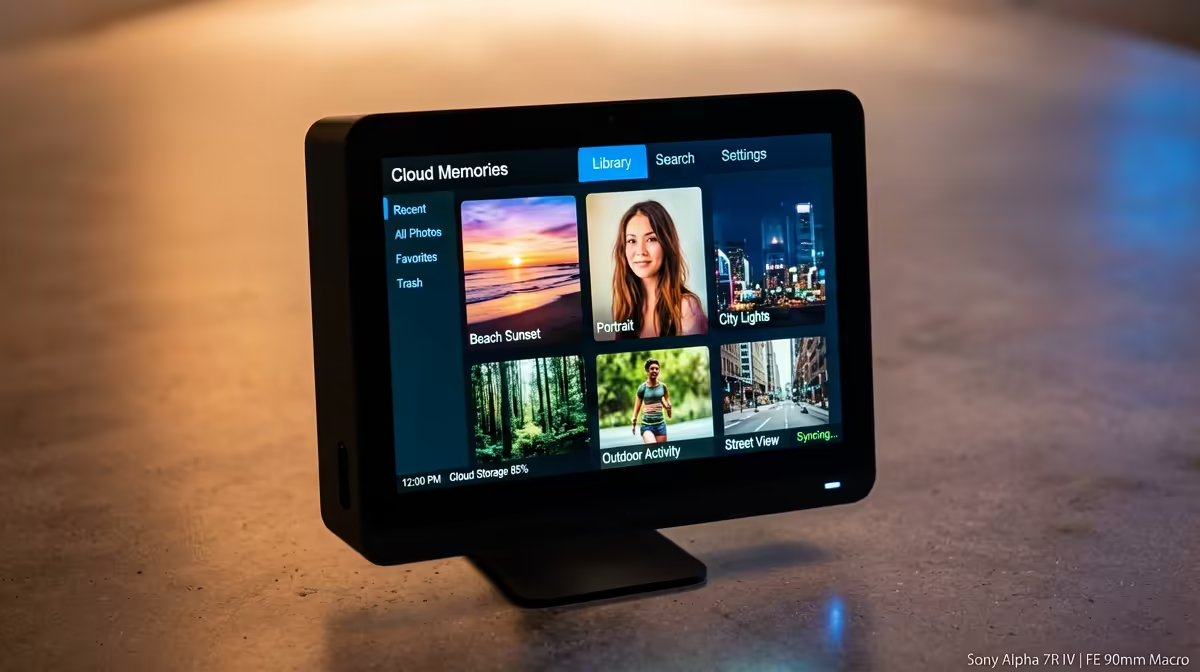
Owning your photo library instead of renting space in someone else's cloud is more achievable than it looks. Self-hosting Immich to replace Google Photos gives you automatic phone backup, face recognition and natural-language smart search, all running on hardware you control, with no monthly fee and nobody else's servers holding your memories. The setup is Docker-based and the hardware bar is modest, but the AI features want a little headroom.
Quick Answer
Immich is a free, open-source app that replicates Google Photos features, automatic mobile backup, face recognition and CLIP smart search, on your own machine. Run it with Docker Compose on a box with at least 4GB of RAM, ideally 8GB for the AI features, four CPU cores and around 20GB of space beyond your actual photo storage.
What Immich gives you
Immich is the most complete self-hosted alternative to Google Photos. The mobile app backs up your camera roll automatically, just like the service you are leaving. On the server it groups photos by the faces it detects so you can name people and browse everyone who appears, and its CLIP-based search lets you type "dog on beach" or "birthday cake" and find matches in photos you never tagged. Shared albums and timeline browsing round it out.
The trade is that the machine learning runs on your hardware rather than a data centre, which is exactly the point: your files never touch a third party.
A small, low-power x86 box is the sweet spot for this, which is why the mini PC range at Evetech suits an Immich server well: quiet, frugal on electricity, and powerful enough to chew through face recognition in the background.
Hardware you actually need
Immich's basic functions are light, but the AI features set the real requirements. Plan for at least 4GB of RAM, with 8GB recommended once face recognition and smart search are running. A four-core CPU handles ongoing uploads comfortably; the heavy moment is the first bulk import, where more cores finish indexing sooner. Budget roughly 20GB for the app, database and model cache on top of the storage your library needs.
A discrete Intel or NVIDIA GPU is optional but speeds up video transcoding and ML inference noticeably. It is not required to get started.
Setting it up with Docker Compose
Docker Compose is the only officially supported way to run Immich, and it is the right approach because the app is several containers working together.
- Install Docker and Docker Compose on your chosen machine. A clean Linux install on a mini PC is ideal, but Immich runs anywhere Docker does.
- Download the official compose file and environment template. These define the container stack and your configuration values, such as the upload location and database password.
- Set your storage path. Point the upload volume at a drive with room to grow, ideally a separate large disk rather than the system drive, so your library can expand without filling the boot volume.
- Bring the stack up. A single compose command pulls and starts the containers: the main server on port 2283, a machine learning container for face recognition and CLIP search, a PostgreSQL database and Redis for caching.
- Create your admin account in the web interface, then install the Immich mobile app and point it at your server's address to start automatic backup from your phone.
The first import is the slow part
When you upload an existing library, Immich indexes every photo for faces and smart search. On a modest low-power CPU, a library of ten thousand or more photos can take several hours. This is a one-time cost, so kick it off and leave it running in the background; day-to-day uploads afterward are quick and light.
Keeping it reachable and safe
For backup from your phone away from home, you will want secure remote access to the server, through a VPN or a reverse proxy with proper certificates, rather than exposing it directly. Just as important, Immich replaces Google's redundancy with your own, so a real backup of the upload folder and database is non-negotiable. Self-hosting means you own the safety net too.
If your current hardware is too slow for comfortable indexing, the PC best sellers are a quick way to find a more capable always-on machine that will breeze through the first import and handle video transcoding.
Frequently Asked Questions
How much RAM does Immich need?
The basics run in about 4GB, but the AI features, face recognition and CLIP search, want 8GB to run comfortably. If you plan to use those features on a large library, treat 8GB as the practical minimum.
Is Docker the only way to install Immich?
Yes. Docker Compose is the only officially supported deployment, and it suits the app because Immich is several containers, the server, the ML worker, PostgreSQL and Redis, running together.
Do I need a GPU for Immich?
No, but one helps. A discrete Intel or NVIDIA GPU accelerates video transcoding and machine learning inference. Without it, the CPU does the work, which is fine but slower, especially on the first bulk import.
How long does the first import take?
It depends on library size and CPU. On a modest low-power chip, ten thousand or more photos can take several hours to index for faces and search. It is a one-time background task, so let it run.
Is my data safe if I self-host?
It is private, since nothing leaves your hardware, but you become responsible for redundancy. Keep regular backups of the upload folder and the database so a drive failure does not lose your library.
Ready to take your photos off the cloud? Browse the mini PC range at Evetech for a quiet, efficient machine that runs Immich and keeps your memories entirely your own.











