


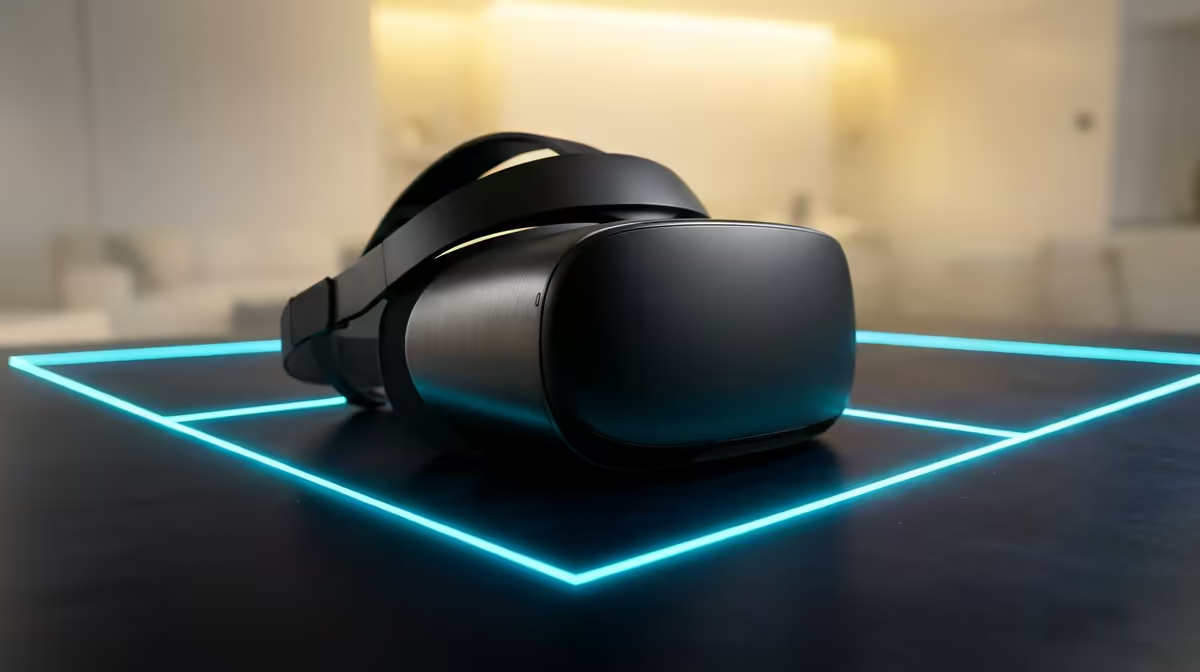
Walking into a wall or knocking a mug off the desk mid-game is the fastest way to ruin a VR session. The fix is a Guardian boundary, the virtual safety grid your Meta Quest draws around your play space so the real world stops surprising you. Set it up properly once and the headset quietly warns you the moment you drift toward the edge, whether you are swinging a saber room-scale or sitting still in a sim rig.
Quick Answer
A Guardian boundary is a virtual perimeter you trace on the floor; a glowing grid appears as you approach it so you stop before hitting anything. Use room-scale mode for standing games and stationary mode for seated play like sim racing, where it anchors the safe zone to your chair instead of triggering on normal head turns.
What the Guardian boundary actually does
The Quest's outward-facing cameras track where the headset is in your room. You draw a boundary on the floor during setup, and from then on the headset overlays a luminous grid wall whenever you reach toward it. Cross far enough and Passthrough kicks in, showing your real surroundings through the cameras so you can reset. It is the single feature standing between an immersive session and a bruised shin.
Setting up a room-scale boundary
- Put the headset on in the space where you will play and make sure the room is reasonably lit. Very dark or very bright rooms hurt tracking.
- Open Settings, go to the Guardian section and choose to set up a new boundary.
- Confirm the floor height when prompted. Look down and follow the instruction to mark floor level, because an inaccurate floor makes the grid sit too high or too low.
- Select Room-Scale mode.
- Using the controller as a pointer, trace the outline of your safe area on the floor. Draw it slightly tighter than the real walls so you have a buffer.
- Review the boundary. Walk the edges with the grid visible and adjust until it feels safe, then save.
Clear furniture, cables and pets out of the traced zone first. The Guardian protects you from the boundary you draw, not from a footstool you forgot about.
How much space you need
Standing room-scale titles want a clear area of roughly 2 by 2 metres for comfortable movement, though many games run fine in less. The more honestly you trace a tight, obstacle-free zone, the less the grid interrupts you mid-game.
Setting up a stationary boundary for seated VR
For sim racing, flight sims or any seated experience, room-scale is the wrong choice. Pick Stationary mode instead. This anchors a small safe bubble to your seated position rather than a traced floor outline. The headset assumes you stay in your chair, so it stops drawing the grid every time you glance over your shoulder to check a mirror or apex. Sit in your normal driving position when you set it, so the bubble centres on where you actually are.
If you are building out a seated rig, browse the AR and VR gear at Evetech to see which headsets and mounts suit a sim setup.
When the grid keeps flickering or misbehaving
- Fix the lighting. A grid that flickers or drifts usually means the cameras are struggling. Even, moderate light steadies tracking.
- Wipe the lenses and cameras. Smudges on the camera array degrade tracking and can make the boundary jitter.
- Redraw after rearranging. Move the couch or the desk and your old boundary no longer matches the room, so set a fresh one.
- Recentre your view if the grid sits in the wrong place; a quick recentre realigns the boundary to your real position.
For anyone kitting out the rest of the battlestation around the headset, the accessories best sellers at Evetech cover the stands, cables and desk extras that round out a VR corner.
Frequently Asked Questions
What is the difference between room-scale and stationary Guardian modes?
Room-scale traces a floor outline for standing, moving play and warns you as you near the edge. Stationary anchors a small bubble to your seated position for sim racing or flight sims, so normal head movement does not trigger the grid.
How much space do I need for room-scale VR?
A clear area of about 2 by 2 metres is comfortable for most standing titles, though many games work in less. Trace the boundary tighter than your real walls to keep a safety buffer.
Why does my Guardian boundary keep flickering?
Almost always lighting or dirty cameras. Play in even, moderate light, wipe the headset's camera array, and redraw the boundary if you have rearranged furniture since you last set it.
Can I use VR sitting down safely?
Yes. Choose Stationary mode, which centres a safe zone on your chair. It is the correct setting for seated sim racing and flight games because it ignores normal head turns instead of constantly showing the grid.
Does the Guardian protect me from furniture inside the boundary?
No. It only warns you about the edge of the zone you traced. Clear all furniture, cables and obstacles out of the play area before you start, because the headset will not flag a stool you left inside the boundary.
Getting into room-scale or seated VR? Explore the AR and VR headset range at Evetech to find a headset that fits your space and your setup.











