


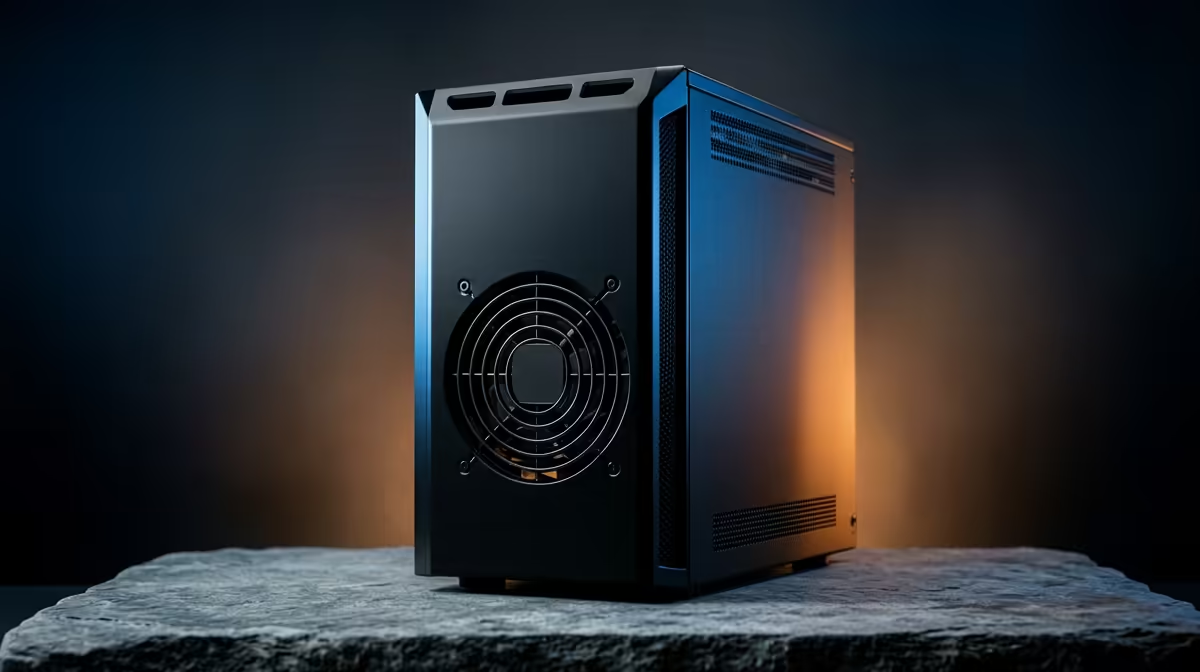
A monitor and keyboard are useful exactly once on a home server: during the initial install. After that they are clutter. A headless home server runs with neither attached and is managed entirely over SSH, the encrypted remote-access protocol that listens on TCP port 22. Set it up properly with key-based login and you never need to plug a screen back in.
Quick Answer
A headless server runs without a monitor or keyboard, and you control it over SSH on port 22. The secure approach is key-based authentication using an Ed25519 key pair, with password login switched off in the SSH configuration once your key works. Confirm key access before disabling passwords, because doing it in the wrong order can lock you out of your own machine.
Step 1: Install the OS and enable SSH
Do the operating system install with a screen attached, or preconfigure a headless image so SSH starts on the first boot. On a Raspberry Pi OS image, placing an empty file named ssh in the boot partition switches SSH on automatically at boot. On a Linux server distribution, install and enable the OpenSSH server during setup. From this point a screen is no longer required. A small fanless box makes an ideal always-on host, and a compact low-power option from the mini PC range keeps the running costs and noise floor both low.
Step 2: Generate an Ed25519 key pair on your PC
On the machine you will connect from, not the server, create a key:
- Run ssh-keygen -t ed25519 -C "admin@controller".
- Accept the default location or choose your own.
- Set a passphrase, which protects the private key if your PC is ever compromised.
Ed25519 is the recommended default in 2026 for its strong security and fast performance. The command produces two files: a private key that never leaves your PC, and a public key that is safe to share.
Step 3: Copy your public key to the server
Push the public key to the server with ssh-copy-id, for example ssh-copy-id user@server-address. You enter the server password once, and the command appends your public key to the server's authorized_keys file. From then on the server recognises your key and lets you in without a password.
Verify before you go further
Open a new connection and confirm you log in using the key, ideally without being asked for the server password at all. Do not skip this check. The next step removes password login entirely, and you want certainty that key access already works.
Step 4: Lock down the SSH configuration
Edit /etc/ssh/sshd_config on the server and set PasswordAuthentication no, then restart the SSH service. With passwords off, only holders of your private key can log in, which closes the door on the password-guessing attempts that hammer every internet-facing server. A few supporting habits matter here:
- Set strict permissions: the ~/.ssh directory should be 700 and authorized_keys should be 600.
- Keep a working session open while you test the change in a second window, so a misconfiguration does not strand you.
- Consider disabling direct root login as well, logging in as a normal user and elevating with sudo.
Step 5: Manage everything remotely from here on
With key-only SSH working, the server needs nothing more than power and network. You run updates, install services, edit configuration and check logs from your own desk. For longer-running tasks a terminal multiplexer such as tmux lets a process keep running after you disconnect. Tuck the box somewhere ventilated and quiet, and treat the SSH session as your only interface. The parts and peripherals to round out the build sit among the best-selling PCs at Evetech.
Frequently Asked Questions
What does headless actually mean for a server?
It means the machine runs with no monitor, keyboard or mouse attached. After the initial OS install you administer it entirely over the network using SSH, so the only cables it needs are power and Ethernet or Wi-Fi.
Why use SSH keys instead of a password?
A key pair is far harder to break than a password and removes the risk of guessing attacks against port 22. You hold a private key on your PC and place its public half on the server, so only your machine can authenticate, and you can disable password login entirely.
What is the right order to disable password login?
Set up and test key-based login first, confirming you can connect with the key alone. Only then set PasswordAuthentication no and restart SSH. Reversing that order risks locking yourself out with no way back in.
Which key type should I generate in 2026?
Ed25519 is the recommended default. It is fast and offers strong security, generated with ssh-keygen -t ed25519. Add a passphrase so the private key stays protected even if your PC is compromised.
Can I run a headless server on a mini PC?
Yes, and it is a popular choice. A small low-power mini PC runs quietly as an always-on host, draws little electricity and tucks out of the way, which suits a home server that you only ever reach over SSH.
A headless server you drive entirely over SSH is one of the tidiest ways to run home services. Browse the mini PC range at Evetech for a compact, low-power box ready to live in a cupboard and answer only to your key.











