


Manually hunting, downloading and renaming every show and film is a chore that never ends. The arr stack turns that into a pipeline: Prowlarr manages your indexers once, Sonarr and Radarr decide what to grab and organise it cleanly, and a media server like Jellyfin presents the finished library. Set it up properly and new content lands, gets renamed and slots into folders without you lifting a finger.
Quick Answer
The arr stack uses Prowlarr to manage indexers in one place and sync them to Sonarr for TV and Radarr for movies, which automate organising your library for Jellyfin or Plex. The cleanest way to run it is in Docker on a home server, where each app is a container sharing one media folder structure.
How the pieces fit together
The flow is worth understanding before you touch a config file. Prowlarr finds releases on your indexers, Sonarr or Radarr pick the best-quality match, a download client fetches the file, then Sonarr or Radarr rename it and move it into the right library folder, and finally Jellyfin scans and adds it. Bazarr can sit on the end to pull matching subtitles, and Jellyseerr can sit at the front to take requests.
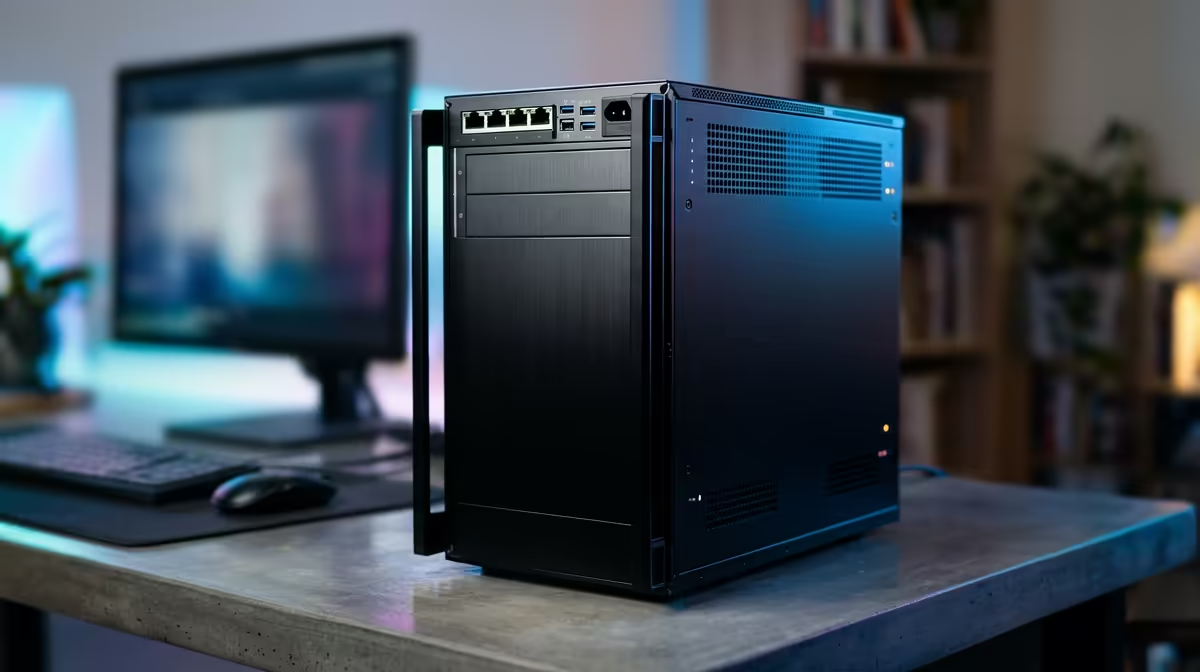
The whole stack is light enough to leave running continuously on modest hardware. A small low-power box with a few drive bays suits it well, and you can find quiet, always-on machines purpose-built for this role in the mini PC range at Evetech.
Setting it up step by step
1. Install Docker on your server
Docker keeps each app isolated in its own container while sharing what they need. A Docker Compose file lets you define the whole stack in one place and bring it up with a single command, which is far easier than installing each app by hand.
2. Plan one shared folder structure
This is the step that prevents the most pain later. Give every container the same view of a single media root with subfolders for downloads, TV and movies. When the download client, Sonarr and Radarr all see identical paths, files move by hardlink instantly instead of being copied, which saves both time and disk space.
3. Deploy Prowlarr first
Bring up Prowlarr and add your indexers to it. Doing this once in Prowlarr, rather than separately in each app, is the core convenience of a modern arr stack.
4. Add Sonarr and Radarr
Stand up Sonarr for TV and Radarr for movies, then connect both to Prowlarr so your indexers sync across automatically. Point each at its library folder using the shared paths from step two.
5. Connect a download client
Add your download client and link it to Sonarr and Radarr so they can hand off and track grabs. Confirm the client's download folder matches the shared structure so the arr apps can find and move completed files.
6. Wire in Jellyfin and the extras
Add Jellyfin and point its libraries at the same TV and movie folders. Optionally add Bazarr for subtitles and Jellyseerr for a clean request front-end. Once everything shares paths, a request flows all the way to a watchable, subtitled entry on its own.
Common Configuration Mistakes
Mismatched paths between containers
The single most common reason an arr setup breaks is path inconsistency. If the download client, Sonarr and Radarr each see the media folder under a different path, files get copied between containers rather than hardlinked. A hardlink moves a completed file instantly with no extra disk usage; a copy doubles the space used until the original is cleaned up. The fix is simple: define one media root at the Docker host level and map that exact same path into every container, so all of them agree on where things live.
Not enabling hardware transcoding in Jellyfin
The arr apps handle acquisition and organisation, but Jellyfin handles playback, and playback without hardware acceleration is fragile. A low-power CPU transcoding a single 4K stream in software can hit 100% CPU and still struggle to keep up. On an Intel-based mini PC, enabling Intel QSV in Jellyfin's transcoding settings offloads that work to the dedicated video engine, letting the server handle several streams at once while the CPU stays mostly free. This is not an optional tweak; it is the difference between a media server that works reliably and one that stutters unpredictably.
Forgetting to size storage properly
A growing library surprises people with how quickly it fills a drive. Beyond the media files themselves, Jellyfin generates Trickplay preview images and metadata that can add several gigabytes per hundred films. Factor that overhead in from the start, and if your machine has room for a second drive, keeping the operating system and app data on a fast NVMe and the media itself on a larger mechanical drive is a clean split that makes backups and capacity upgrades simpler.
Getting the hardware right
The arr apps themselves are undemanding, but Jellyfin transcoding and a growing library are not. Aim for a CPU with capable integrated graphics for hardware transcoding, enough RAM to keep containers comfortable, and plenty of storage with room to expand. Checking the popular PCs at Evetech gives you a practical sense of which hardware configurations deliver that balance without overspending.
Frequently Asked Questions
Why use Prowlarr instead of adding indexers to each app?
Prowlarr is a single point of indexer management. You add each indexer once and it syncs to Sonarr and Radarr automatically, so you never duplicate the same configuration across multiple apps or update them one by one.
Do I really need Docker?
You do not strictly need it, but it is the cleanest approach. Docker isolates each app, makes updates trivial, and a single Compose file defines the whole stack reproducibly, which is far tidier than separate native installs.
What is the most common setup mistake?
Mismatched folder paths between containers. If the download client, Sonarr and Radarr do not share an identical view of the media root, files get copied instead of hardlinked, wasting space and breaking automation.
Is a mini PC powerful enough to run all this?
For the arr apps, easily. The real consideration is Jellyfin transcoding, which benefits from a CPU with capable integrated graphics. A modern mini PC with good integrated graphics handles a single household's streaming comfortably.
Build the always-on box your media library deserves. Browse the mini PC range at Evetech and put your downloads on autopilot.








