


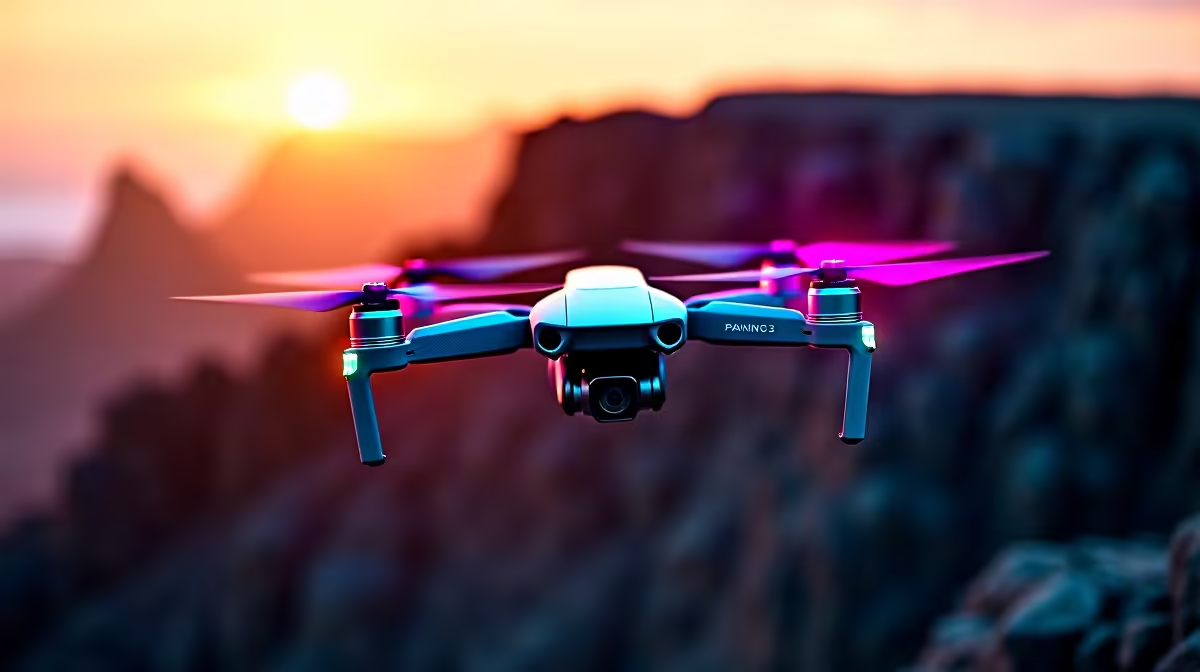
The difference between drone footage that looks like a holiday clip and footage that looks planned is almost never the drone. It is the technique. Smooth, cinematic drone footage comes from slow deliberate inputs, the right intelligent flight modes, and thinking about each shot before you take off. Active Track and Course Lock do a lot of the heavy lifting once you understand what each is for, and a few habits turn shaky pans into reveals that hold an audience.
Quick Answer
To shoot cinematic drone footage, fly in Cine mode for dampened, gentle control response, use Active Track to lock onto a moving subject and Course Lock to fix your heading for clean side passes, and feed the sticks slowly with a gradual manual gimbal pitch. Pre-visualise each shot and film at a higher frame rate like 50fps for smooth slow-motion options.
Step 1: Fly in Cine Mode
Most camera drones offer flight modes that change how aggressively they respond to your sticks. Cine mode dampens that response, slowing acceleration and softening direction changes so the aircraft glides rather than jerks. This single setting does more for smoothness than any amount of post-production stabilisation, because it prevents the jolts in the first place. Switch to it before you start filming anything you care about.
The trade-off is reduced top speed and slower reactions, so keep Cine mode for filming and switch to a sportier mode only when you need to reposition quickly.
Step 2: Master Active Track for Subjects
Active Track lets the drone lock onto a person, car or boat and keep it framed automatically while you concentrate on flying a clean path. Select the subject on screen, and the drone holds it in frame as it moves, freeing you from juggling tracking and positioning at once.
The cinematic move here is to fly an orbit or a slow trailing shot while Active Track keeps the subject centred. A runner along a beach, a car on a coastal road, a cyclist on a mountain pass, all become dynamic hero shots when the drone circles or follows smoothly while the subject stays locked.
Step 3: Use Course Lock for Clean Passes
Course Lock fixes the drone's heading independently of the direction it is travelling. That lets you fly sideways past a subject, a building, a cliff face, a tree line, while the camera keeps pointing the same way. The result is a smooth lateral reveal that is very hard to fly manually without the heading drifting.
Combine it with a slow forward or side input and you get the kind of gliding pass that looks like it came off a camera rig. It is one of the most useful tools for establishing shots.
Step 4: Slow, Deliberate Stick Inputs
Even with the right modes, the human hand is the weak link. Push the sticks gently and gradually. Sudden inputs read as jerks on screen no matter how good the drone is. Think of each control as something you ease into and ease out of, never snap. The single biggest improvement most pilots can make is simply to fly everything more slowly than feels natural.
Step 5: Add a Manual Gimbal Pitch
A slow, gradual downward or upward tilt of the gimbal during a move adds a layer of polish. As you fly forward toward a landmark, gently pitch the camera down to keep it framed, or tilt up to reveal the sky beyond a ridge. Done slowly, this manual pitch turns a flat fly-toward into a dynamic reveal with depth. Practise the tilt speed until it is smooth and barely perceptible.
Step 6: Pre-Visualise Every Shot
Before launching, decide what the shot is: the subject, the path, the start and end frame. A planned orbit or reveal beats ten random passes you sort through later. Knowing your start and end points means you fly the move once, cleanly, rather than chasing it in the air. Smart-home and connected-device gear, including drones and related accessories, round out a creator kit, and spare batteries are the one accessory that most extends a filming session.
Step 7: Shoot for Slow Motion
Filming at a higher frame rate such as 50fps gives you the option to slow footage down in editing for that smooth, weighty cinematic feel, while still cutting it at normal speed if you prefer. The extra frames are a safety net and a creative tool at once. For props, cards, batteries and other add-ons to keep a shoot running, the accessories best sellers at Evetech show which supporting gear other creators order alongside their drone.
With Cine mode engaged, the right intelligent mode chosen for the shot, gentle inputs and a planned frame, even a single battery's worth of flying yields footage that looks deliberately composed rather than captured by chance.
Frequently Asked Questions
What is the single biggest factor in smooth drone footage?
Slow, deliberate stick inputs combined with Cine mode. Gentle, gradual control movements prevent the jolts that read as shaky on screen, and Cine mode dampens the drone's response so it glides rather than jerks.
When should I use Active Track versus Course Lock?
Use Active Track to automatically keep a moving subject framed while you fly an orbit or follow path. Use Course Lock to fix the camera heading for smooth sideways passes past a subject or landmark while the drone travels laterally.
Why film at 50fps for cinematic shots?
A higher frame rate lets you slow the footage down smoothly in editing for a weighty, cinematic feel, while still allowing normal-speed cuts. It gives you both options from the same clip.
What does Cine mode actually change?
It dampens the drone's response to your sticks, slowing acceleration and softening direction changes so movement is smooth. The trade-off is lower top speed and slower reactions, so it is best reserved for filming rather than fast repositioning.
How does a manual gimbal pitch improve a shot?
A slow, gradual camera tilt during a flight move turns a flat pass into a reveal with depth, such as tilting down to keep a landmark framed as you approach. The key is to make the tilt slow enough to be barely perceptible.
Ready to capture footage that looks planned rather than lucky? Browse camera drones and accessories at Evetech (https://www.evetech.co.za/PC-Components/smart-home-appliances-344) and pack the spare batteries that keep a shoot rolling.











